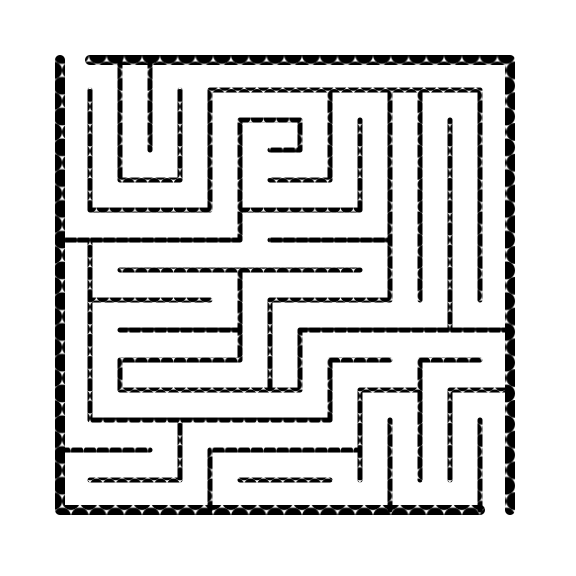
This is a continuation of my maze design experiments. Read about it in post #1, One Maze - Many designs, then The first 5 experiments and so on, or just enjoy the ride.
The original maze:
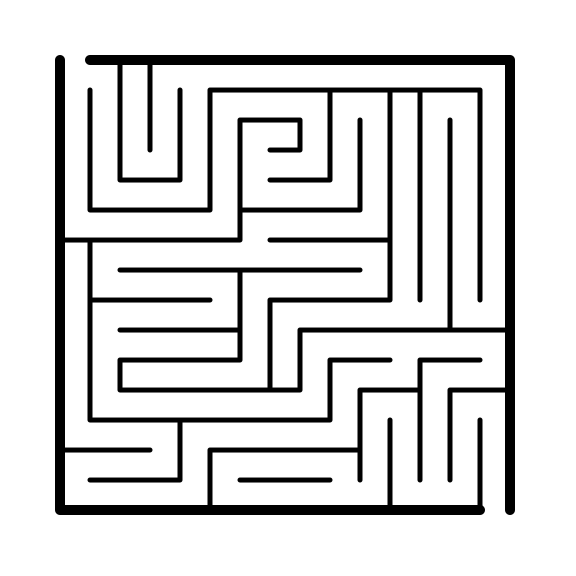
I used Inkscape for all of these creations. This is a continuation of last weeks presentation where I changed the walls.
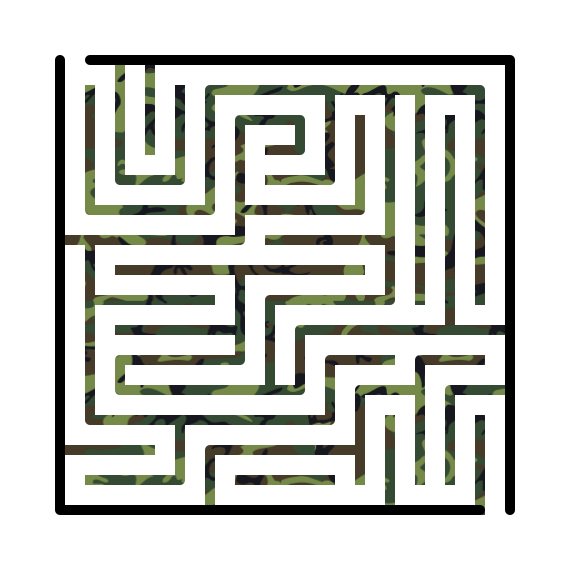
The first maze I used camouflage for the internal walls. This is selectable in Inkscape. I just did internal to mix it up a it.
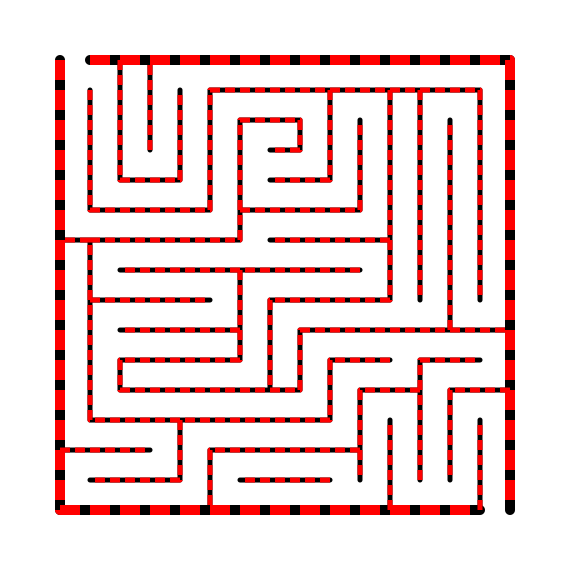
The second maze changes the stroke style in Inkscape. I went with red and black dashes.
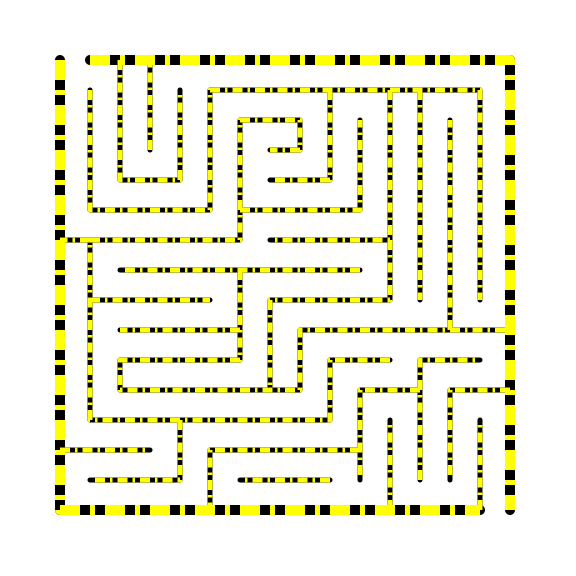
The third maze changes the stroke style in Inkscape. Mixed double black dashes over yellow.
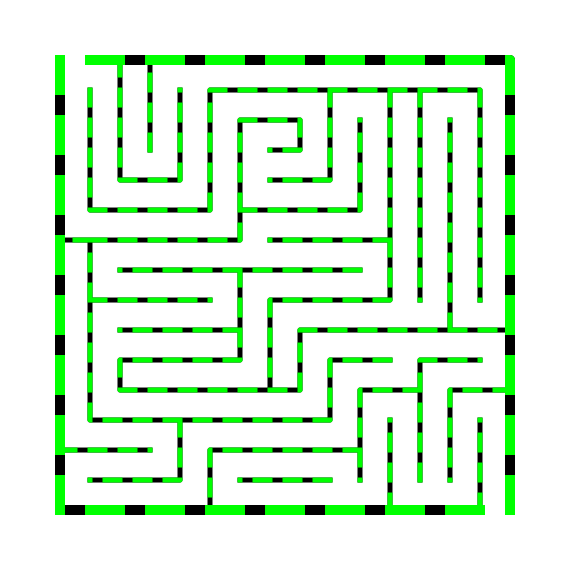
The fourth maze changes the stroke style in Inkscape. Black dashes over lime.
The fifth maze is made using the “fill” button on Inkscape and uses packed circles.
Mazes 2-4 show a mix of styles, but you can do any color combination you can think of, and dozens of dash styles to create thousands of combinations. Mazes 1 and 5 give you an idea of some of the patterns you can fill maze walls with. While there are many to choose from in Inkscape, because patterns contain gaps most are poor for mazes.