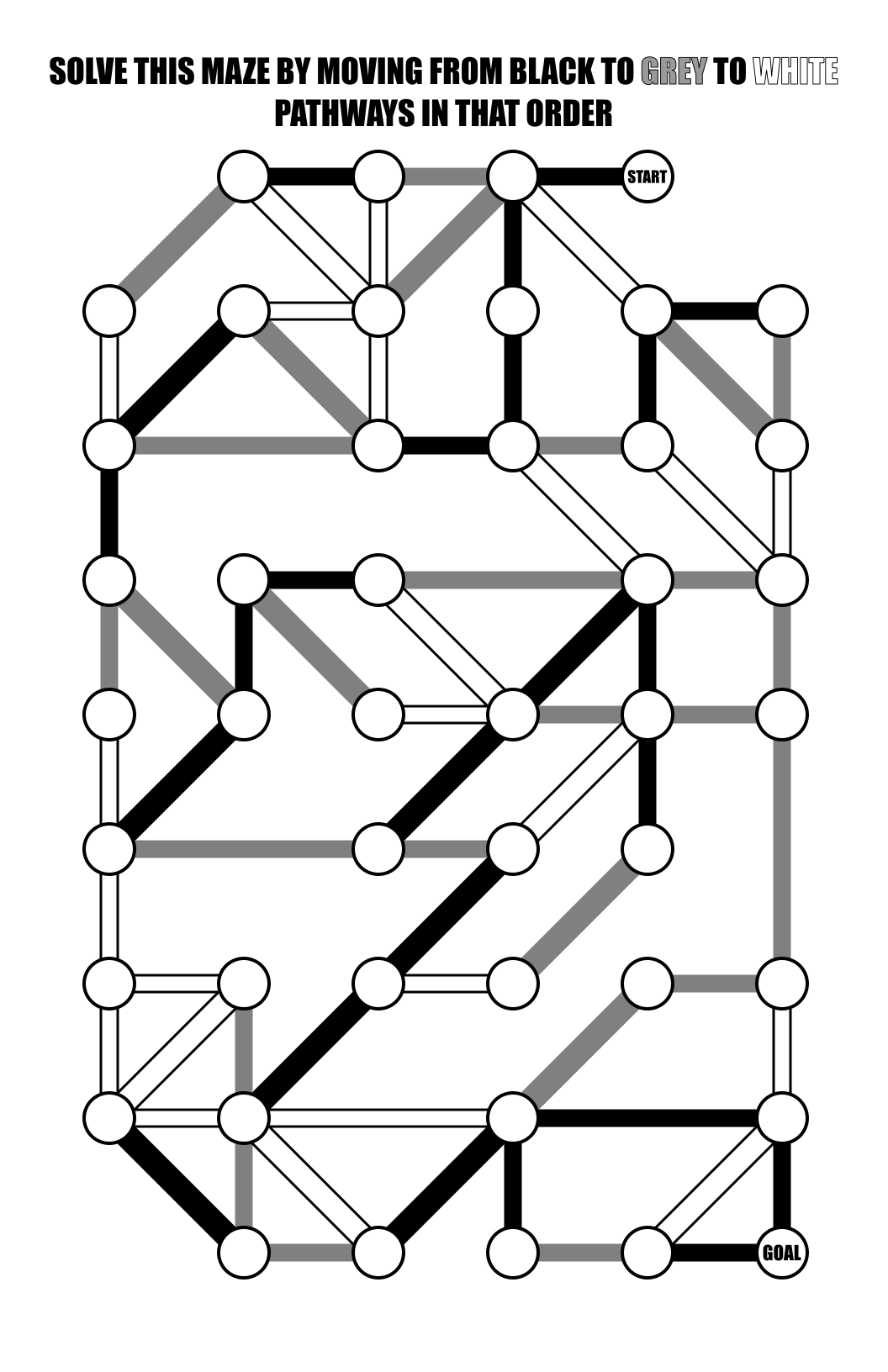
One of my favorite types of mazes to make is the Weaving Maze. I think the construction helps make relatively small mazes much more complicated to solve. It is certainly difficult to “eye solve” a weaving maze by quickly eliminating possible paths that have a dead end near the intersection you are at. But, it also presents some challenges for the maze maker and that’s what we talk about today.
When I wrote my How To Make A Maze blog post to show how I make a Weaving Maze, it became the only maze that got a second post with a revised, improved option. I was making so many of them (enough for multiple books on Amazon) that I came up with a new way to create them with a more consistent look. What I still have trouble with is breaking a key rule when creating the maze, and that is missing a path and letting it dead end under another path. How does it happen ? Well, during the construction there are many balls in the air (possible paths) so to speak. To make the paths weave there need to be multiple paths to cross over. Creating the maze can look a bit like chaos and mistakes get made. I have let multiple slip through the cracks during editing. Let’s see if you can find the mistakes and test your observation skills !
Each of these came from one of these Amazon books during the editing process: