Eden Log (2007) Movie Review

Eden Log (2007) IMDB
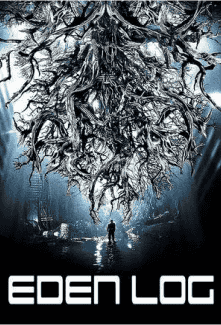
Eden Log (2007) movie poster

I am a big fan of Sci-Fi horror flicks. All Sci-Fi is pretty good to me, but when things get scary because of technology that is a bonus for me. This French film starts with a man waking in an underground location with no memory of why he is there or knowing where he is. Seems he is in an underground cave system that has been designed to trap those in it. One of the characters describes it as a maze. If that wasn’t enough bad news there are some really nasty creatures down there that seem to like killing people. So avoid them and try to escape.

We get a dark, dirty, underground world and our main character trying to figure out what is happening. Lots of technology. A laboratory experiment gone wrong.

I was able to watch this in English instead of French which helped, but I still found this lacking a bit. I wanted more answers and a more developed script for the idea. You learn more and more in the end but I was unsatisfied. I give it a 5/10.

Check out the trailer:

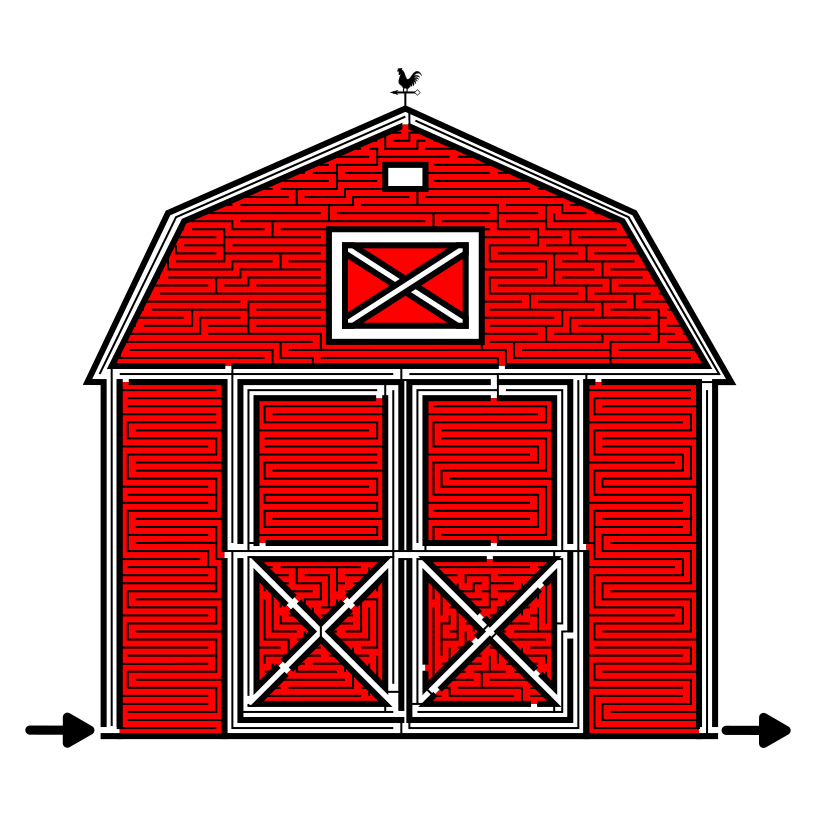
Weekly Hard Maze #23

Each Saturday I post a new hard maze with all of them sitting in the Hard Maze Archive. I will try to post a variety of maze types to keep things interesting.

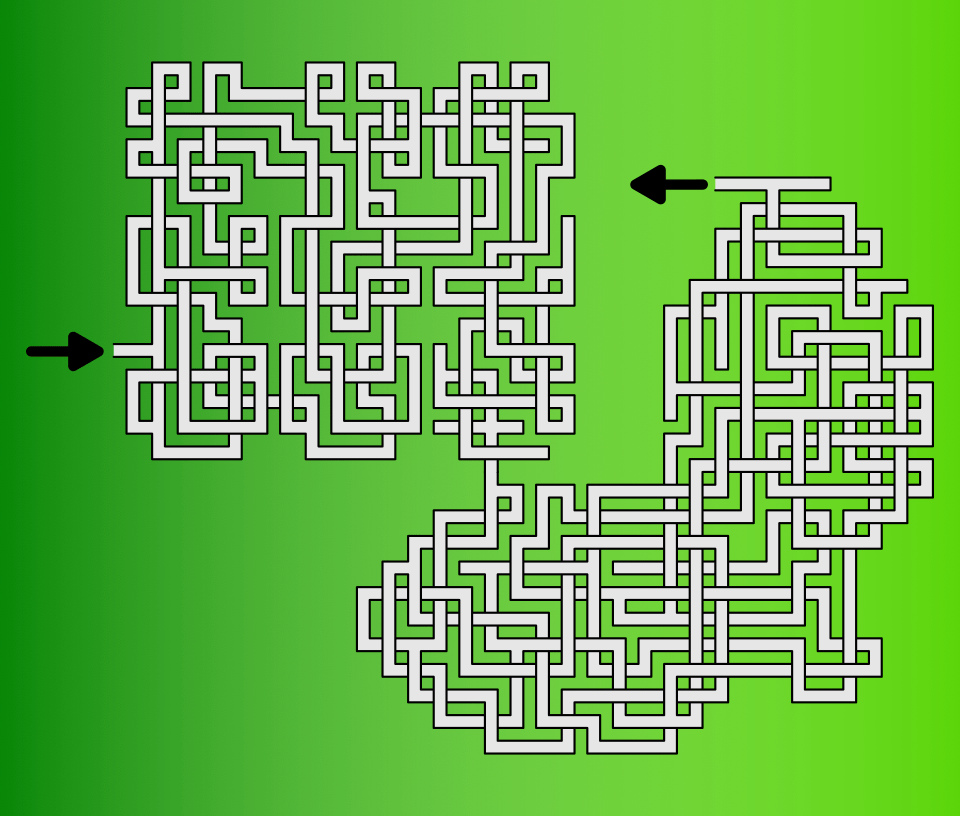
Weekly Hard Maze #23 - Weaving Maze

Solution will be in the archive. Download is below.

Weekly Hard Maze #23 - Weaving Maze

If you solved that maze quickly and want to try some of my archival hard mazes, these posts should do the trick:

One Maze - Many designs - experiment #22

This is a continuation of my maze design experiments. Read about it in post #1, One Maze - Many designs, and so on with a new post every Friday.

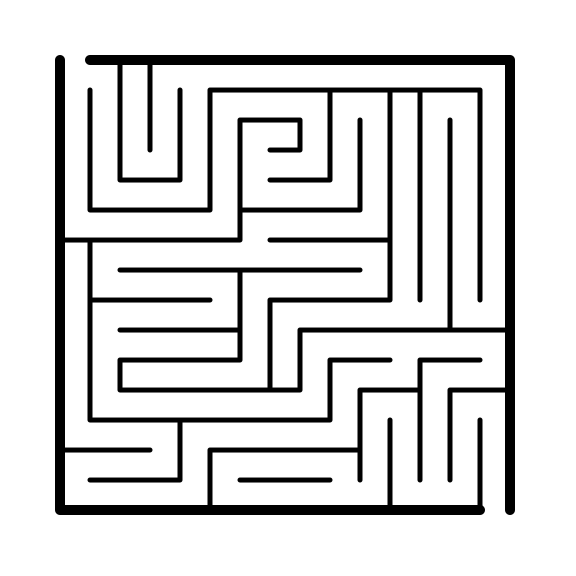
The original maze:

Simple Maze

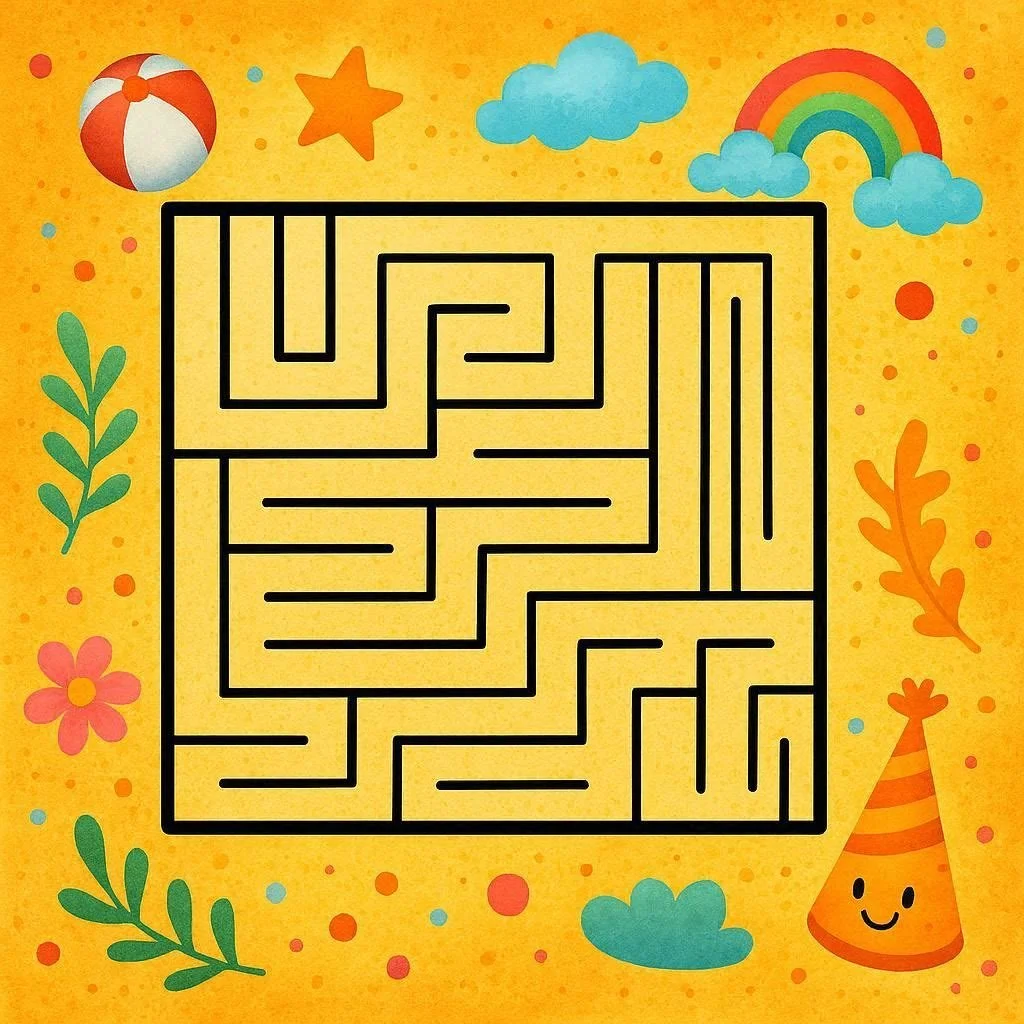
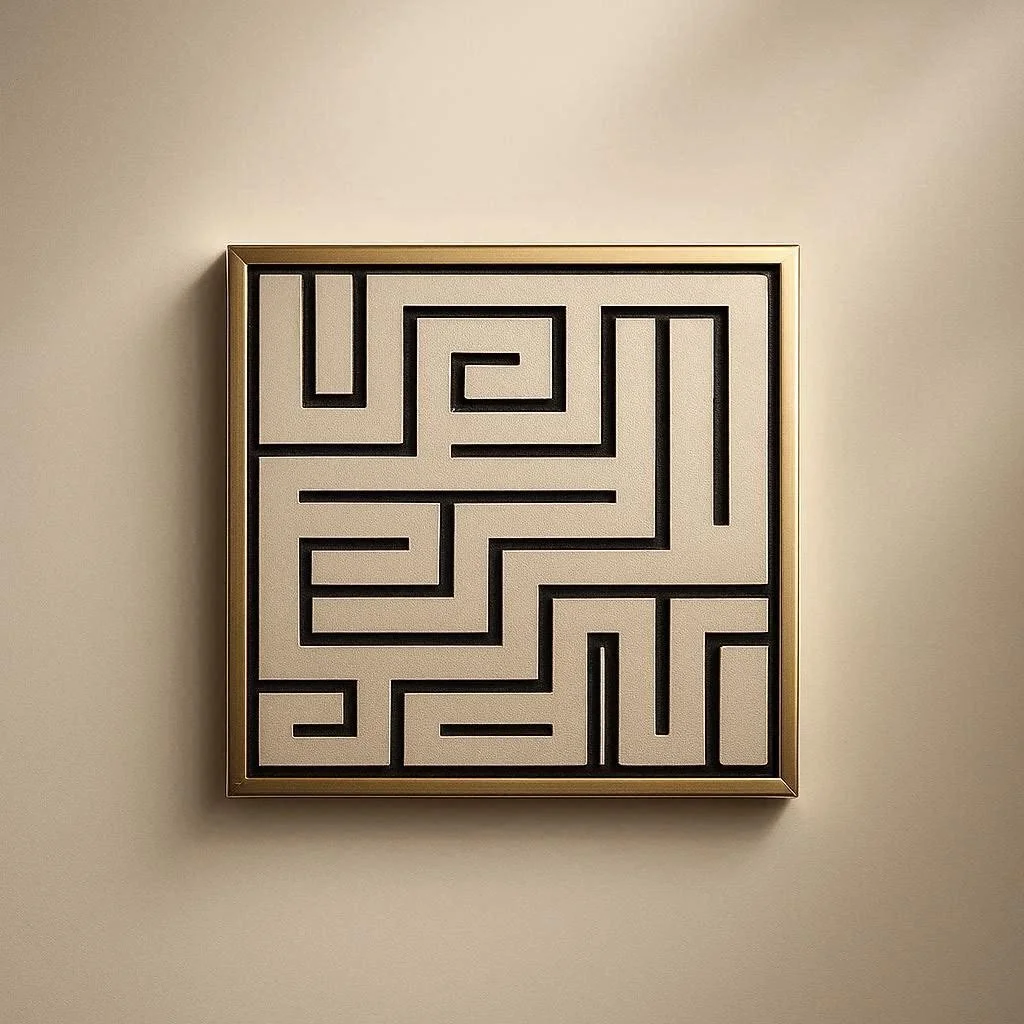
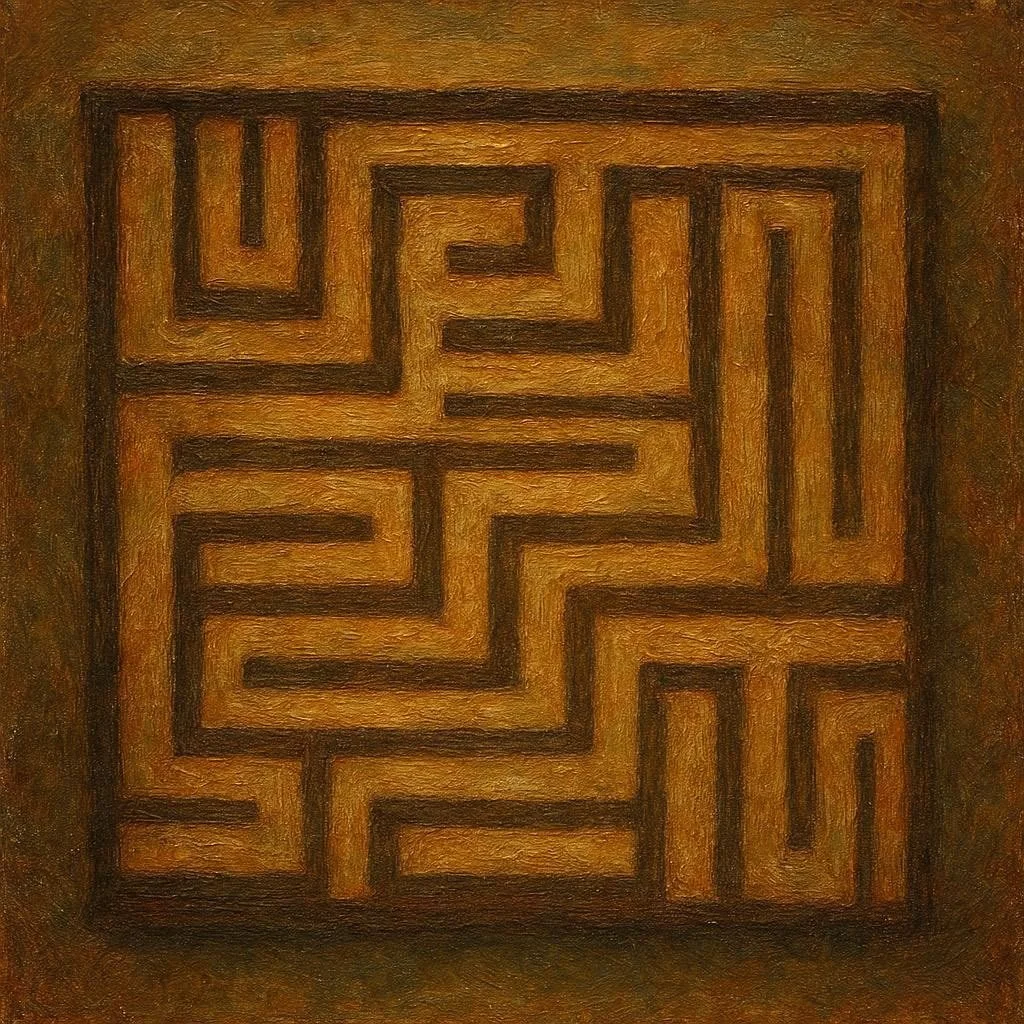
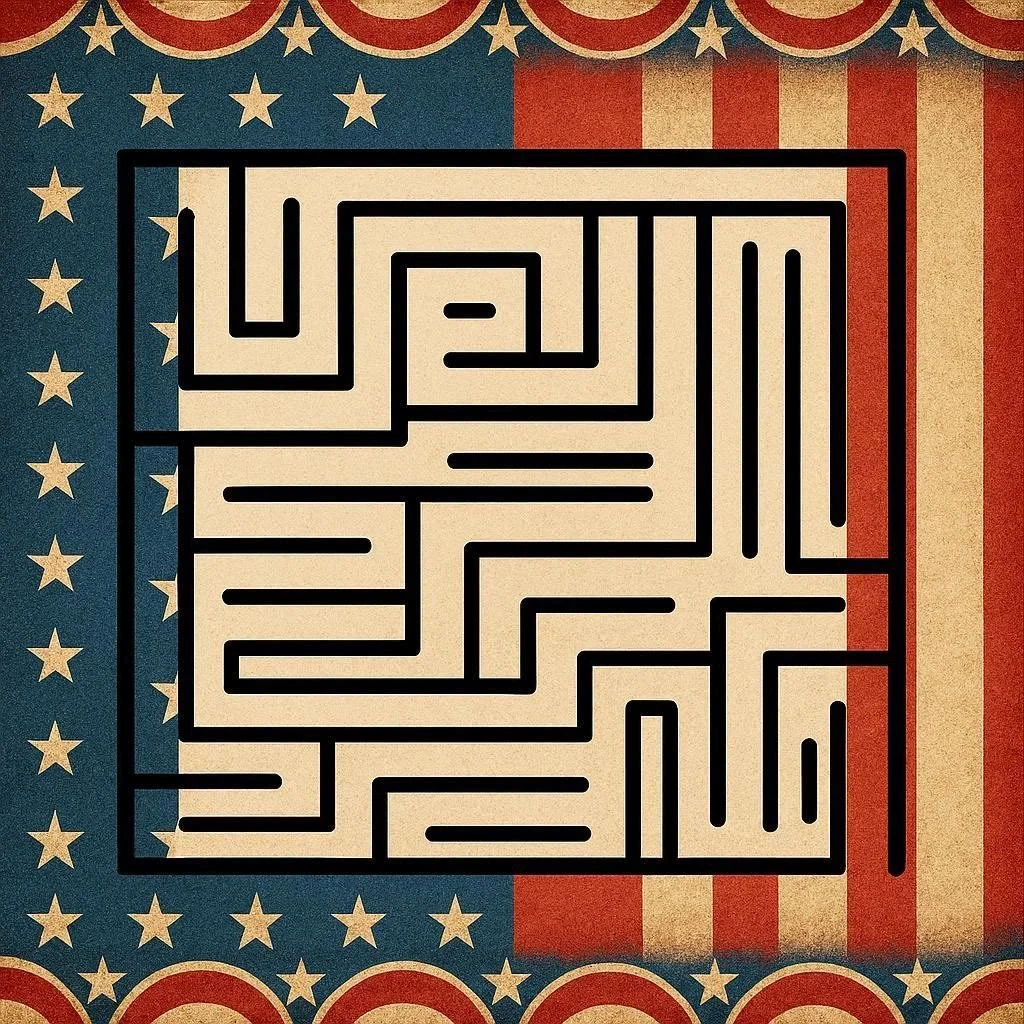
I saw that Bing Image creator had some new pre-set image creators so I tried them again to see how or if it improved. For each generation I uploaded the original maze.

  • For the first maze I asked Bing to create a fun background. It went with a beachball, star, rainbow, cloud, flowers, leaves, and a birthday cap. Unfortunately it de-mazed the maze.

  • The second maze used the Impressionist button, but it de-mazed the maze again.

  • The third maze used the item Spotlight button, but it de-mazed the maze.

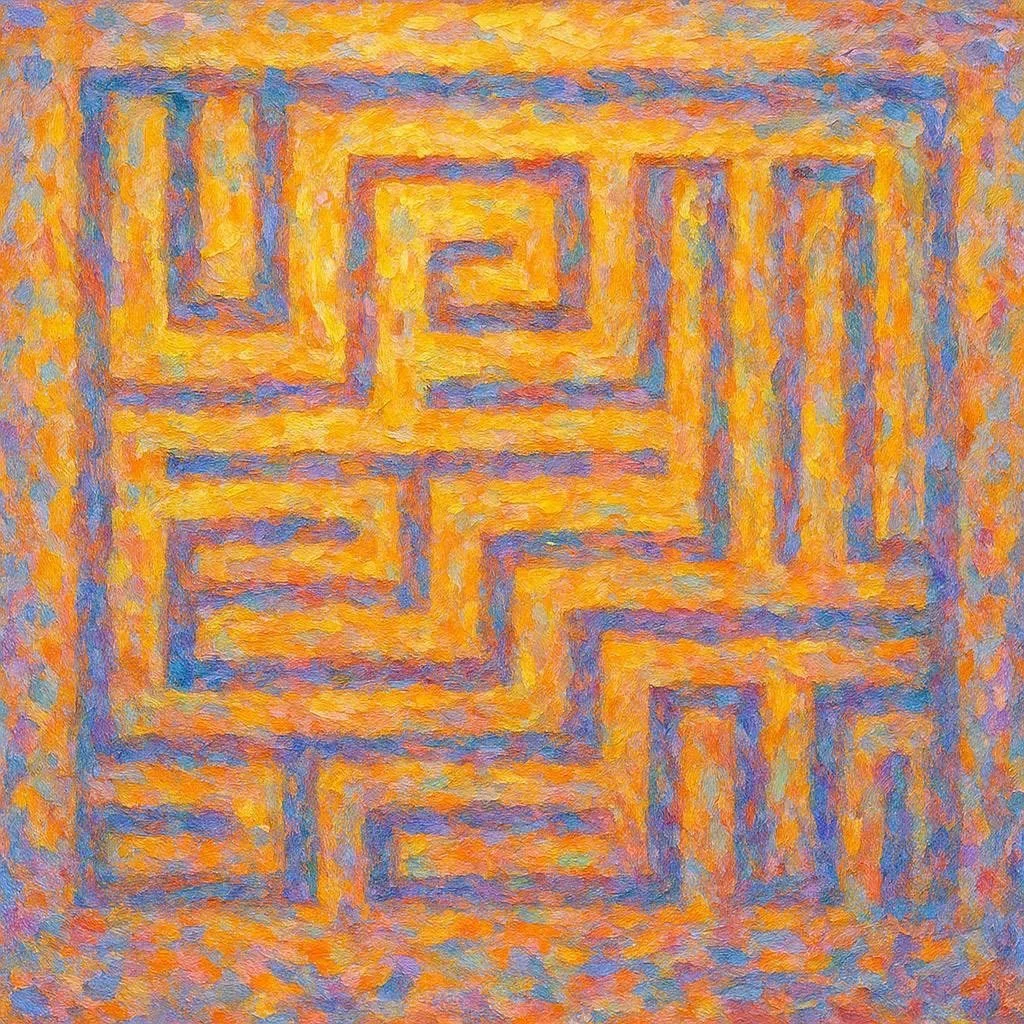
  • The fourth maze used the Oil Painting button, but it de-mazed the maze.

  • The fifth maze I asked Bing for an Americana background and not to touch the maze….but it de-mazed the maze (again).

Bing really can’t make a background without touching the foreground. It loves to de-maze, mazes. Bing could make a background for mazes, but not with the foreground maze in the equation, leave it out and add it later yourself ! AI is still having problems with this !

Using color for Maze pathways - A Case Study

Today I will explore the use of colored pathways as a choice when creating a maze and show how that decision will impact the look of the maze. Previously I looked at 12 different pathway options with #11 being using colored pathways. As an example I used the red wine maze. As you can see the burgundy pathways define the wine resting in the wine glass. Easy to understand for the viewer/solver.

Red Wine Maze

But that maze is the end product, a result of a construction decision that I think was the correct one. Let’s look at a different maze that could be created with or without colored pathways and see what happens as we make different selections.

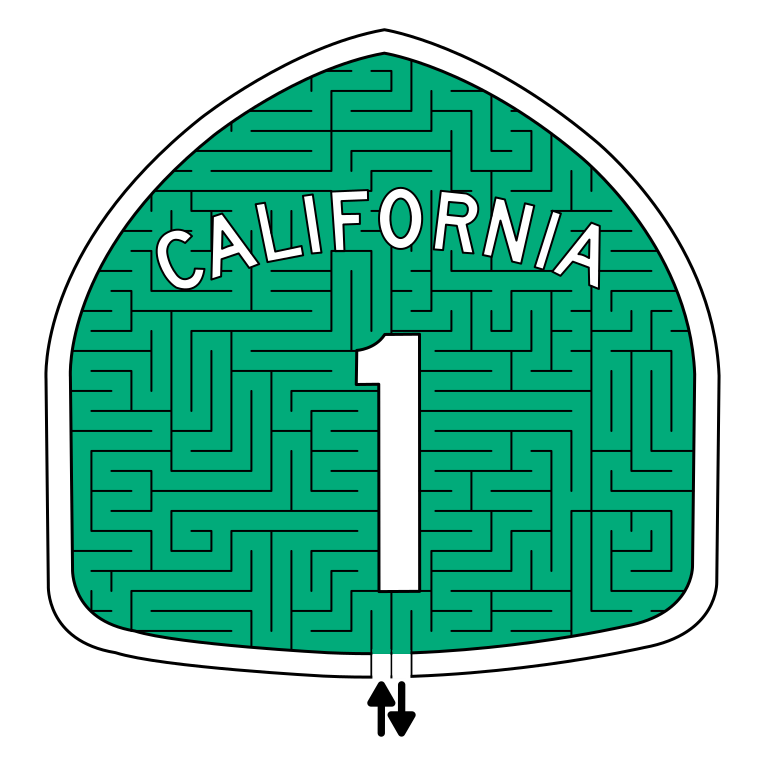
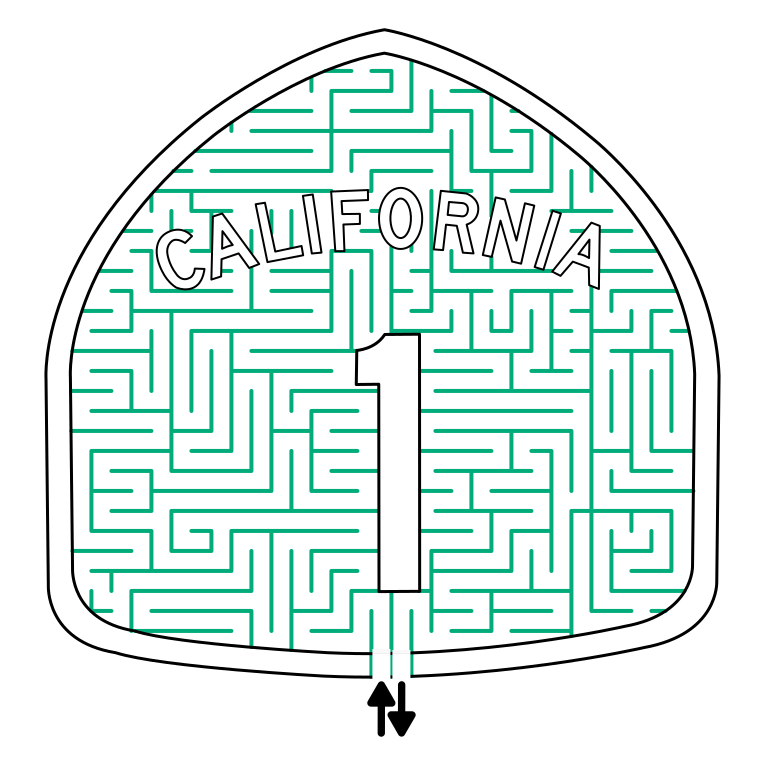
For our example we will be doing the famous Route 1 road sign from California, also known as the Pacific Coast Highway or simply the Coast Highway.

Maze Design 1 - Colored background used

Looks like the sign you might see on the side of the road (mazed!)

California Highway 1 Maze

Route 1 Sign Maze

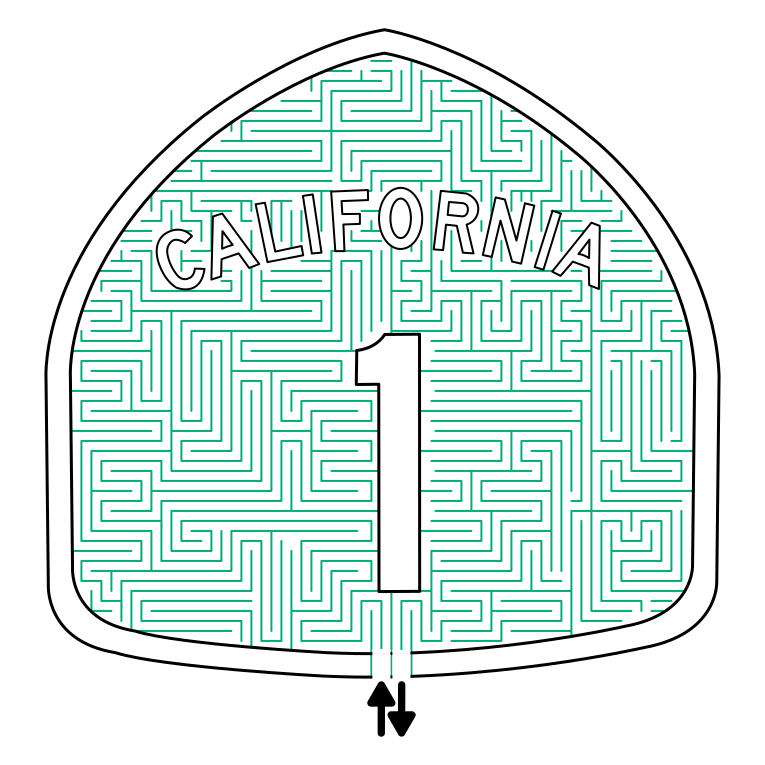
Maze Design 2 - Pathways colored as is

For our second example we simply lose the background color and change the pathway color to the former background color. The maze sign is recognizable, but the color is very subtle but visible. For some designers this would be an acceptable solution. In this instance I would want this maze to have a bit more color….so

California Highway 1 Maze skinny walls

Maze Design 3 - Pathways colored, but twice as thick

So I took the maze above and doubled the thickness of the lines to increase the appearance of the color in the background. It definitely works to achieve more color. And, depending on how you feel about the maze you have designed this might be a great solution. But there are 2 more options, best these options should be decided on before you have started mazing.

California Highway 1 Maze - medium thickness walls

Maze Design 4 - Twice the pathways, original thickness

This option will make for a maze that is twice as long (or at least has twice as many pathways). For the example I cut the original maze in half (not recommended) to quickly construct it. The result is a darker background, a more difficult maze, and a longer design and drawing process. This is a nice option if you want to increase difficulty. There is certainly enough space to make this complicated ! We do have 1 more option to look at…

California Highway 1 Maze - many  pathways

Maze Design 5 - Twice the pathways, double thickness

To bring the options full circle I took Maze design 4 and doubled the thickness of the pathways as I had before in Maze Design 3. The width almost switches this maze from a standard maze construction to a standard equal maze construction. Lots of color in this one.

California Highway 1 Maze - many thick pathways

So those are 4 possible designs for the same maze, with 4 different colored pathway options. I wanted to illustrate that the use of color is about more than color you assign the path, but also about their spacing and their thickness. Any could be used depending on how you want the final maze to look and the difficulty you want to give the solver. Here is a comparison of all 4 colored pathway examples together so you can more easily compare them. Which do you prefer ?

Example of how wall thickness changes how a maze looks

Let’s look at some additional maze art I have made where I used non-black lines and talk about why. These are more about keeping the integrity of the illustration than coloring it, but it is a similar story.

First we have my Mount Rushmore Maze. I really enjoyed making this one. The president’s are carved into the side of the mountain and using black made them to defined IMO. The grey lines look more natural, as if the carvings are part of the structure (which they are!).

Mount Rushmore Maze
 

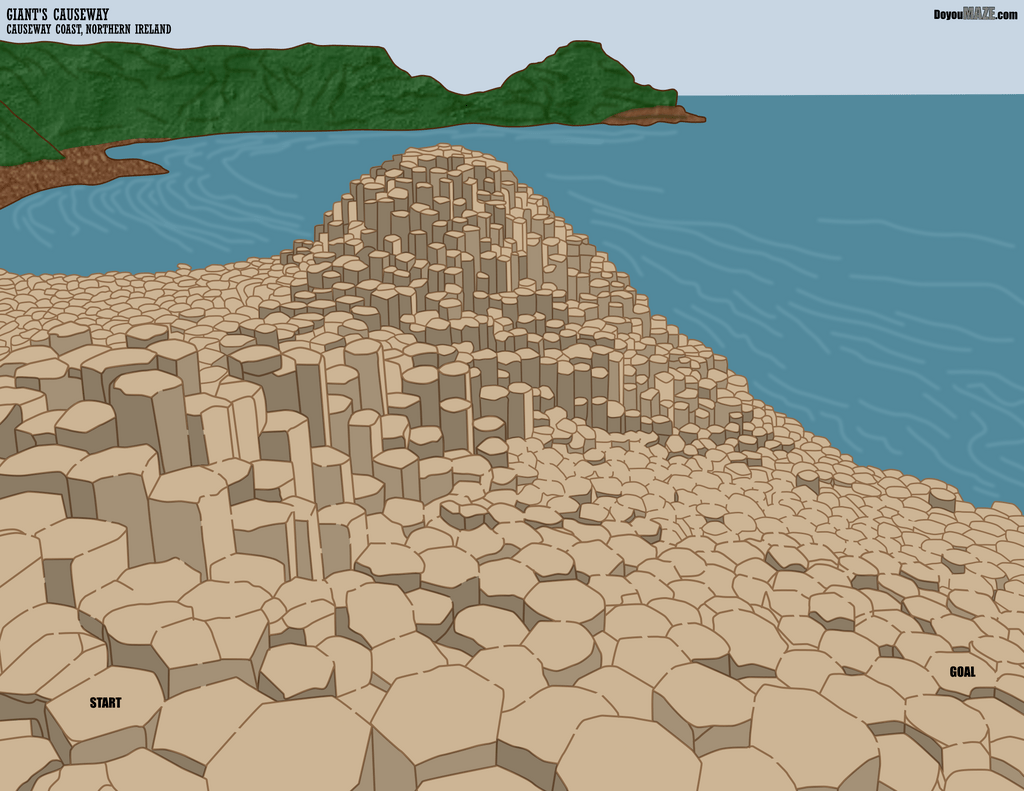
My second example is the Giant Causeway Maze. Maybe we have a theme, because once again I used the color brown to draw the basalt columns, as black contrasted too much with the illustration. So in these first 2 examples I wanted the nature scenes to look natural. Using black in either would make them look too bold/unnatural.

Giant Causeway Maze
 

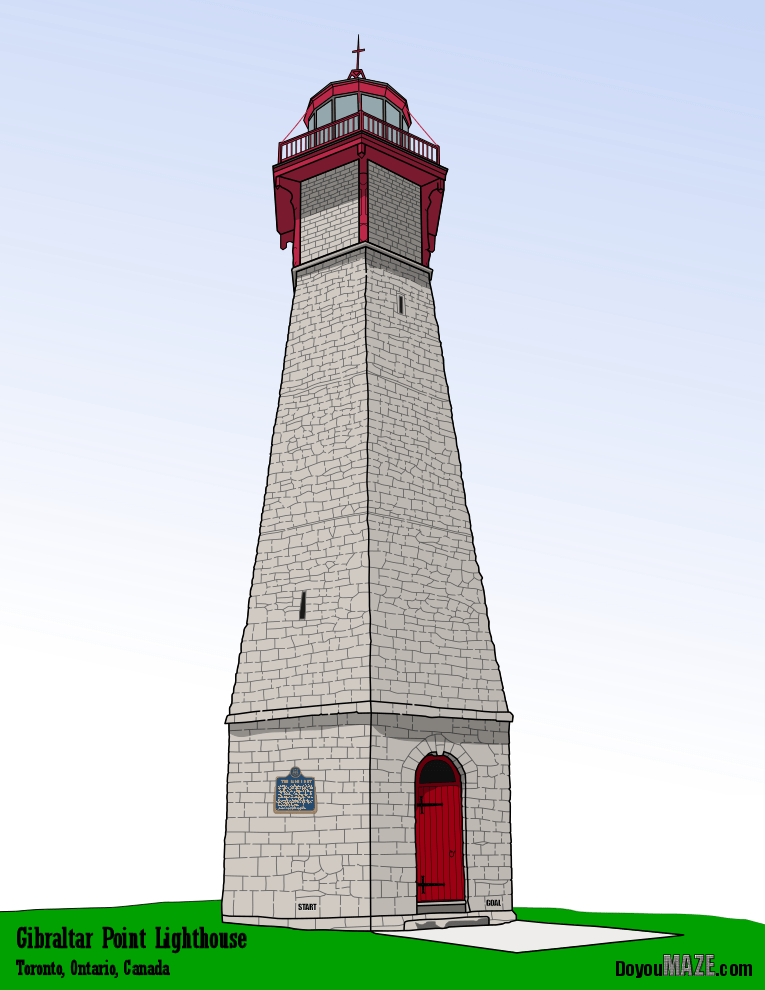
My third example comes from my maze of the Gibraltar Lighthouse. Same idea, but a bit different. The lighthouse is made of stones. I used black for the outer walls, but all internal walls or mortar was a more natural grey.


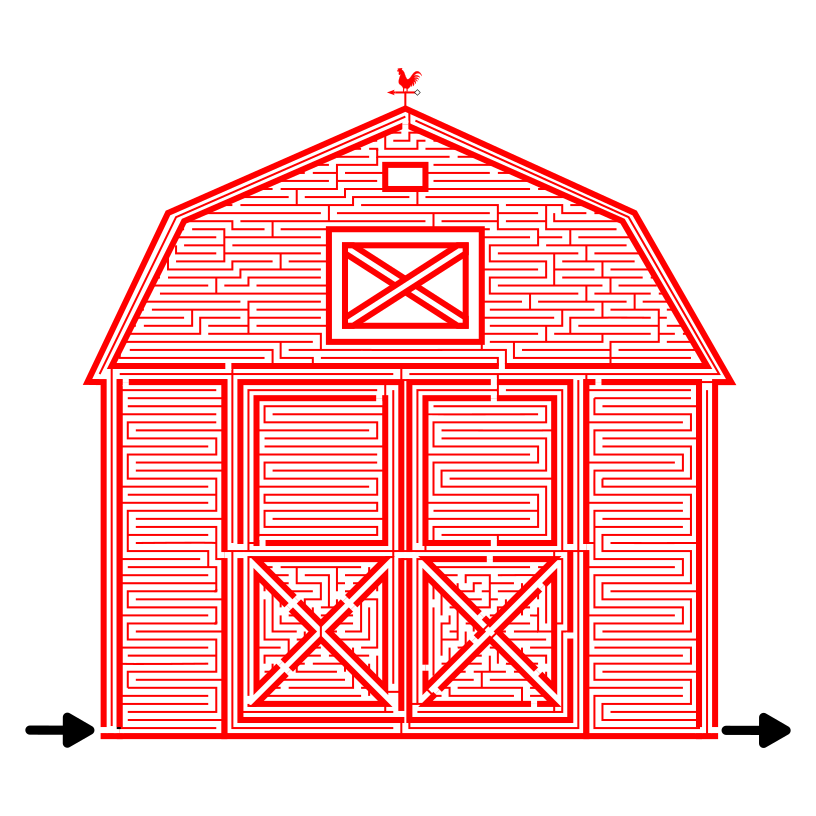
My last example is more in line with the California street sign above. I made a red barn maze in 2 different variations. I prefer the colored red vs the red lines, but you may disagree. For some applications you may want one over the other. You have the option.