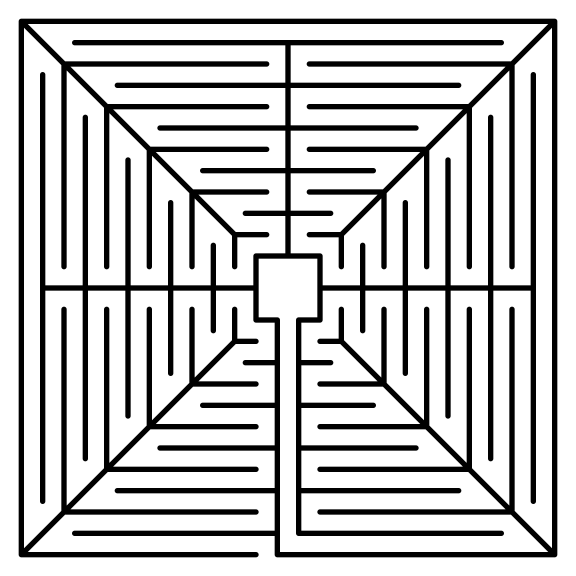
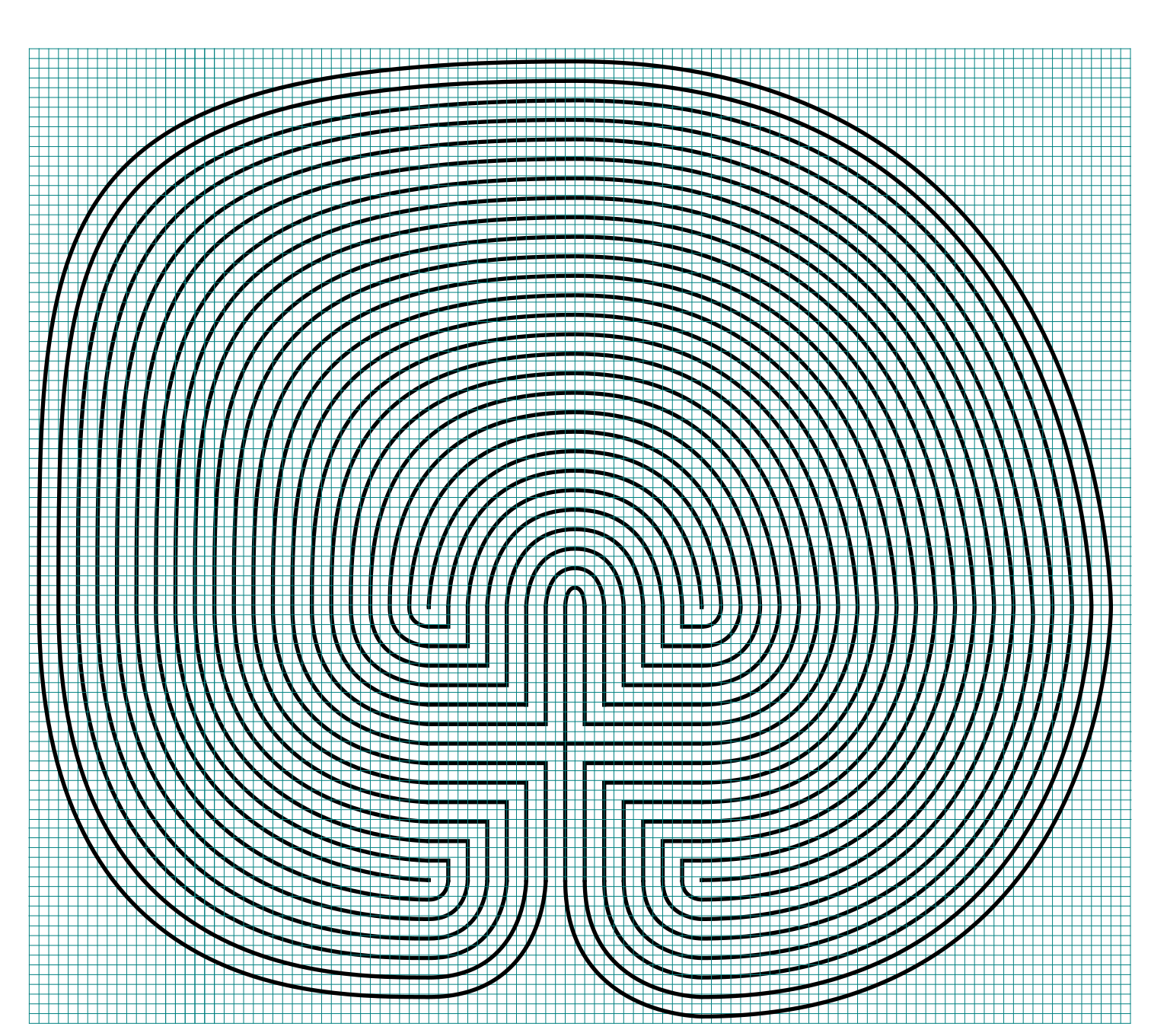
How to Draw an 11 Circuit Square Labyrinth

Drawing an 11 circuit square labyrinth is fun once you learn the starting seed pattern and the rules of building the pathways. Follow this 13 step process and draw your own 11 circuit square labyrinth. You’ll notice that the square version is extremely similar to the regular (classical) version of the labyrinth in terms of making it.

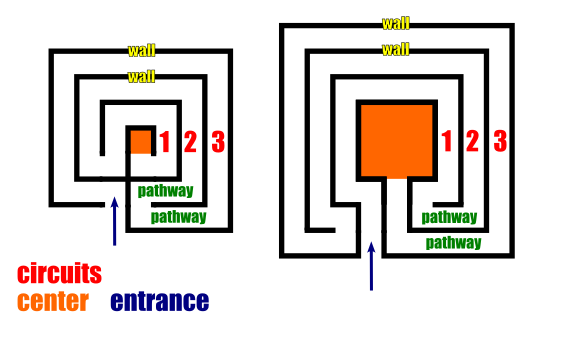
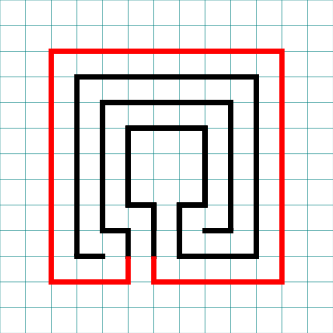
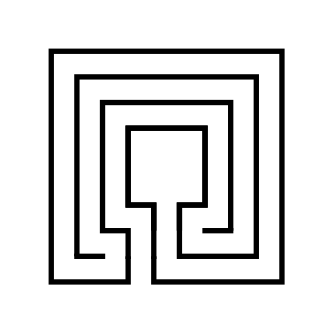
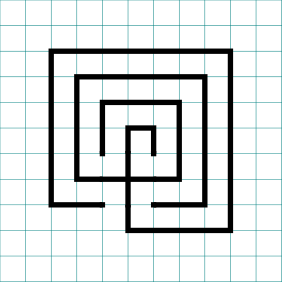
I also want to show you an alternative 11 Circuit Square Labyrinth I made using a different construction method. This version has a large center goal (shown on the left below). If you prefer this version of the 11 Circuit Square Labyrinth these step by step directions can be adapted to make any size circuit. Simply read through step 2 and adjust based on your desired size ! Today I will be showing you how to make the version on the right !
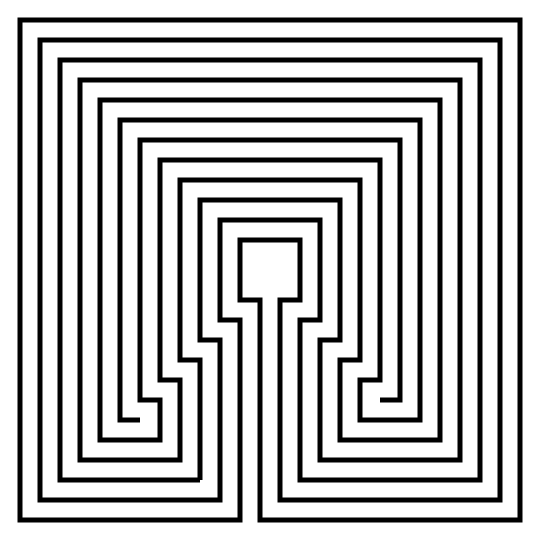
11 Circuit Square labyrinth variant center.

Alternative Method - large center

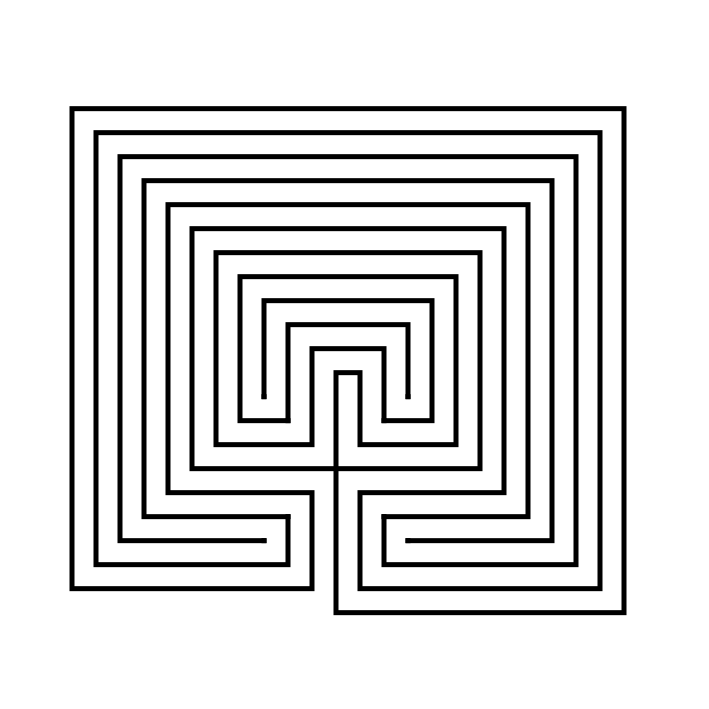
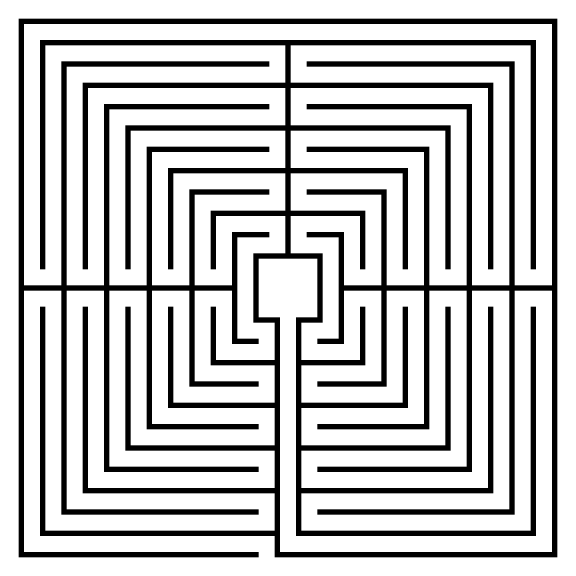
11 circuit square labyrinth

Small goal - learn how to make here !

Here is what you will find in this post:

PART 1: STEP BY STEP LABYRINTH DRAWING INSTRUCTIONS

PART 2: THE LABYRINTH BEING MADE WITH GRIDS SHOWN

PART 3: MORE ALTERNATIVE LABYRINTH CONSTRUCTIONS

PART 4: REAL WORLD LABYRINTH EXAMPLES


PART 1: STEP BY STEP LABYRINTH DRAWING INSTRUCTIONS

Step 1: Draw the starting seed pattern

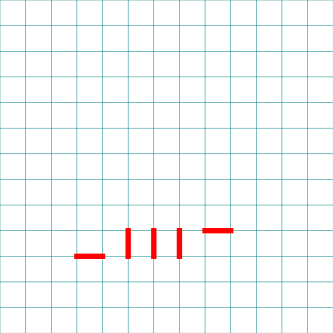
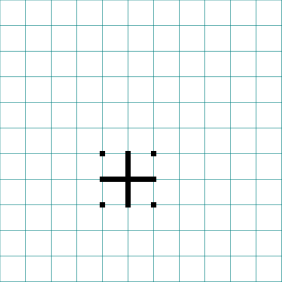
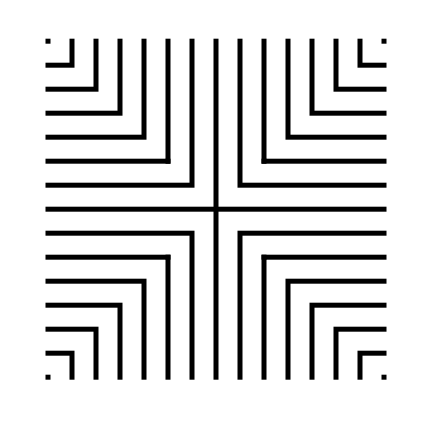
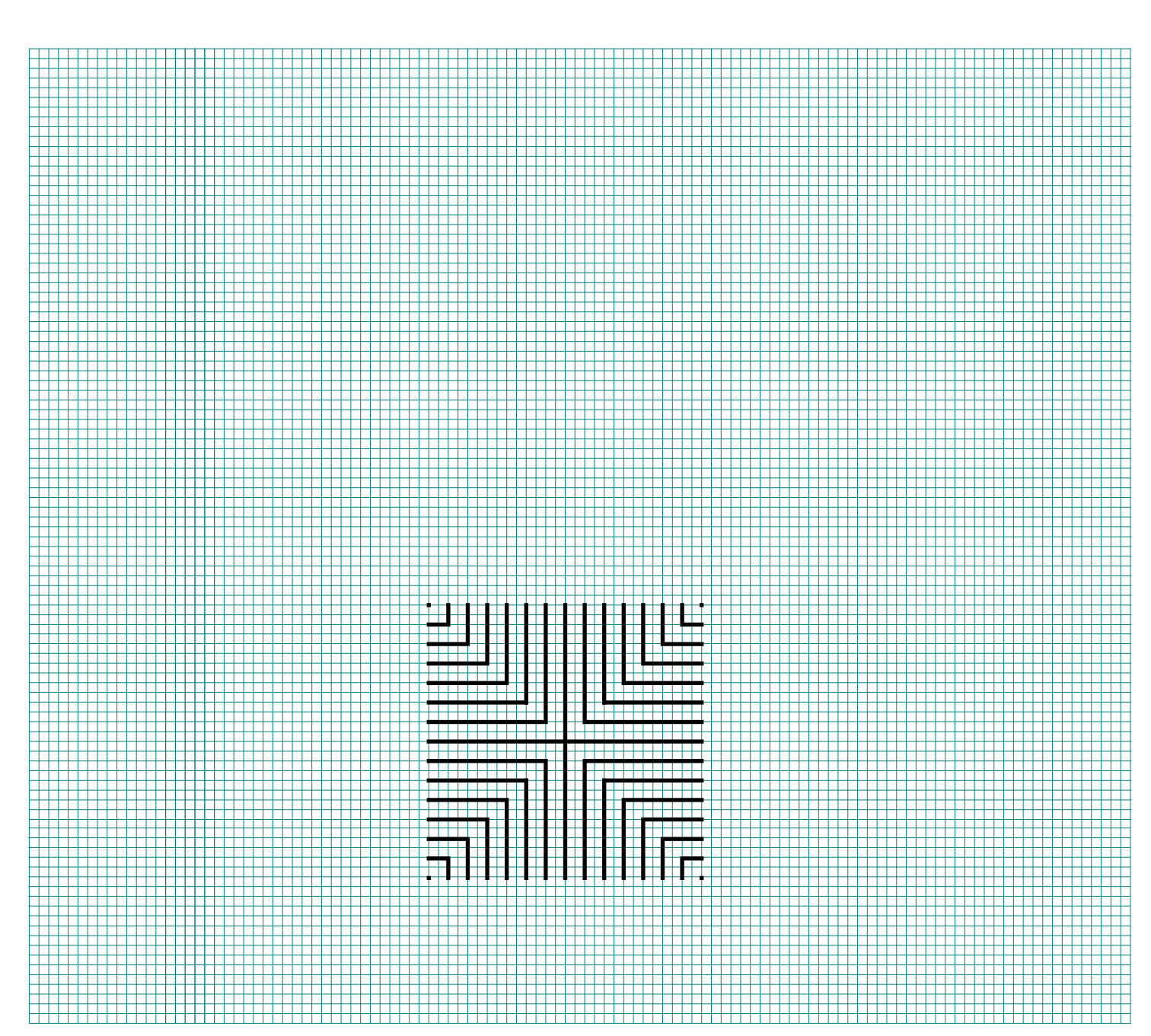
The starting seed pattern based on an imaginary 6x6 box grid. Start with a centered is a plus sign. Add L shapes one grid away from the plus sign in all 4 quadrants. Now add another L shape in all four quadrants one grid away from the previous L’s. Finally add a dot to each of the four corners. Basically, copy the seed the pattern you see here (notice this is the same as the regular version):
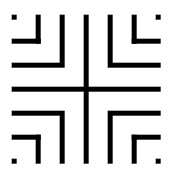
11 circuit square labyrinth seed pattern

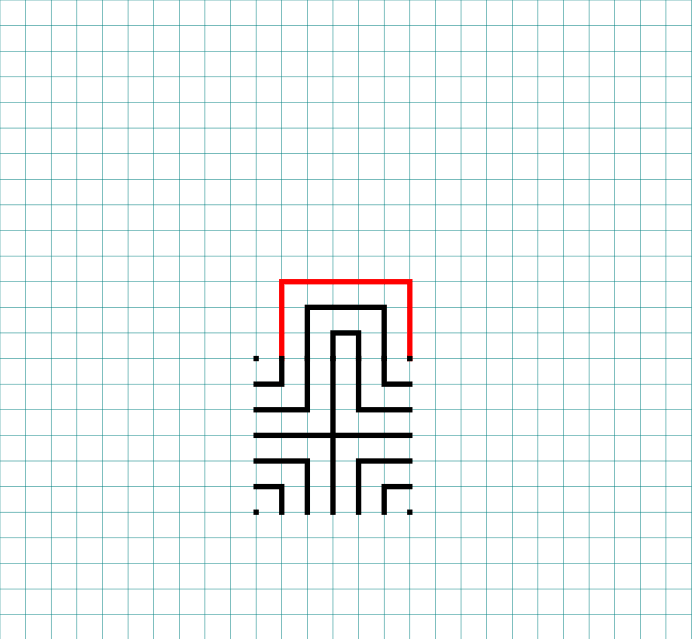
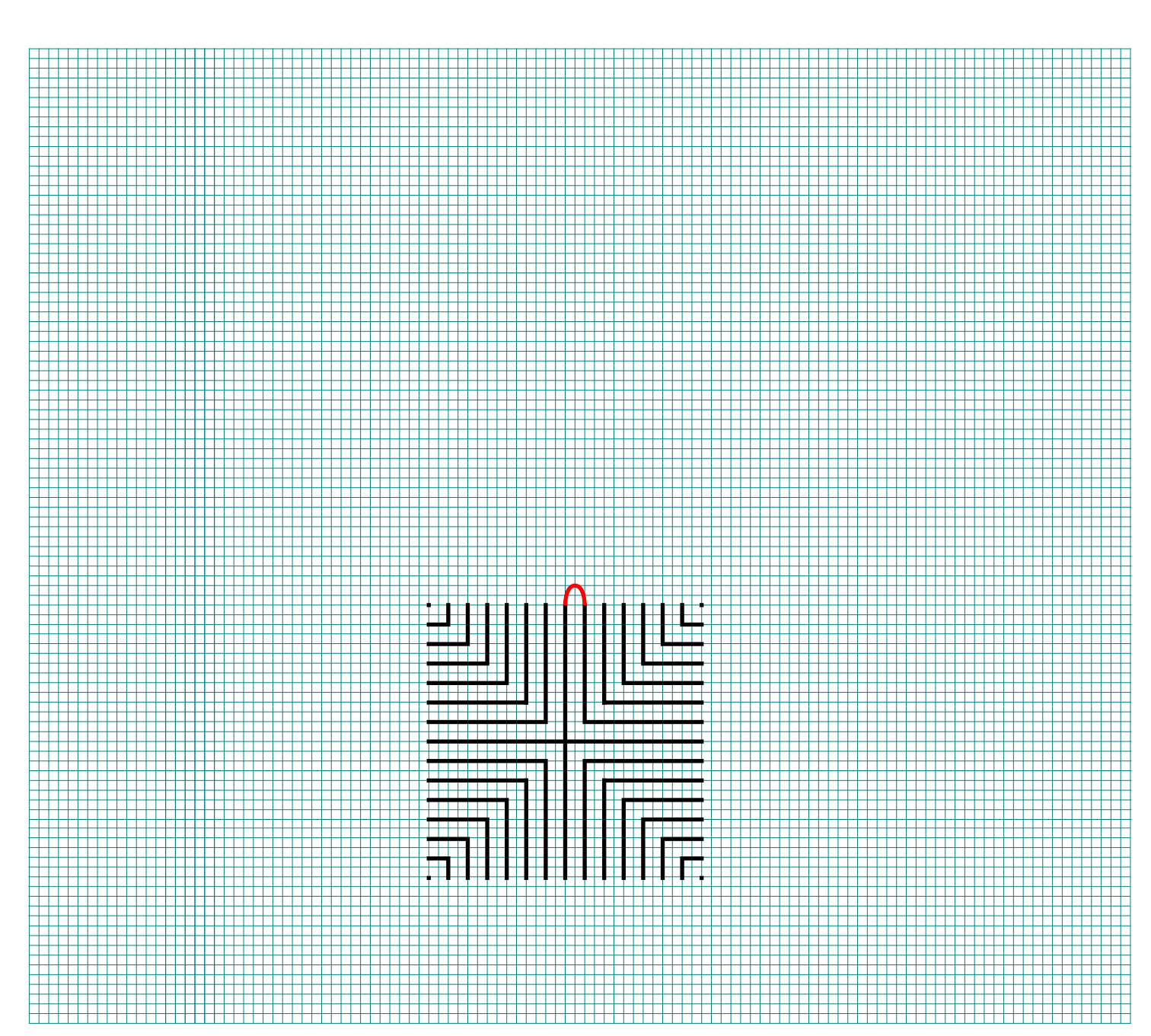
Step 2: Connect the first connection to create the goal

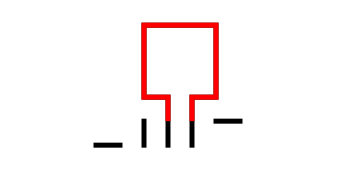
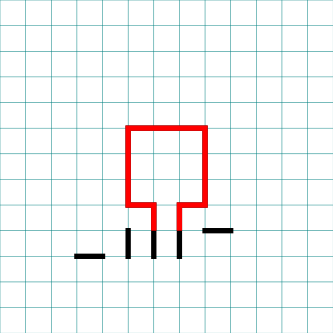
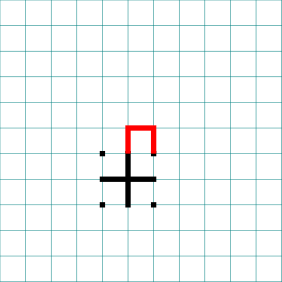
Draw a boxed line from the top of the plus sign to the L directly to the right using that extends 1 grid high. This line will form what will become the goal of the labyrinth.

How to Draw an 11 Circuit Square Labyrinth, step 2

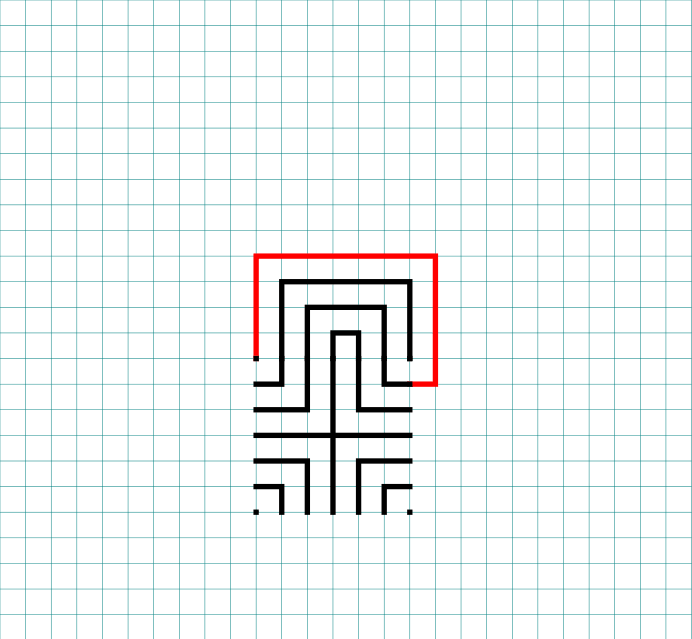
Step 3: Connect the next endpoint to the left to the next endpoint on the right

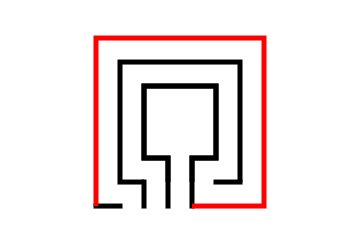
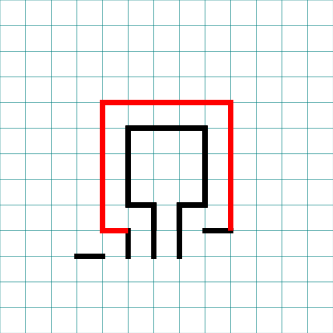
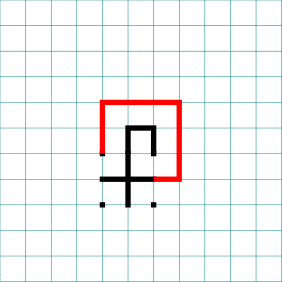
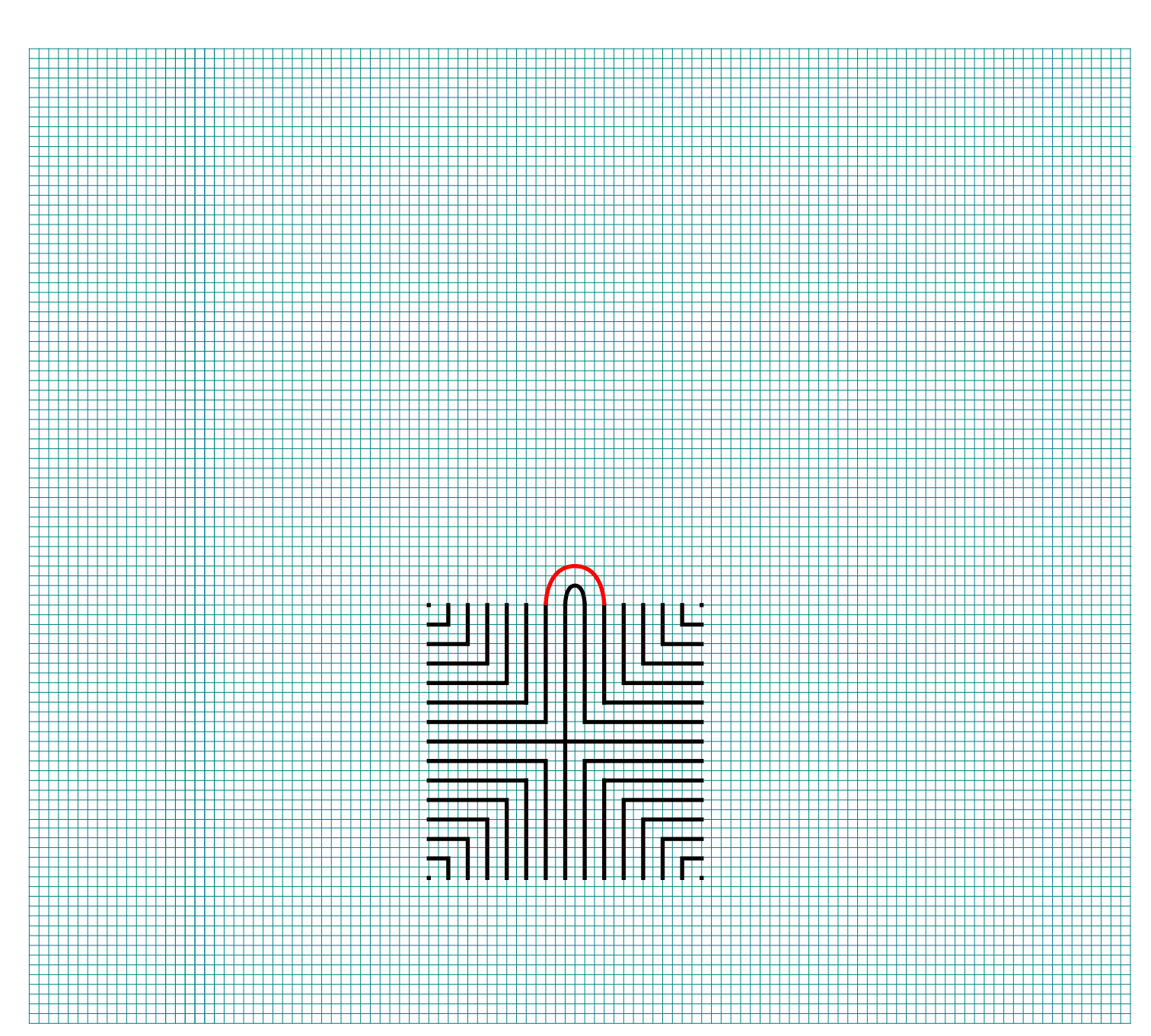
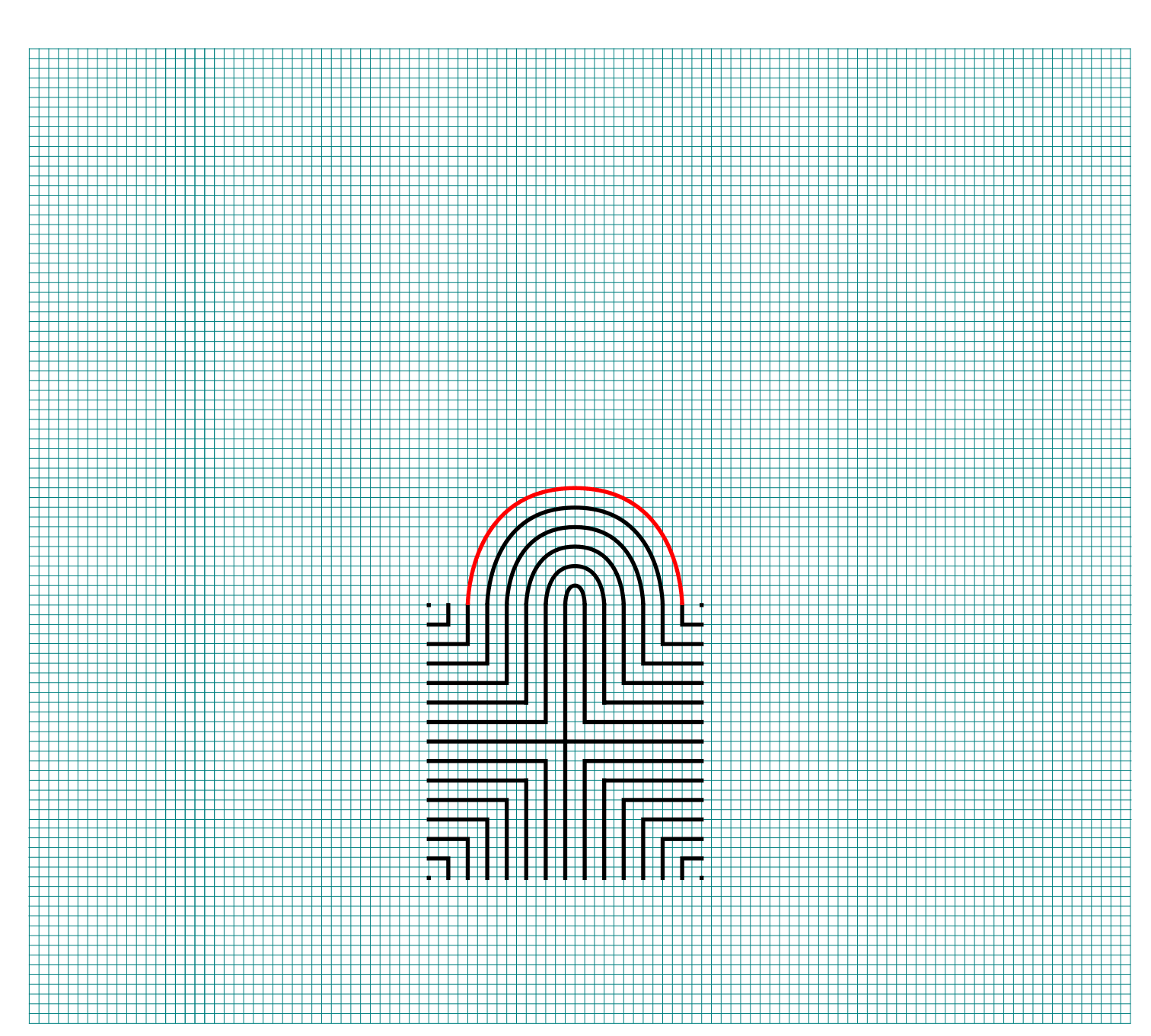
Every step from now on will be basically the same. Move one point to your left (moving counterclockwise) and connect that to the next point on the right (moving clockwise). In this case the large backwards L on the top left of the seed pattern to the small L on the top right of the seed.

How to Draw an 11 Circuit Square  Labyrinth - Part 3

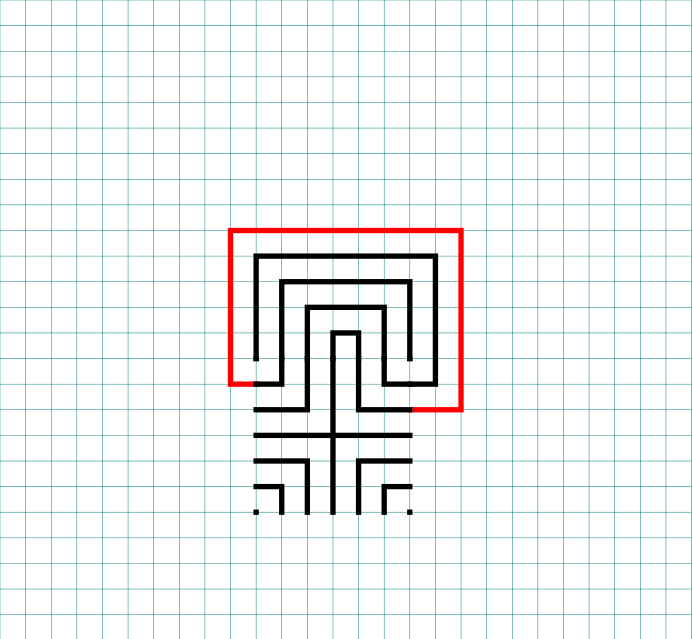
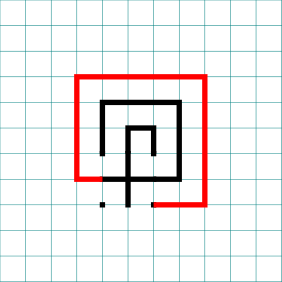
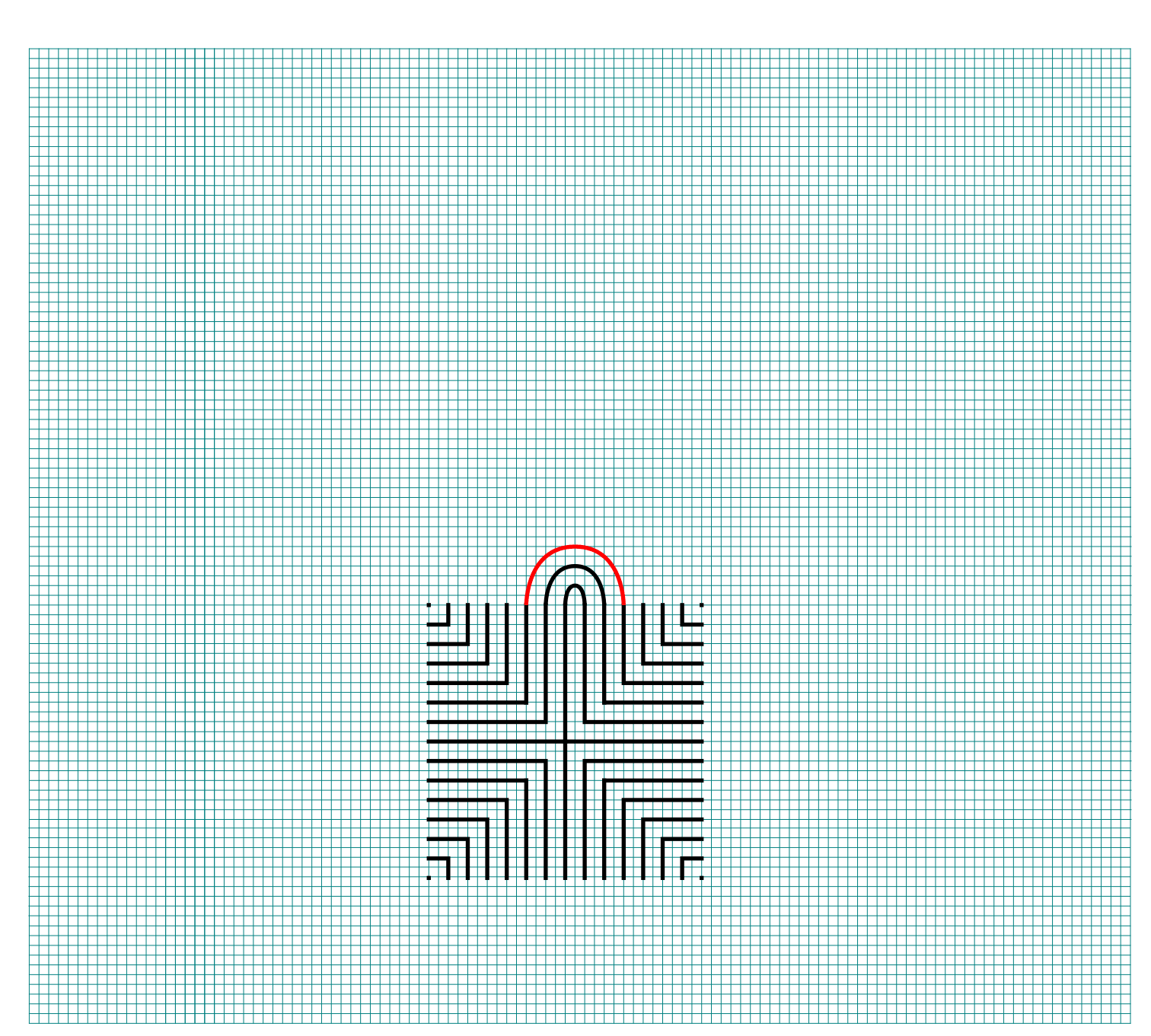
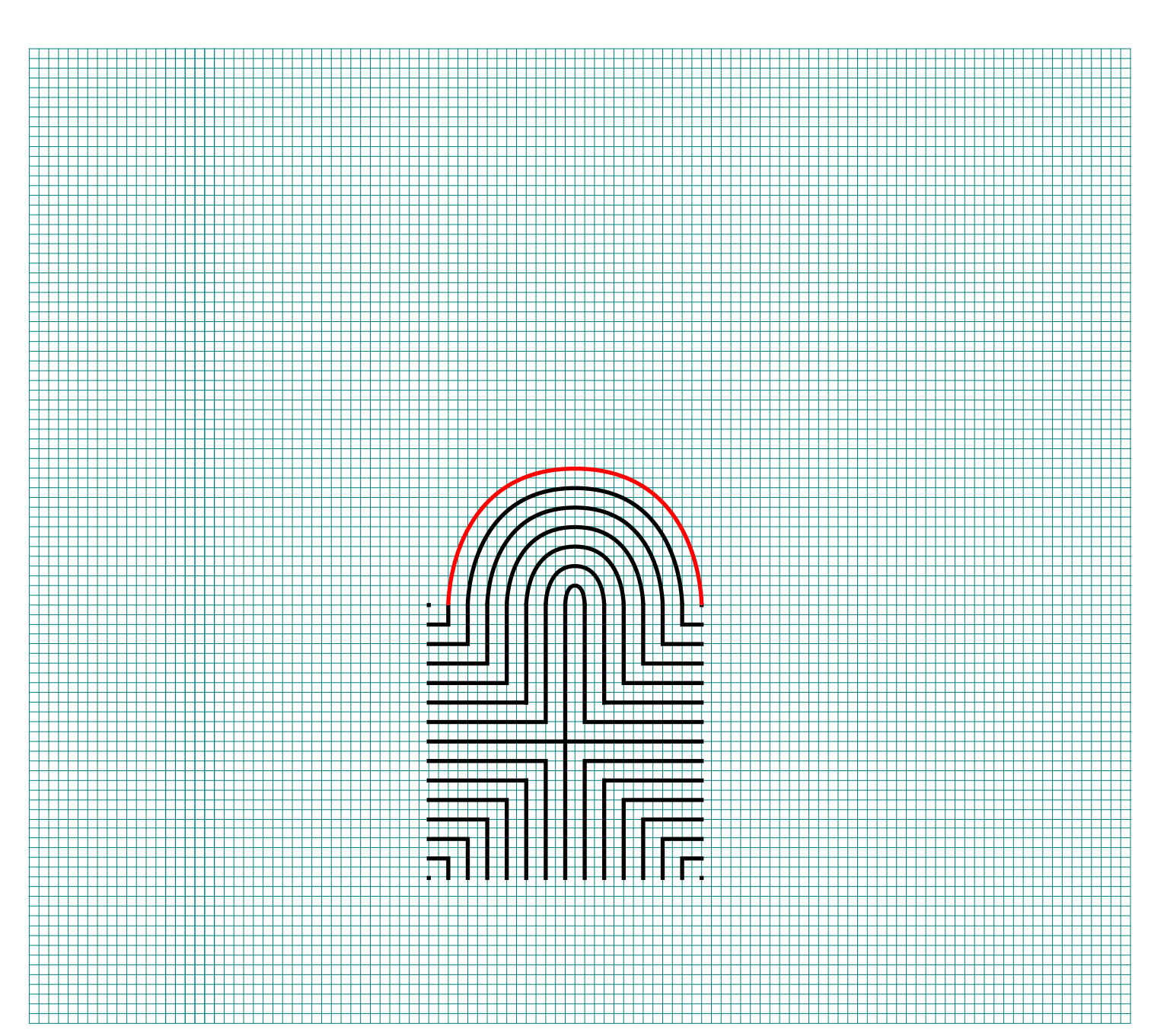
Step 4: Connect the next endpoint to the left to the next endpoint on the right

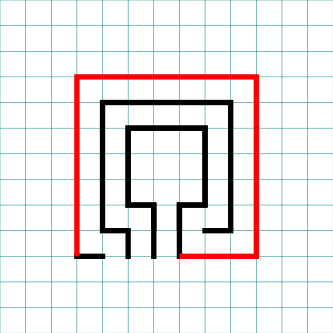
The small backwards L in the top left to the dot in the top right corner.

How to Draw an 11 Circuit Square Labyrinth - Part 4

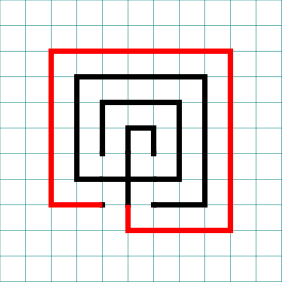
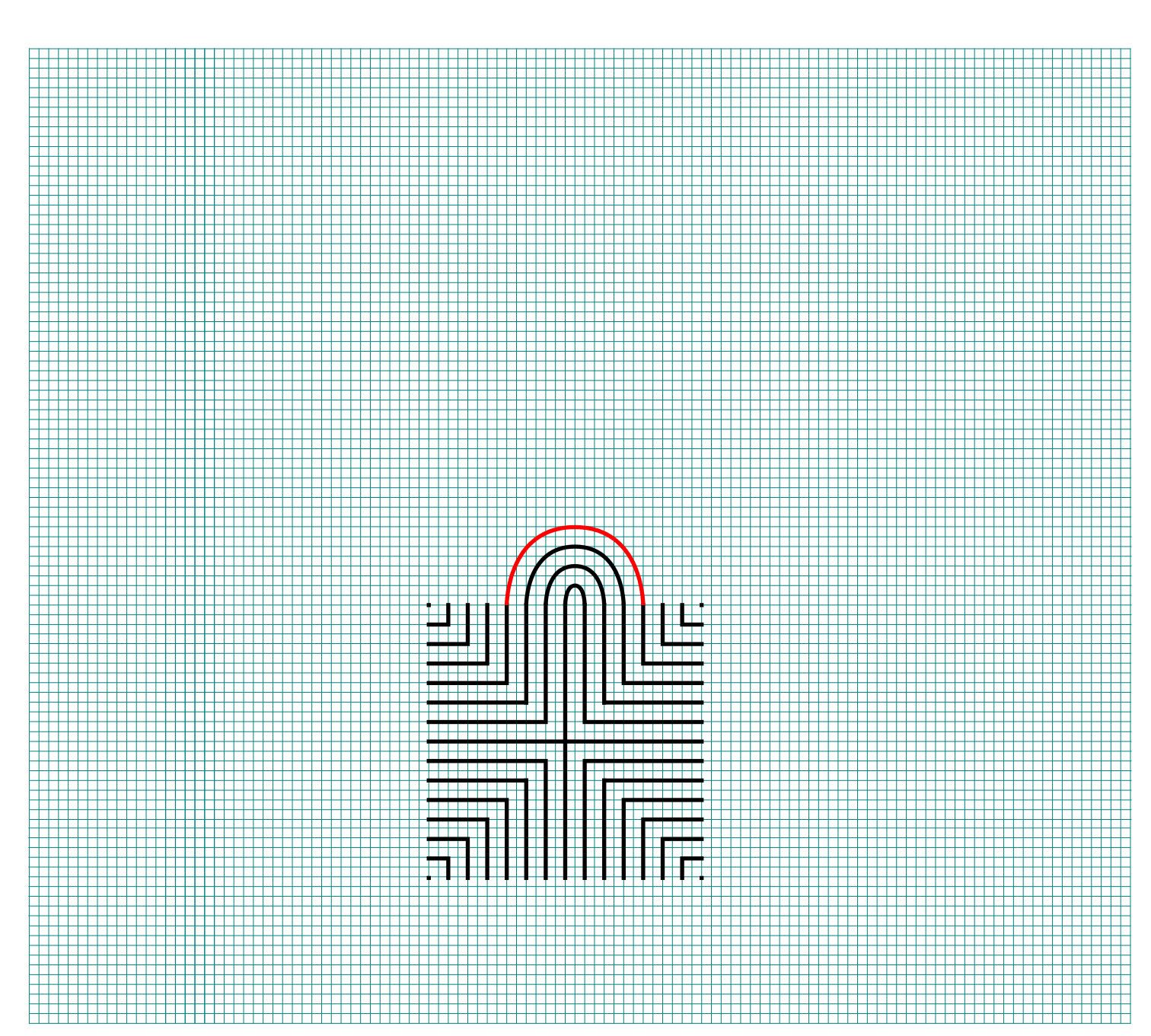
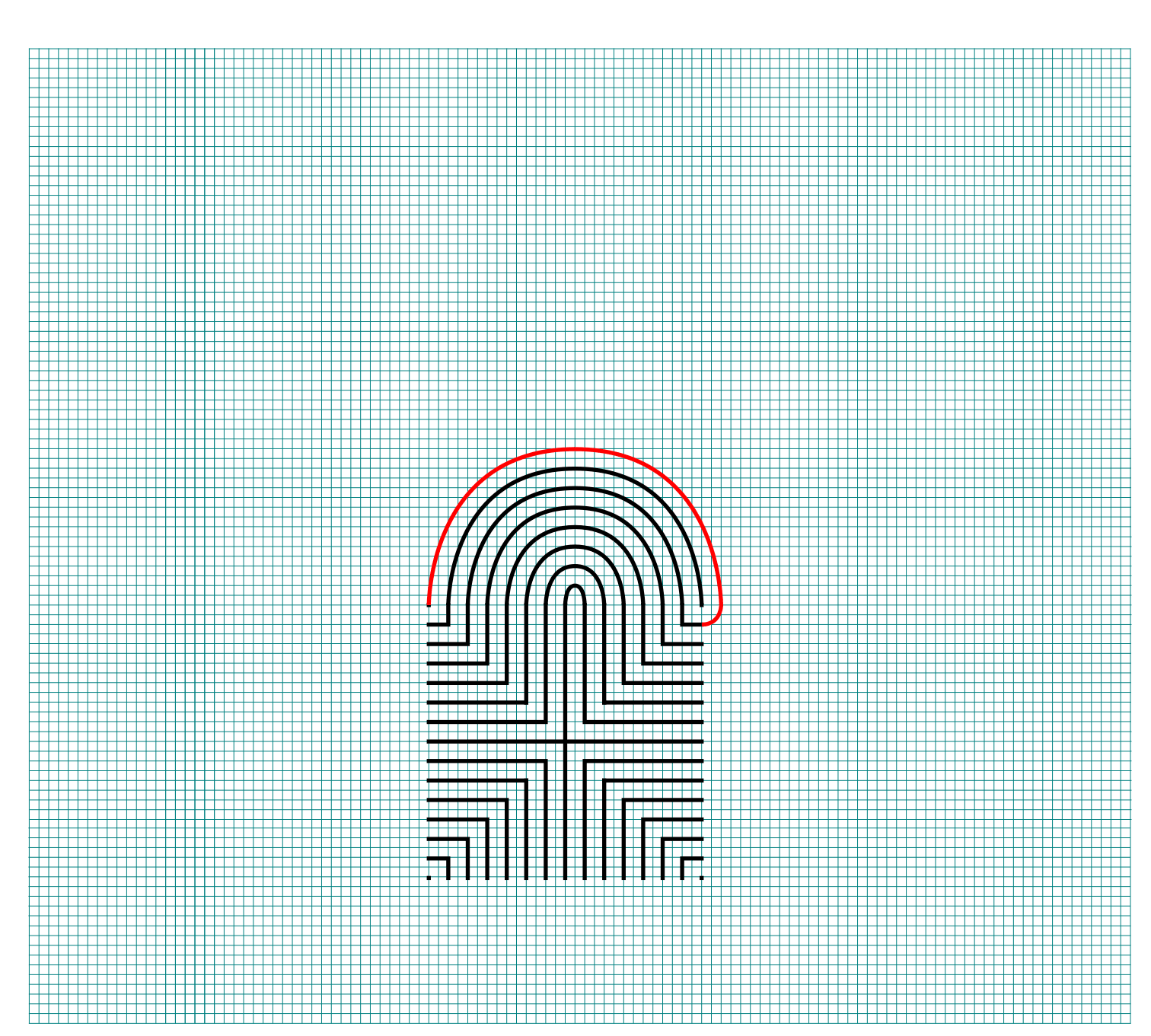
Step 5: Connect the next endpoint to the left to the next endpoint on the right

The dot in the top right corner to the end of the small L in the top right corner.

How to Draw an 11 Circuit Square Labyrinth - Part 5

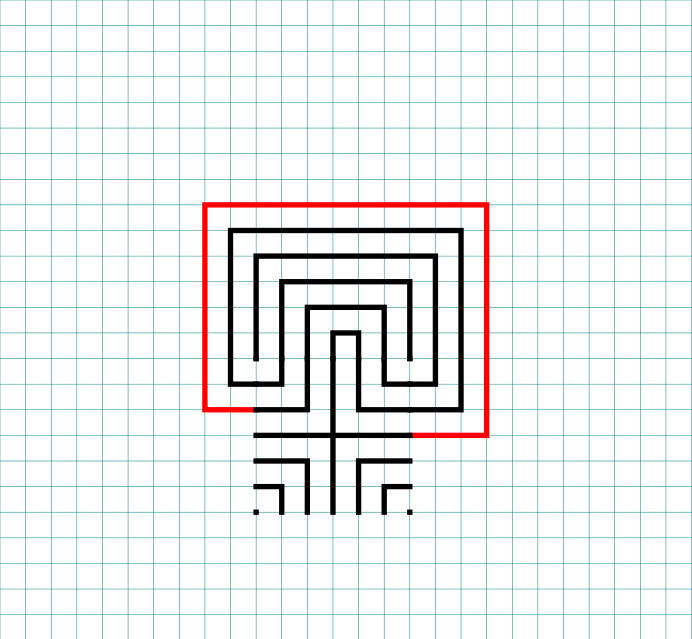
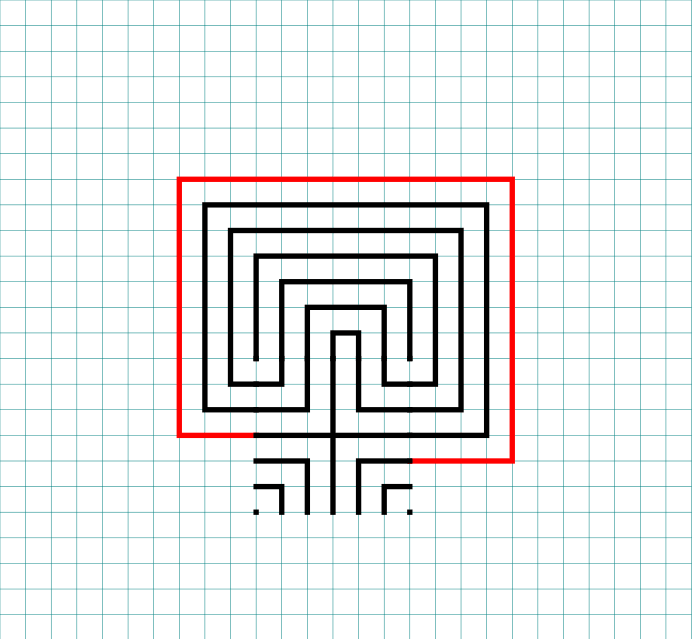
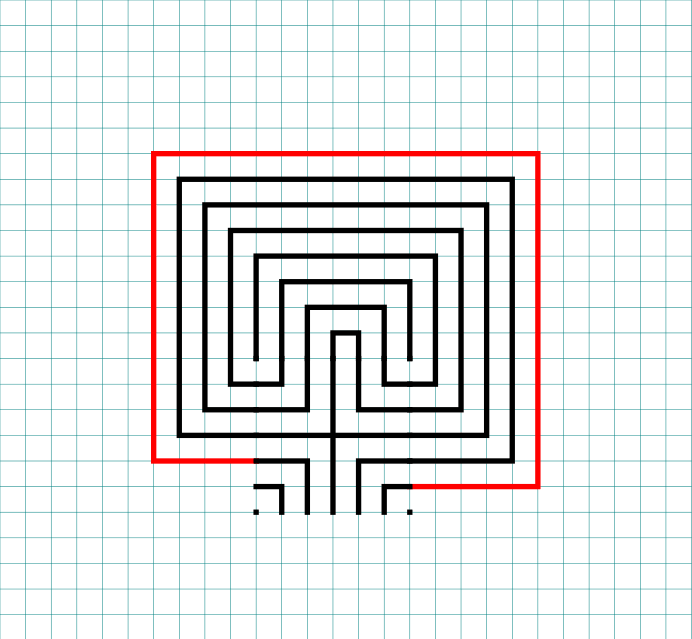
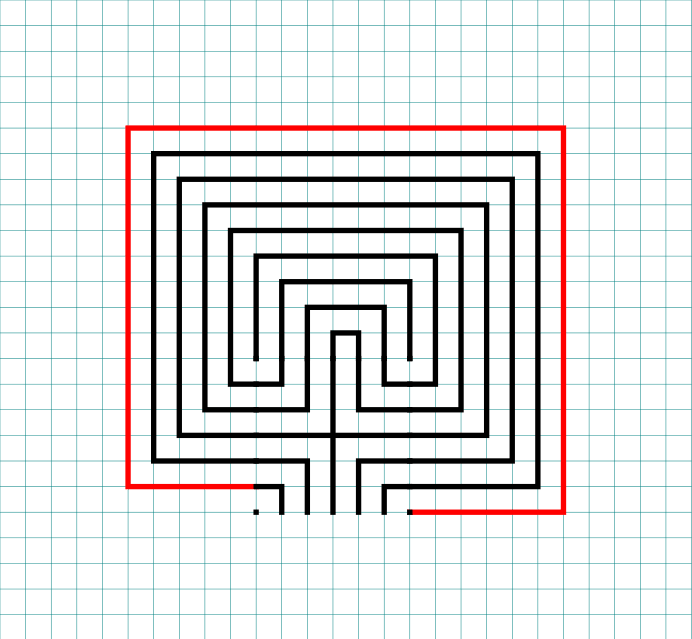
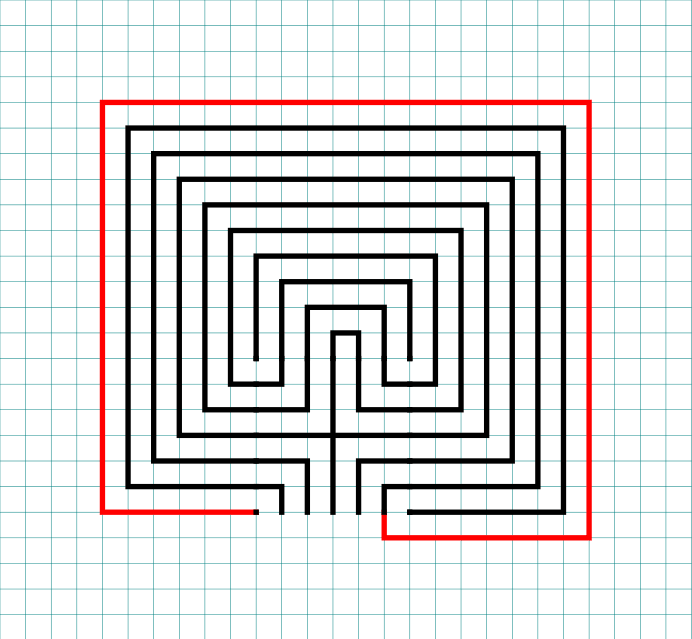
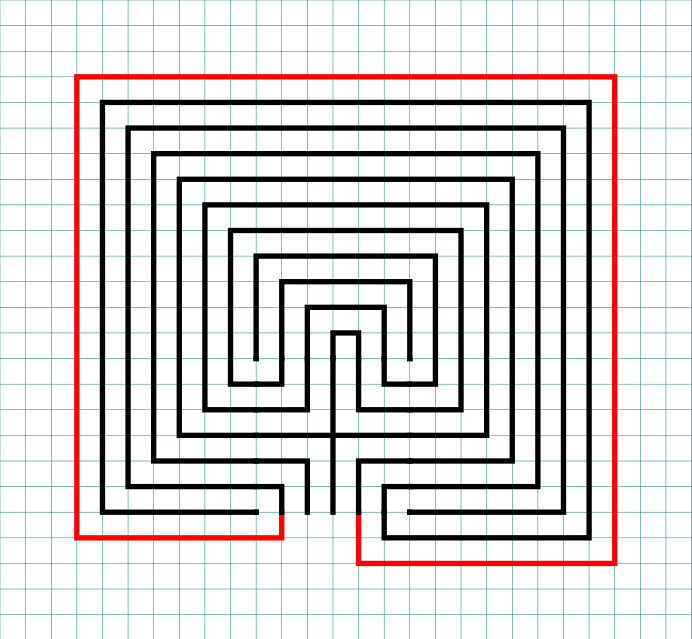
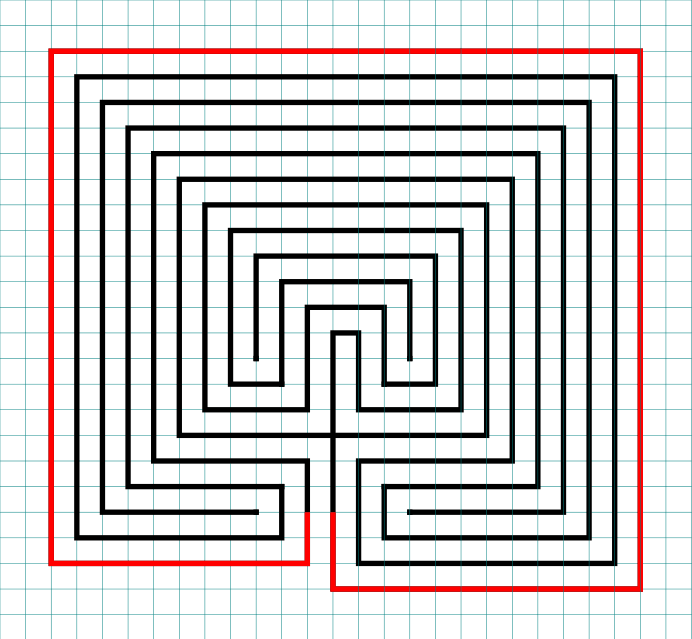
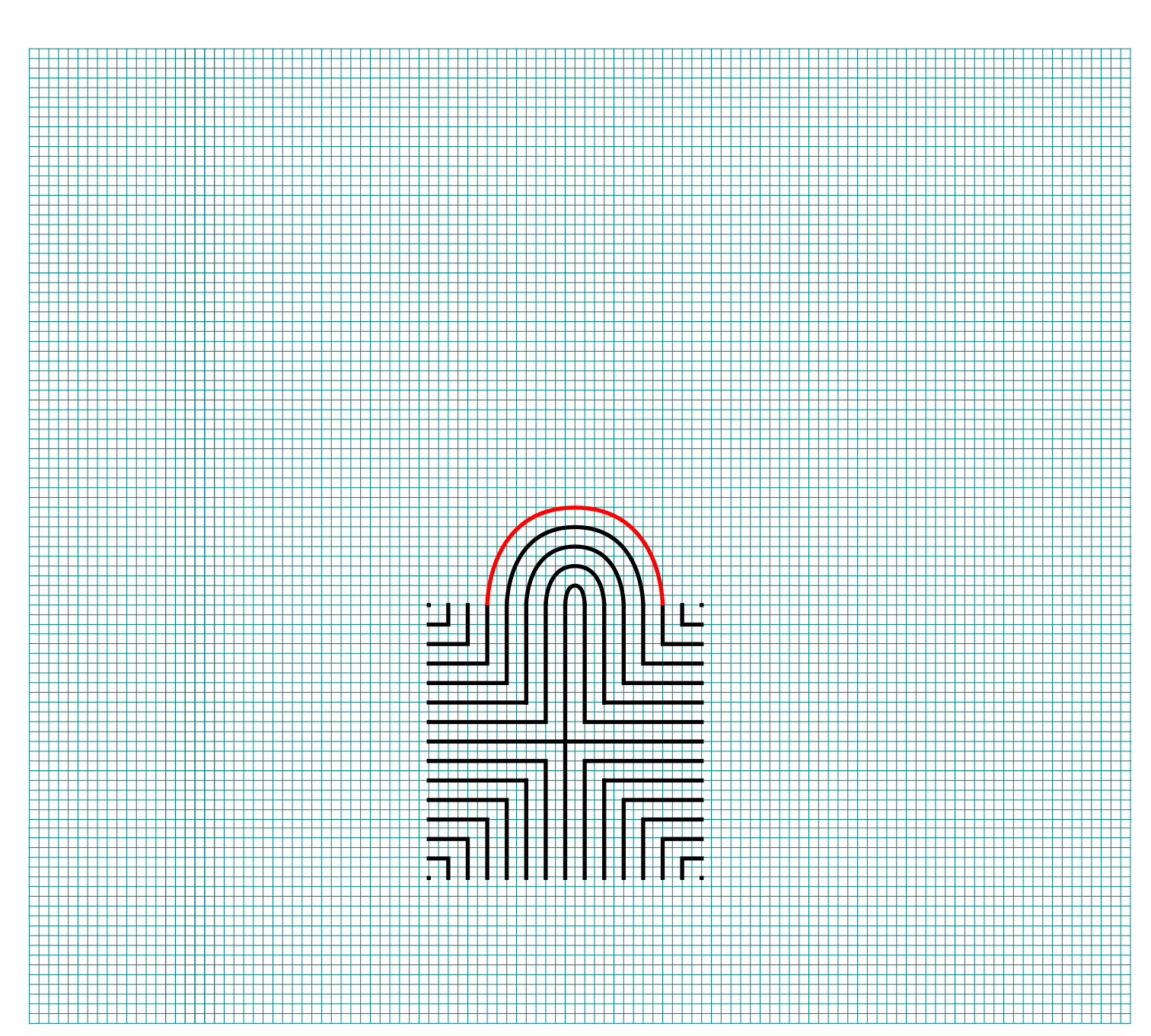
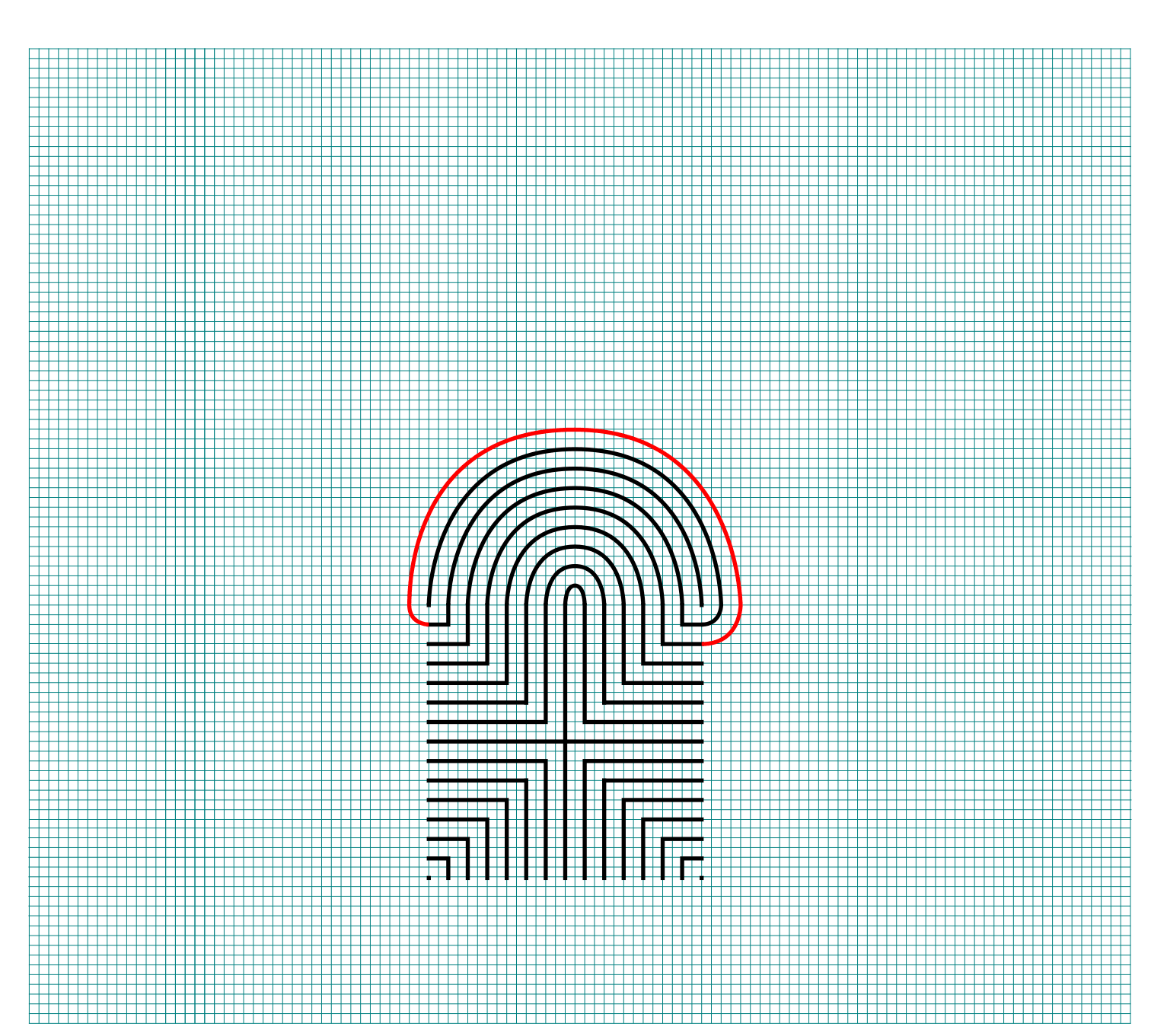
Steps 6 - 13: Connect the next endpoint to the left to the next endpoint on the right

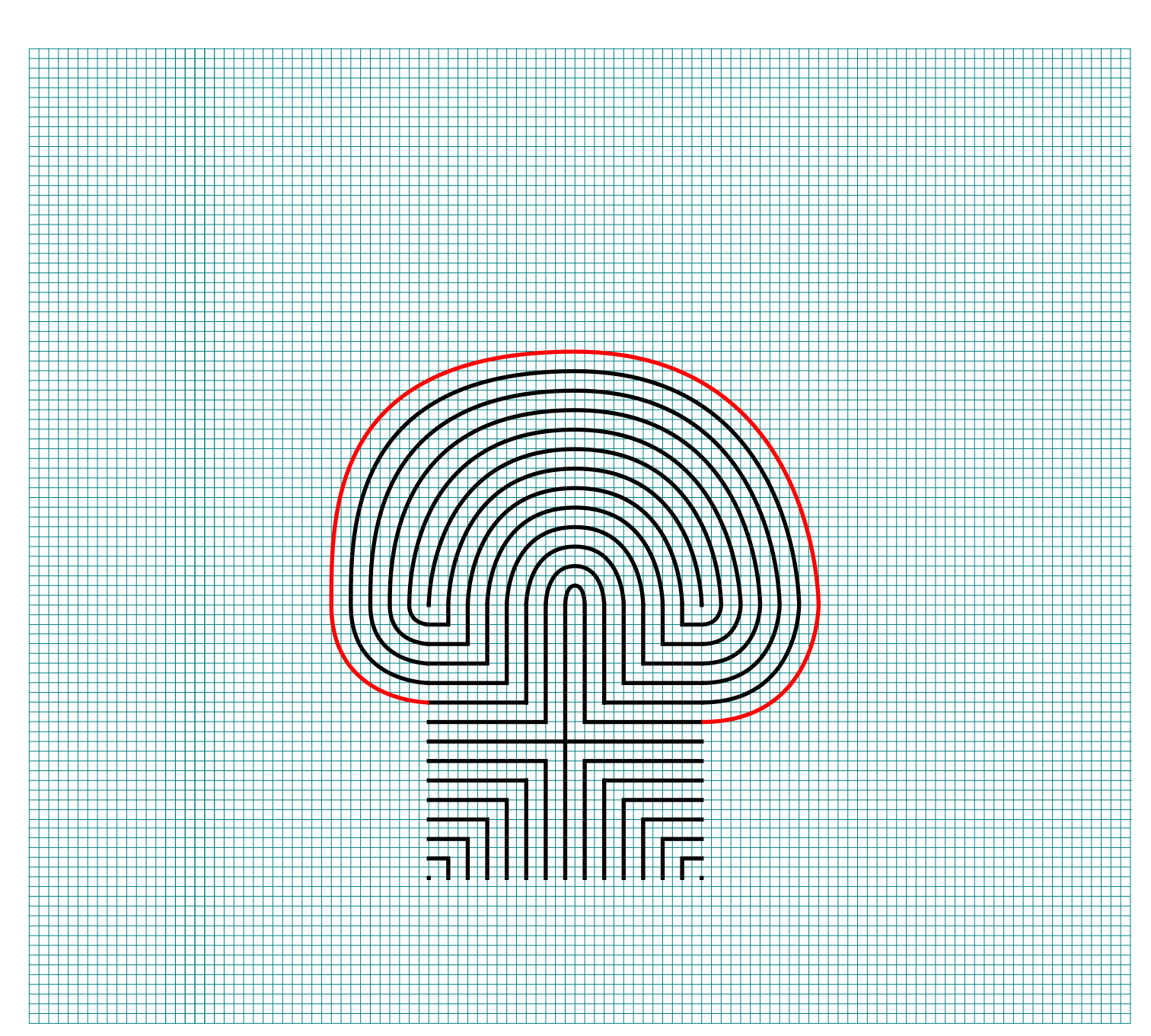
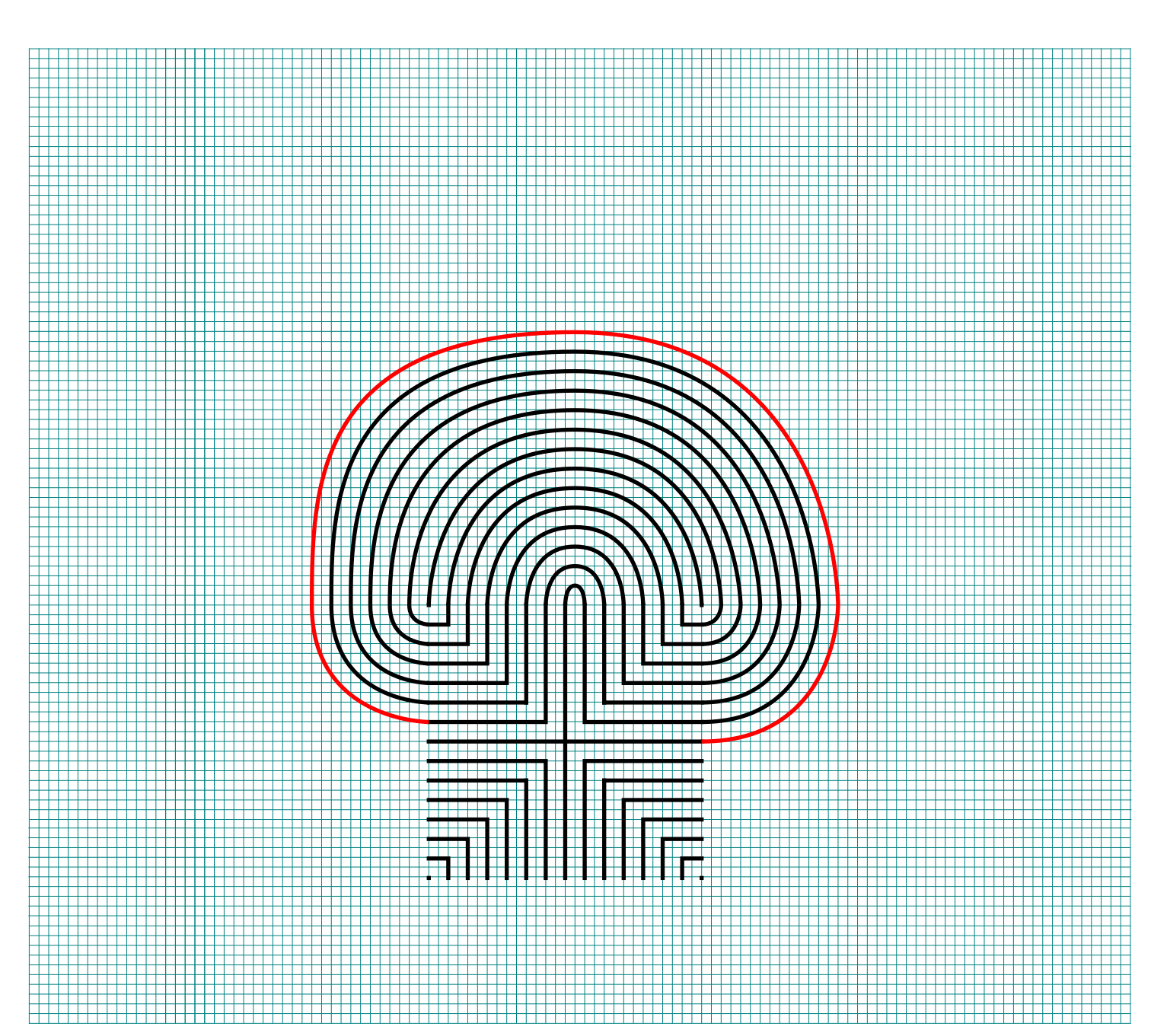
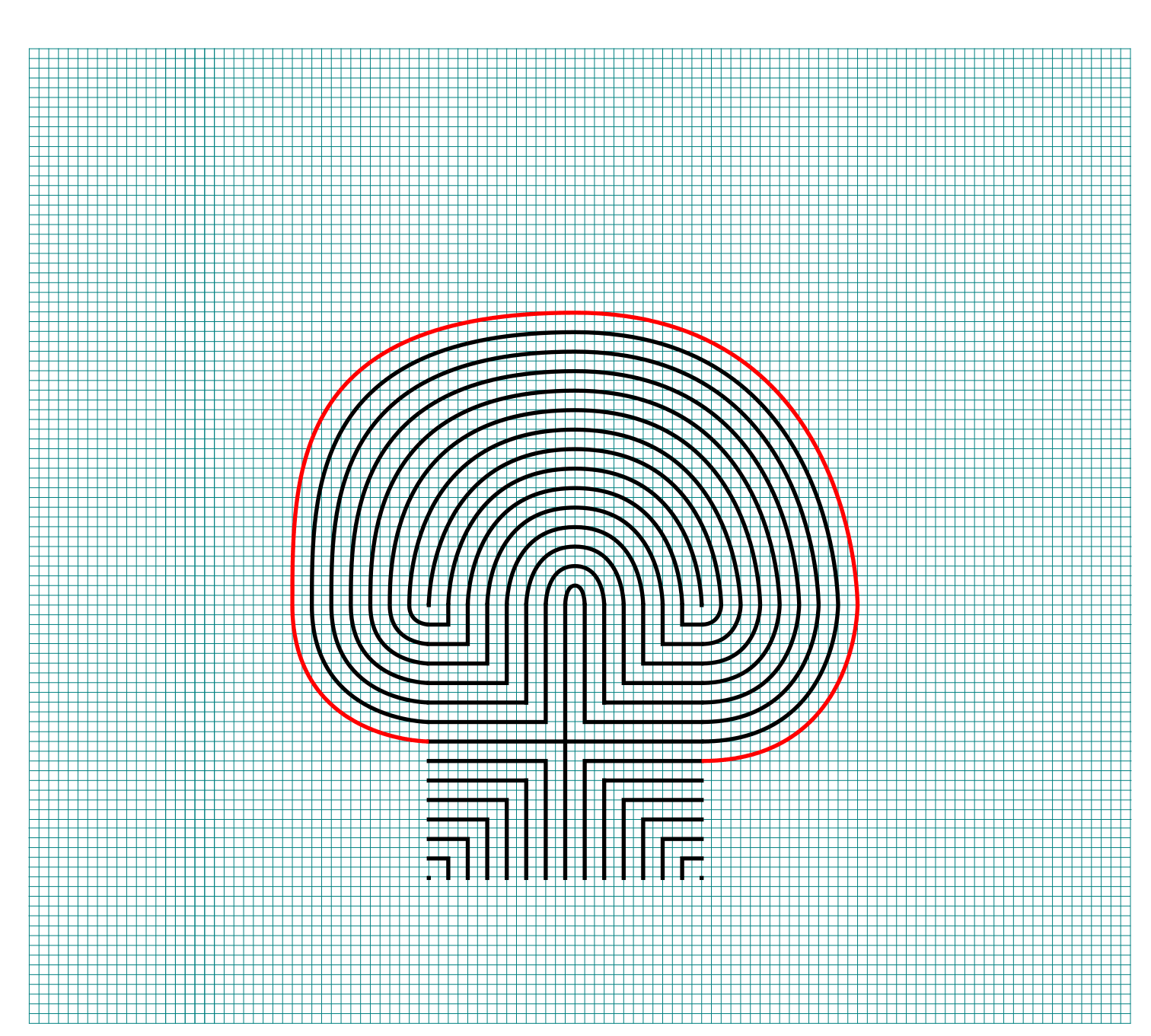
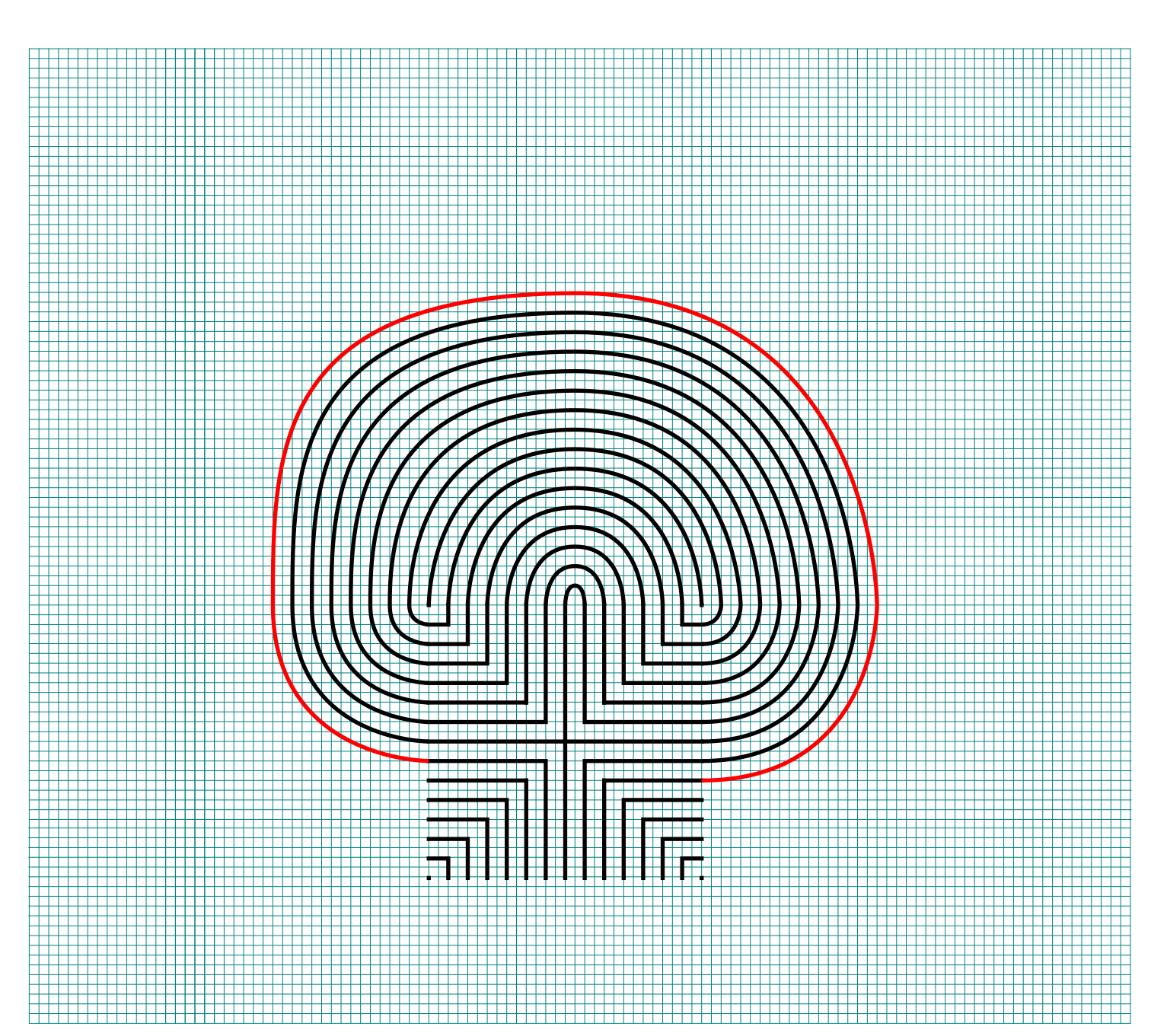
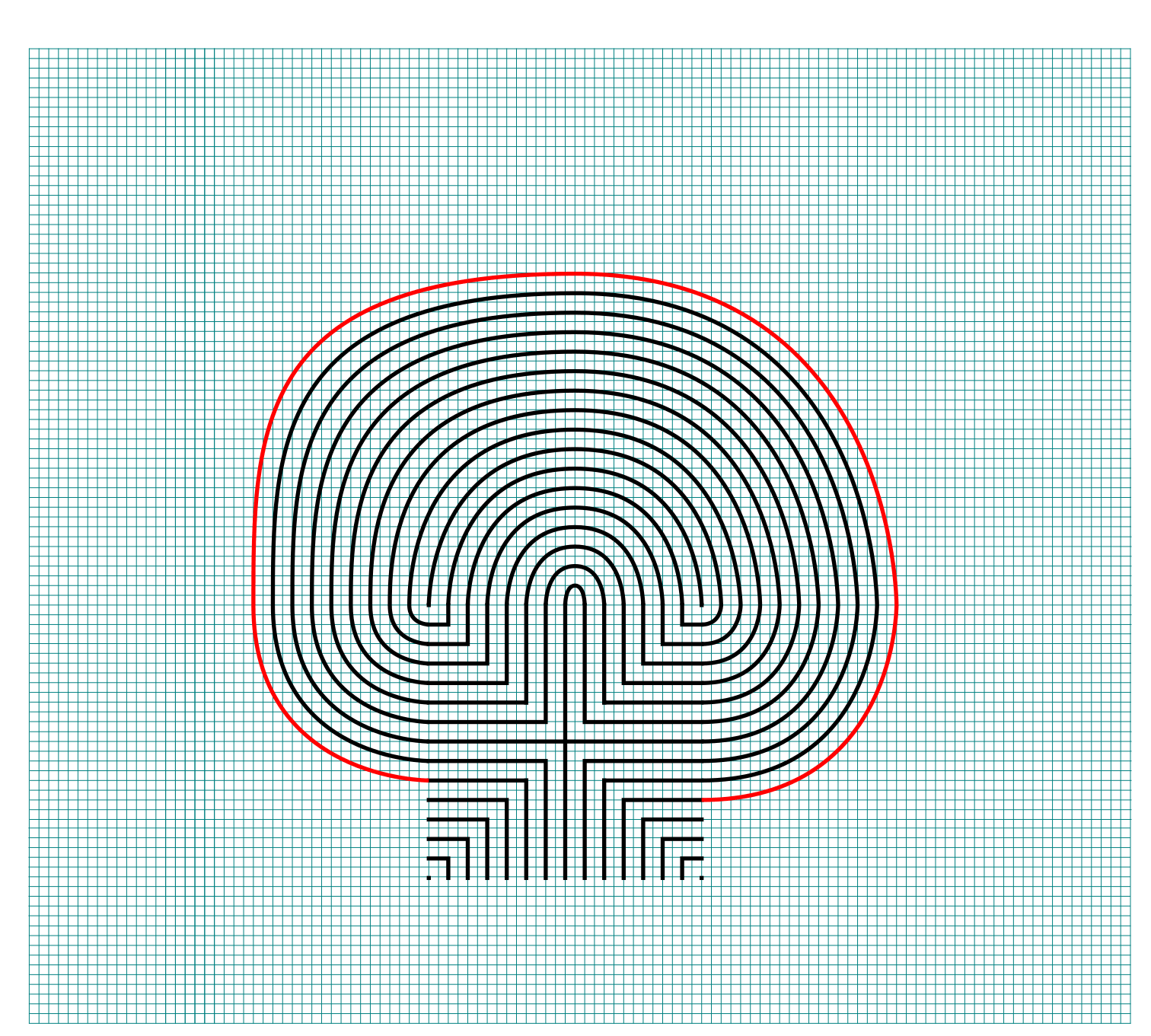
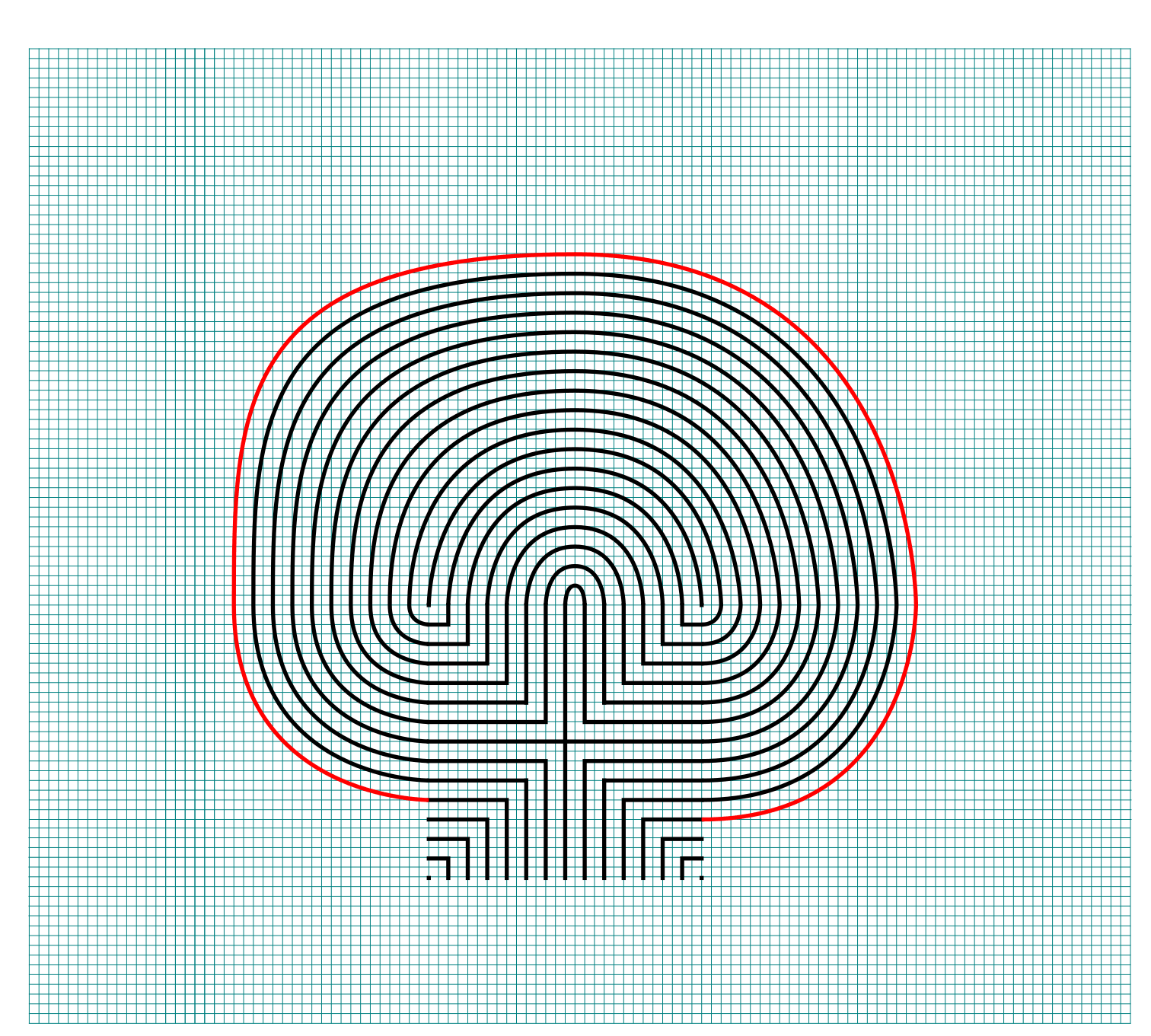
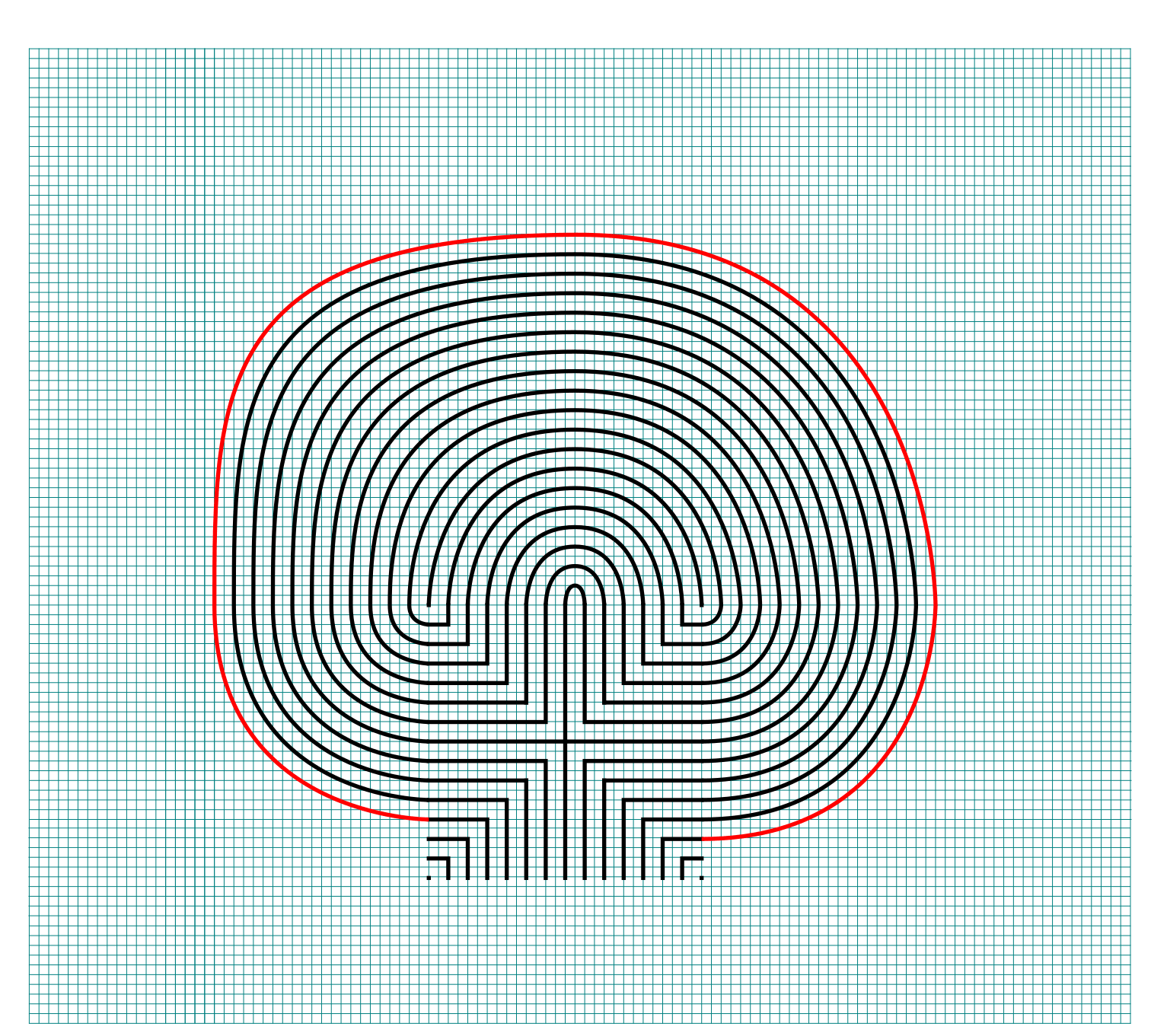
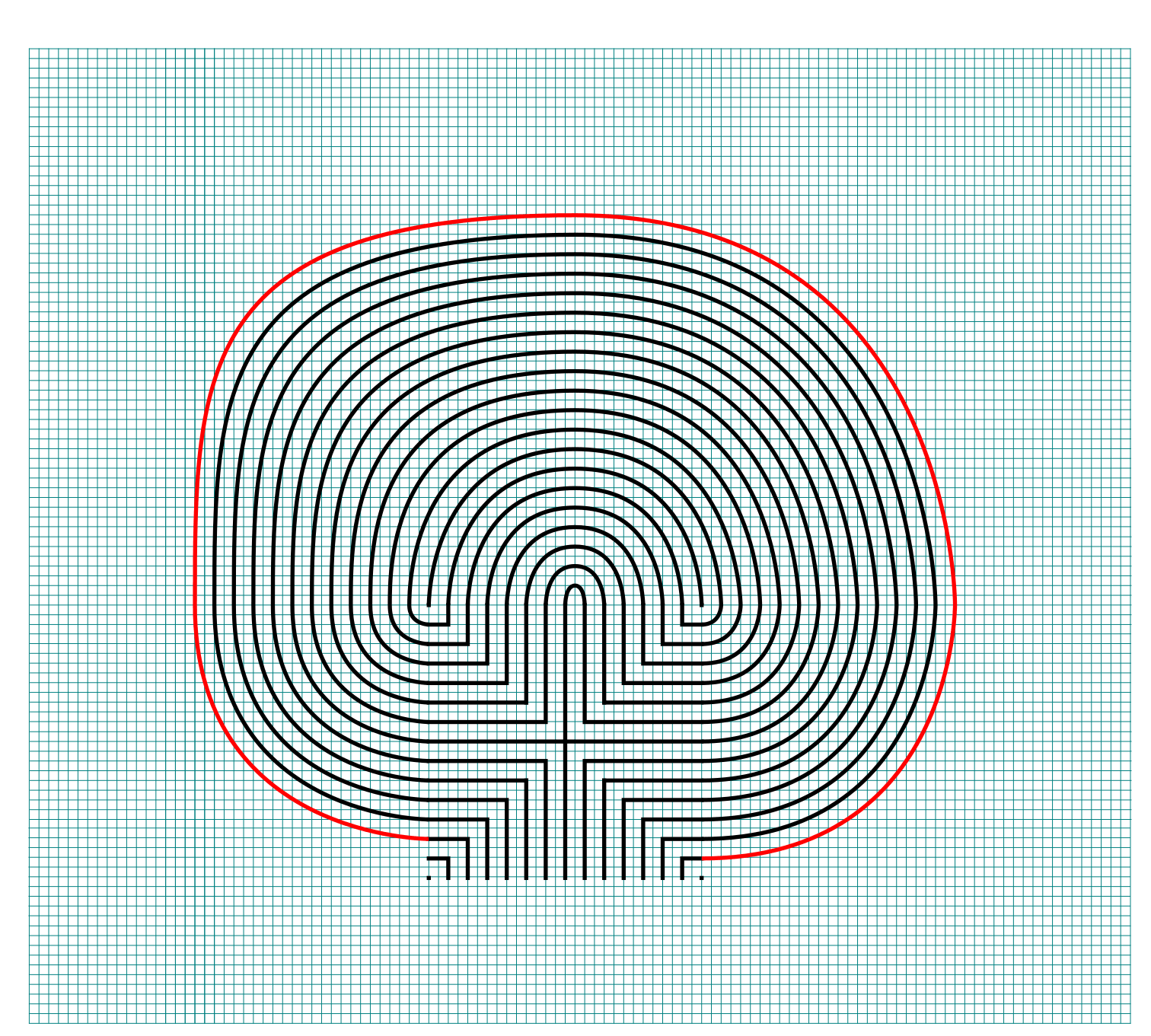
I assume you have the pattern down to complete with only pictures with nice red lines. Follow the graphics to complete connections 5-12. Here is the Summary of the connections you will make starting from the seed:

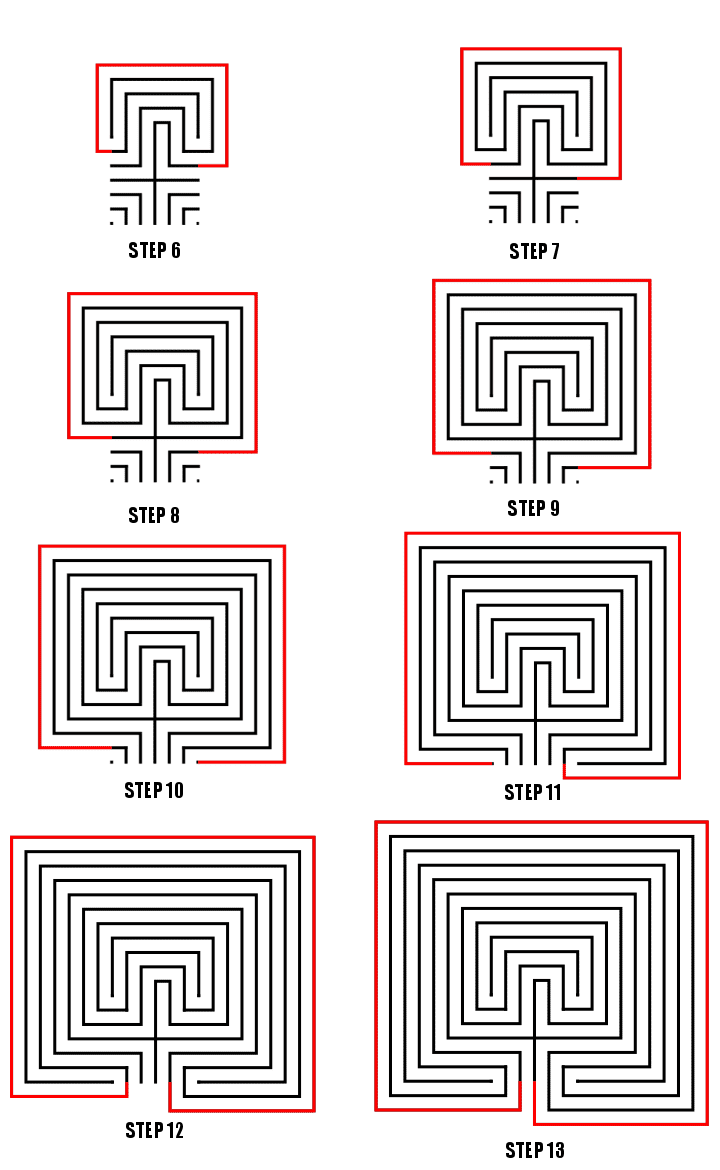
Making an 11 Circuit Square labyrinth steps 6-13

Connections 5-12, Steps 6-13

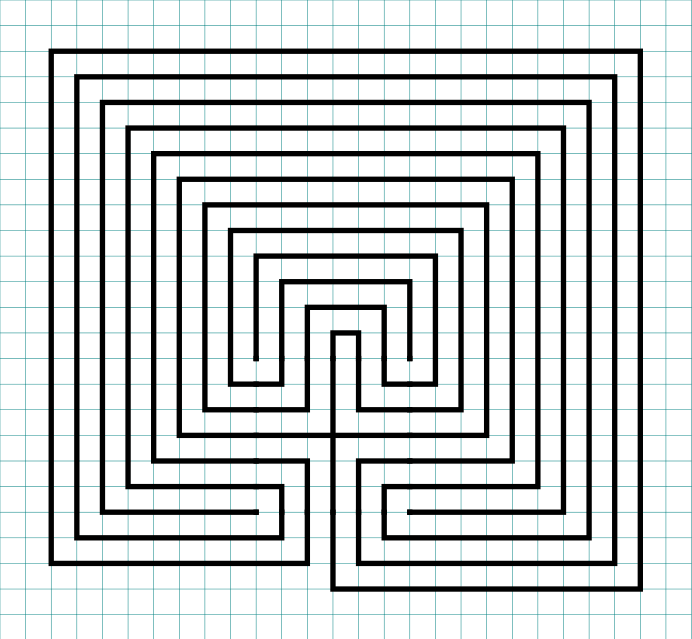
That completes the drawing of an 11 circuit square labyrinth. If you are interested in a comparison of Classical, Square and Circular Labyrinths check this blog post out.

11 circuit square labyrinth
 

PART 2: THE LABYRINTH BEING MADE WITH GRIDS SHOWN

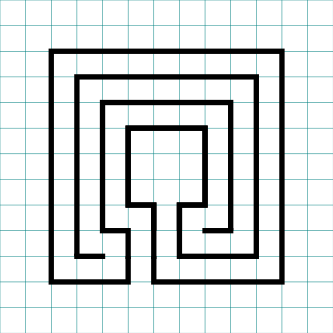
Nothing special here, just everything you just learned but shown with grids. Use the controls to build the labyrinth step by step. Notice that the labyrinth seed is placed low on the page but the labyrinth still ends up centered on the page,.
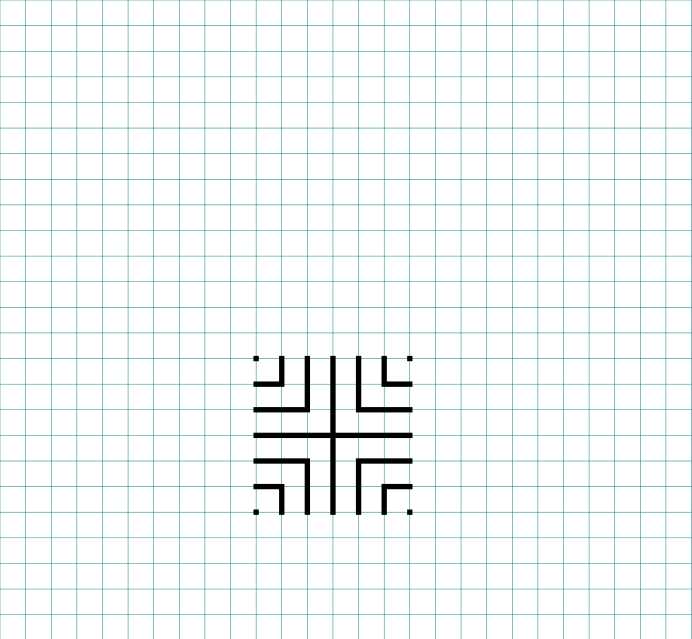
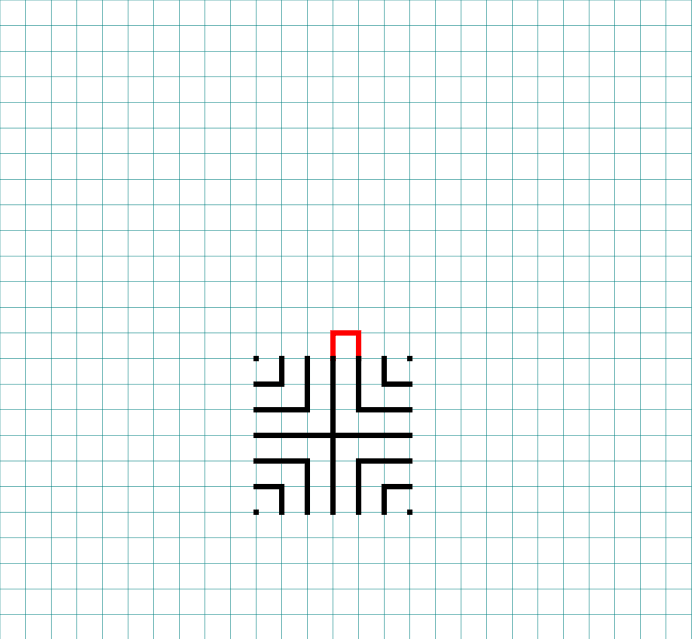
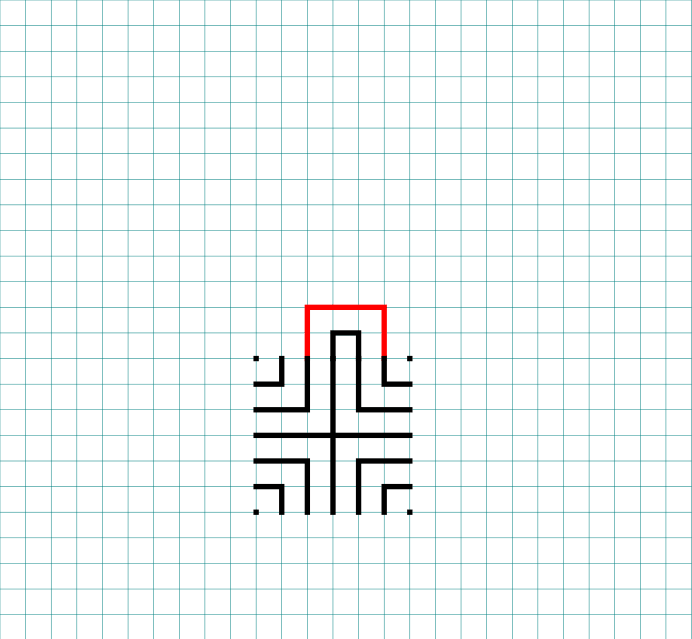
PART 3: MORE ALTERNATIVE LABYRINTH CONSTRUCTIONS

  • Right handed version: You just learned how to make a left handed square labyrinth. You can tell it is left handed because when you enter the first direction you move in is the left. To make a right handed version you flip the seed pattern and draw from right to left. Think of it as happening in a mirror.
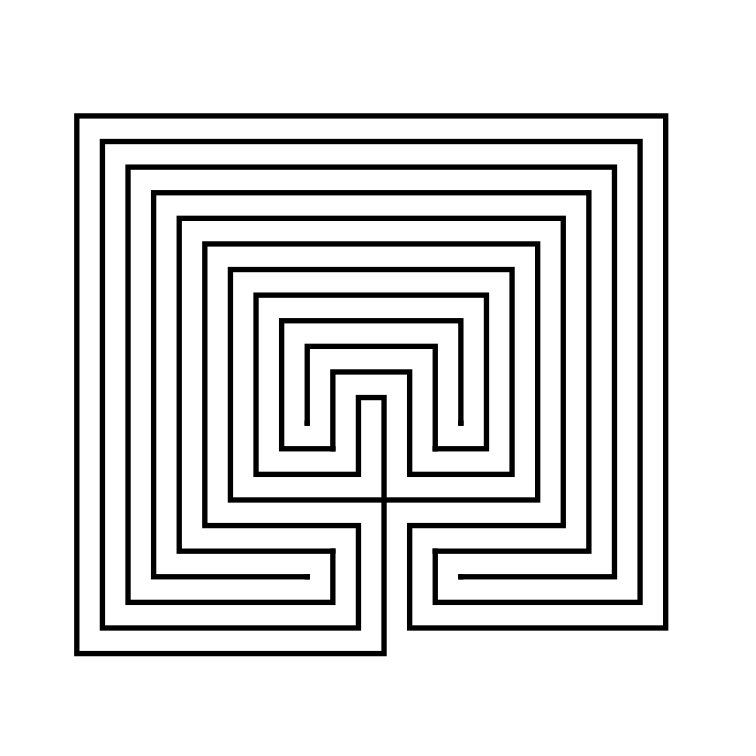
11 Circuit Square Labyrinth right handed
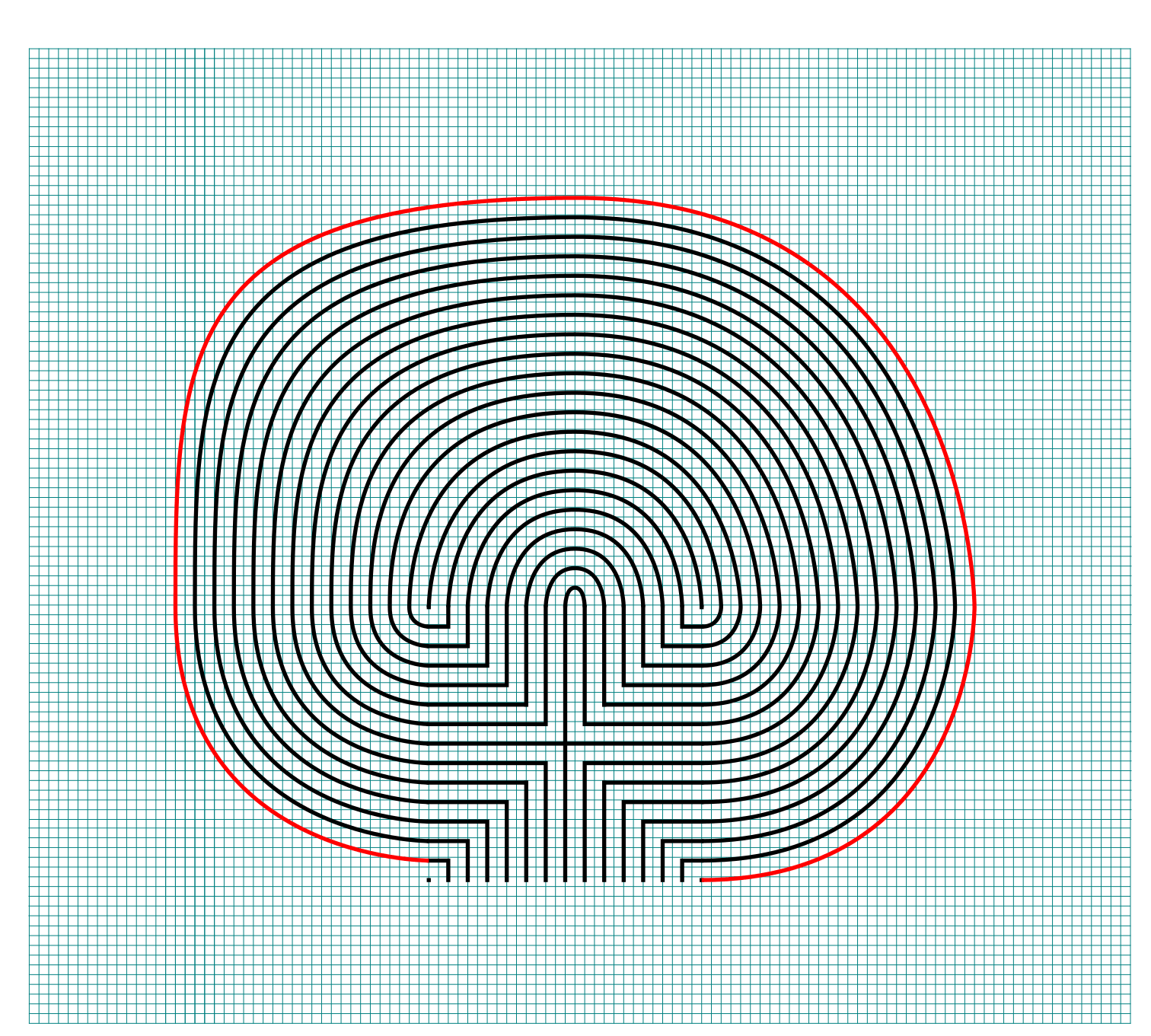
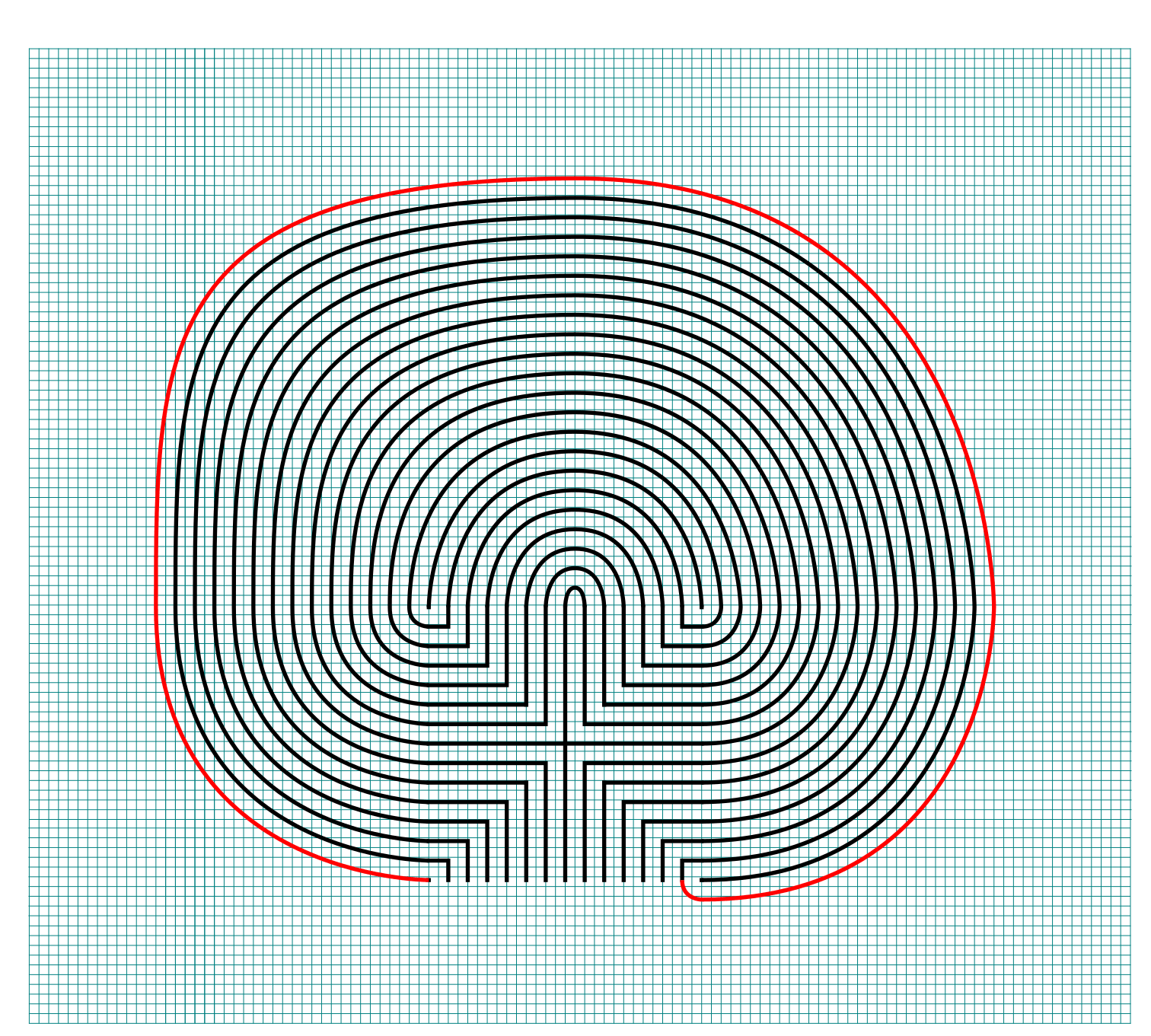
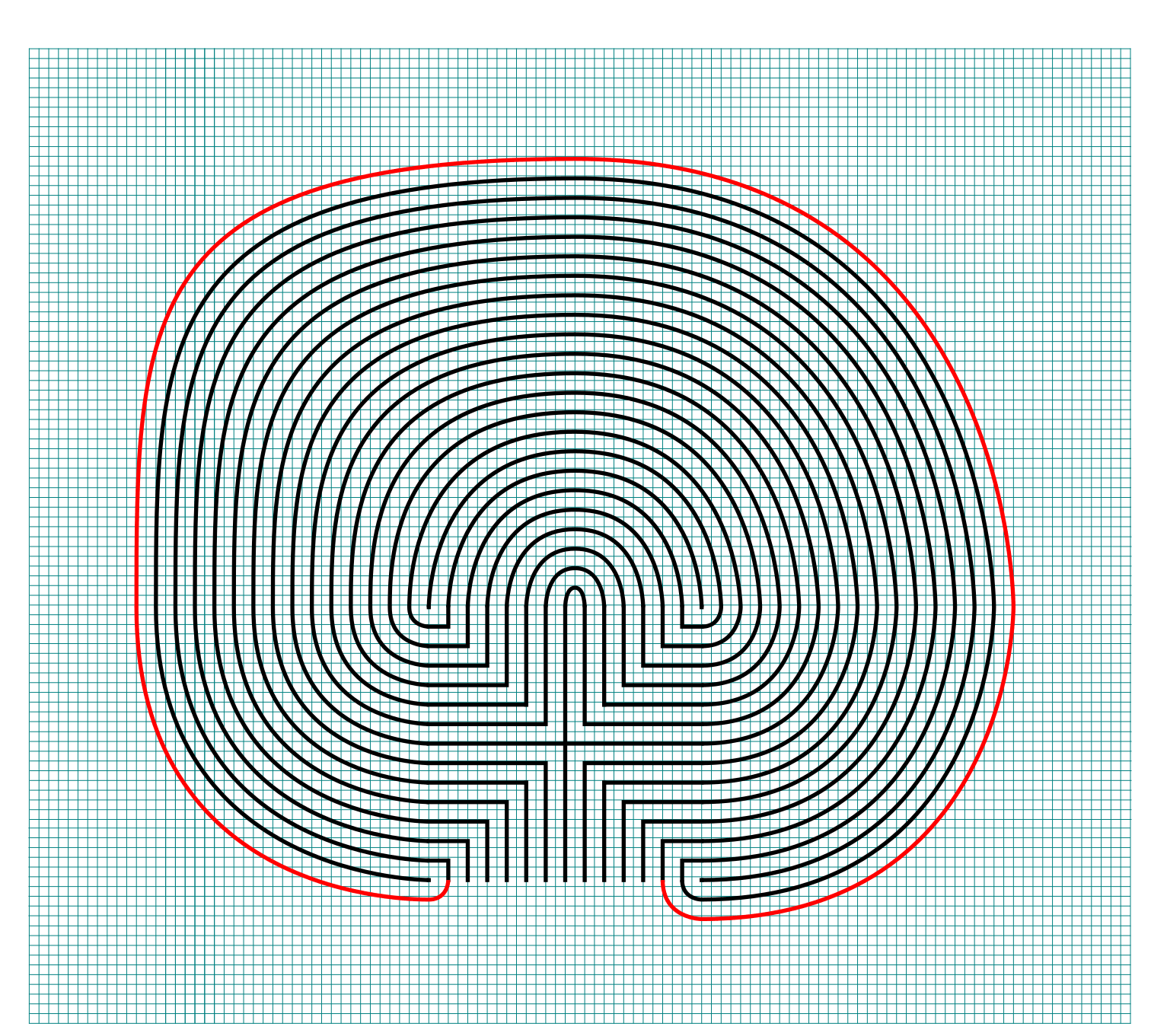
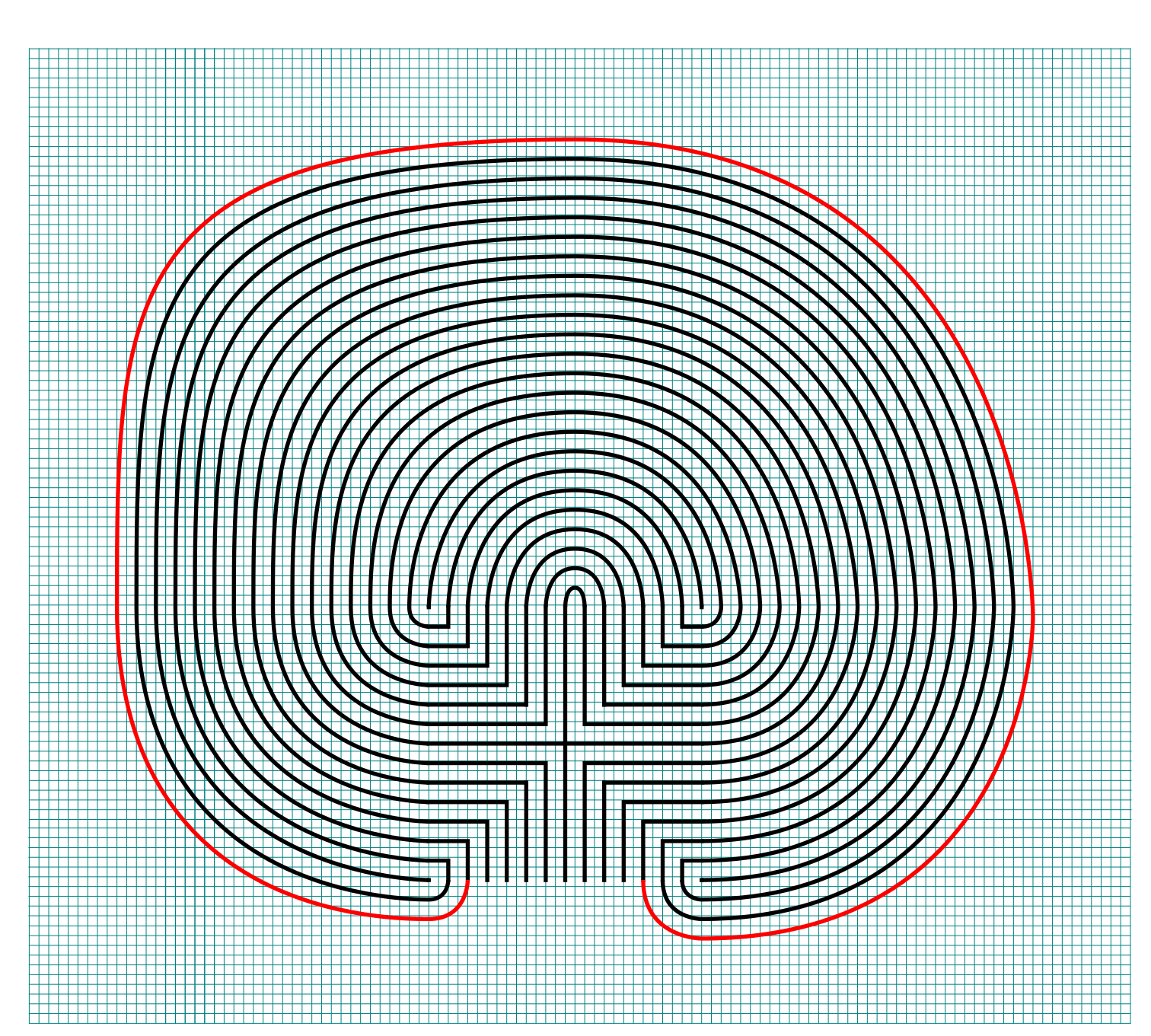
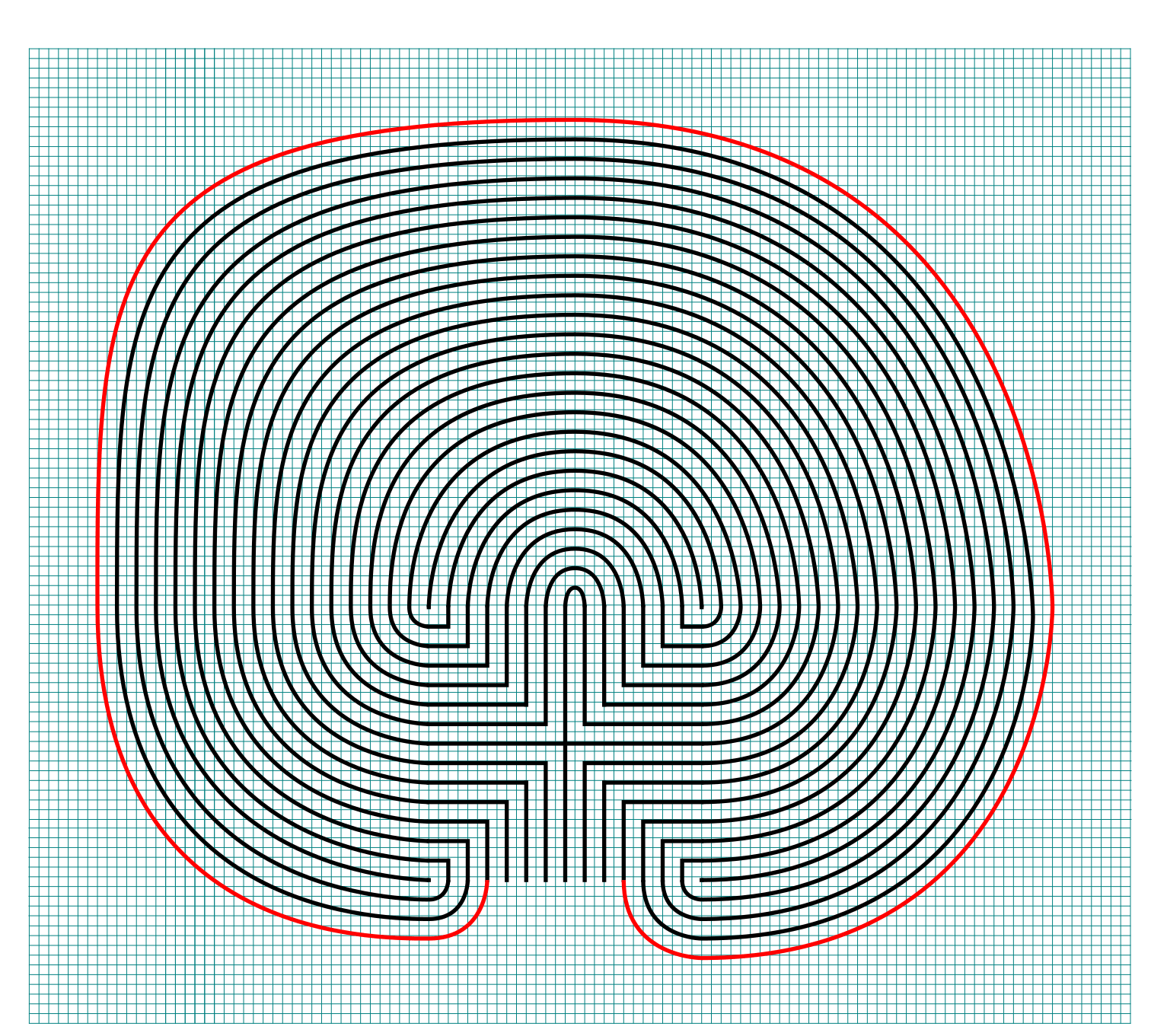
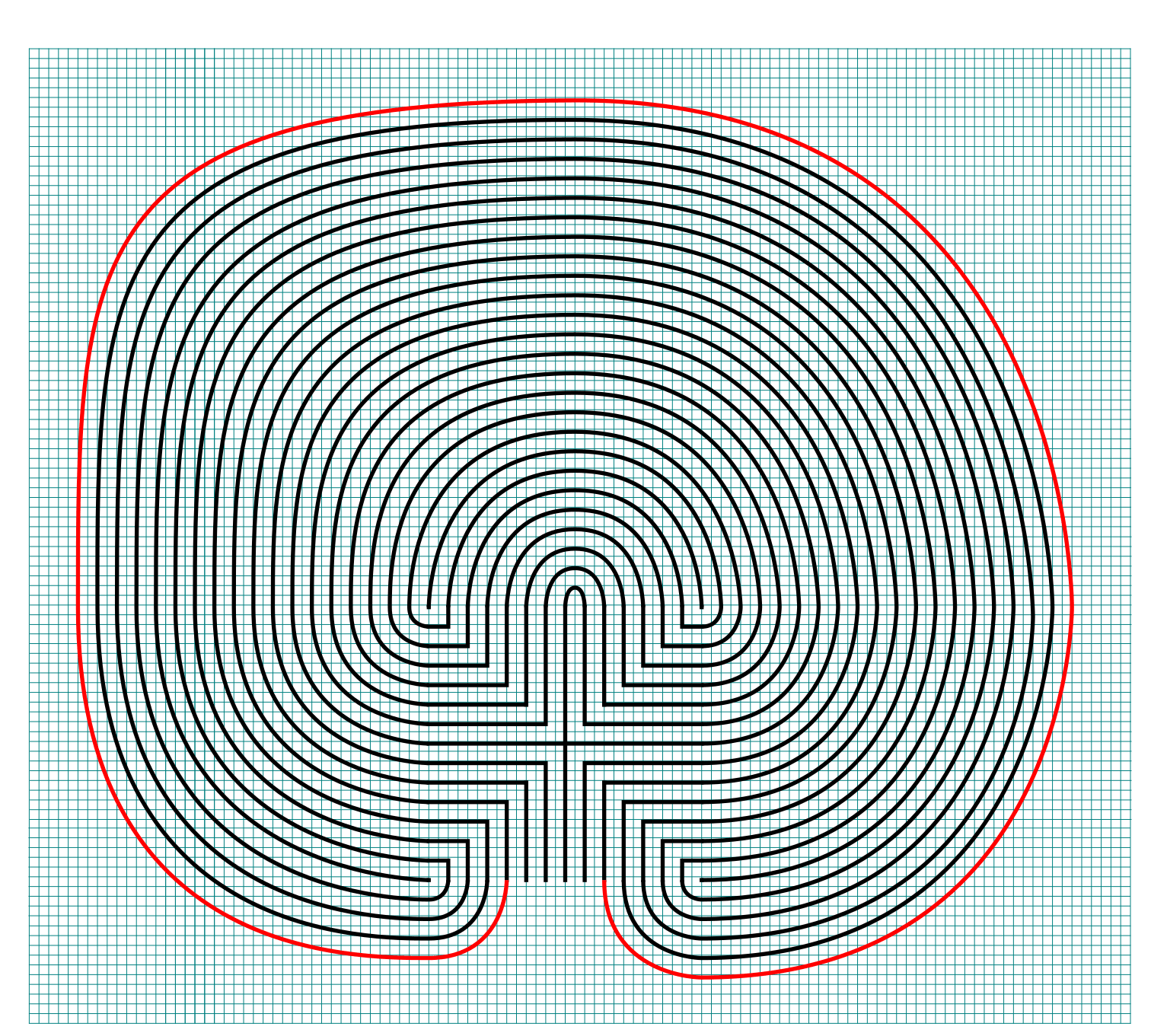
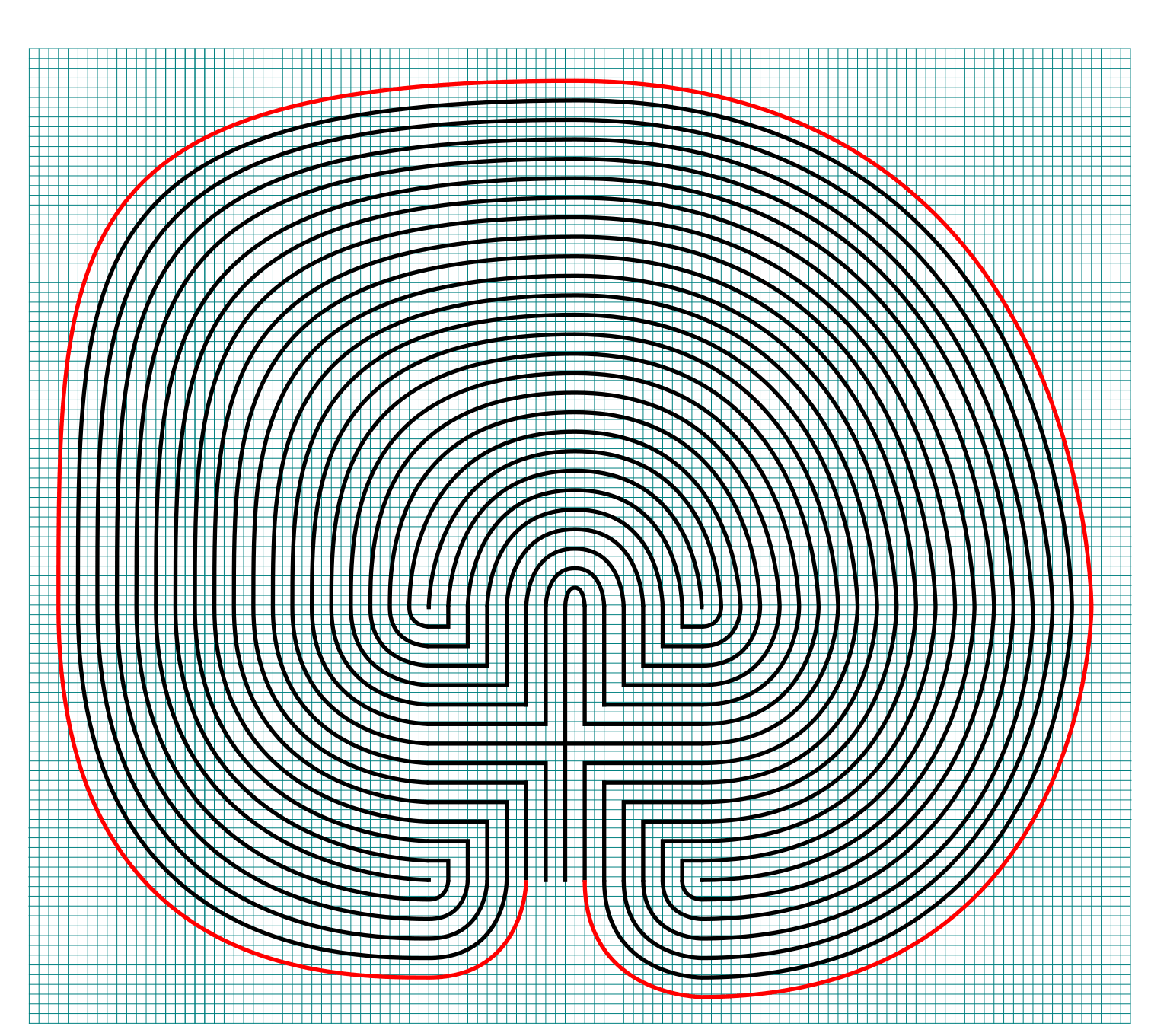
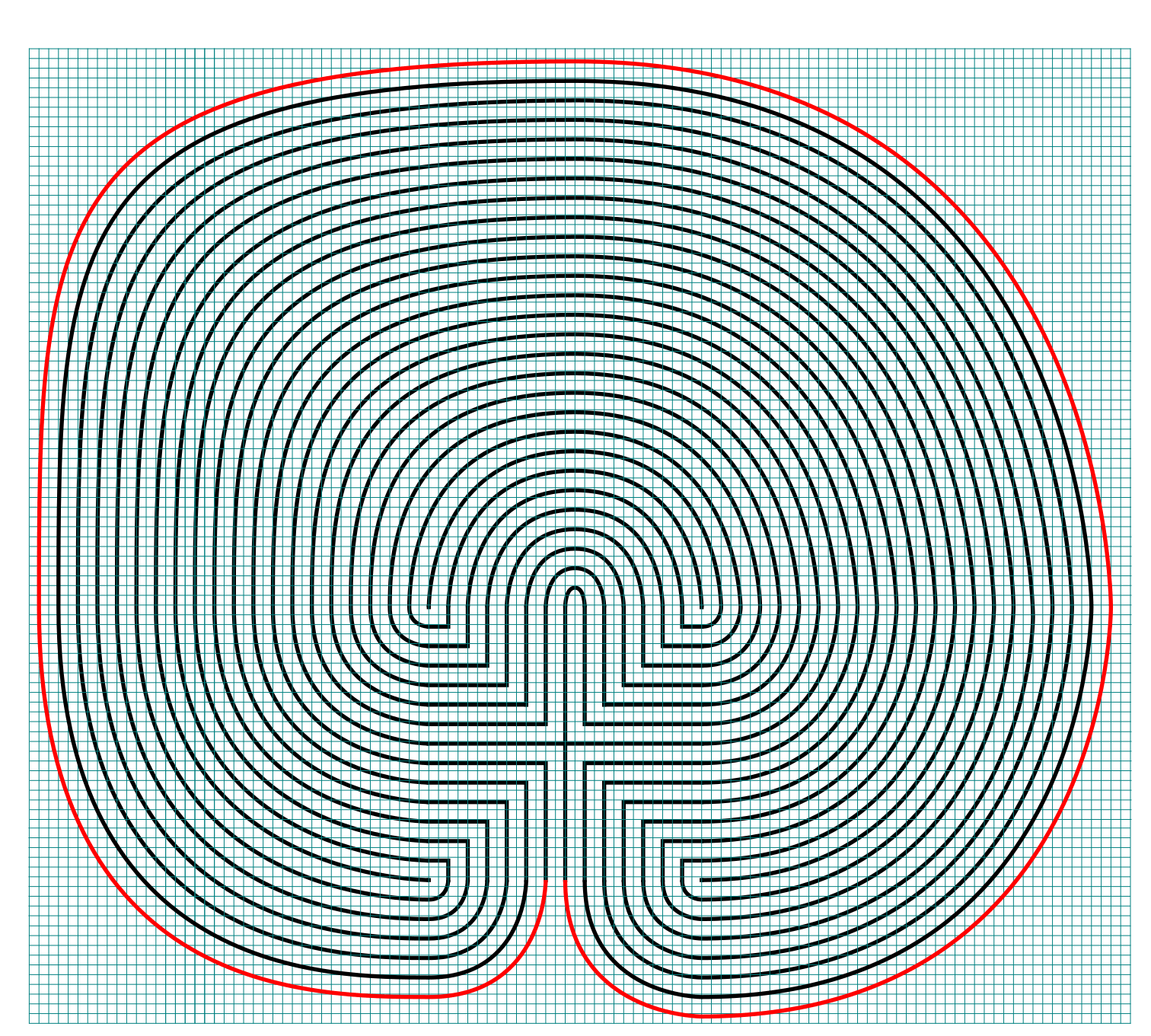
  • Assorted section options: The labyrinth you just learned to draw has 1 section. You can also choose to draw the labyrinth in 2, 4 or 8 sections. I am sure 3, 5 etc. sections are possible, but the geometry of the square makes even numbers a natural fit. Here are what the 2, 4 and 8 sectioned labyrinths look like:
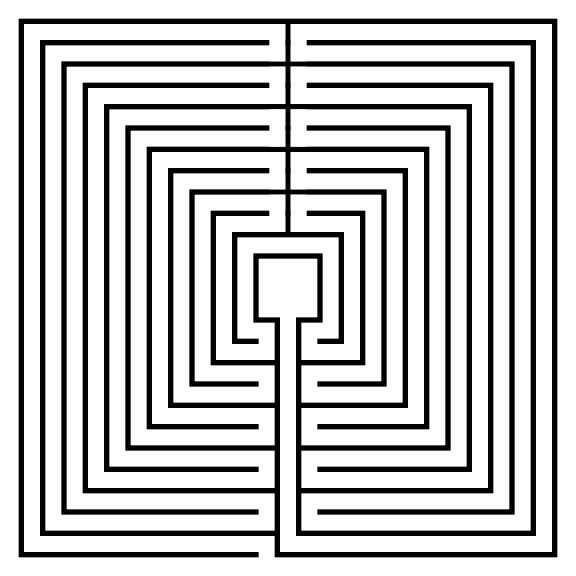
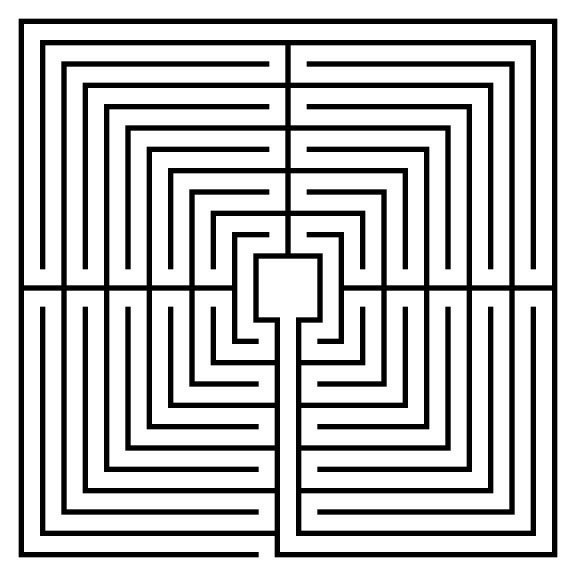
  • The Spiral Labyrinth: No step by step process needed for this. Start in the center and stop when you prefer. To fit with this post I made mine 11 circuits. Yes, spirals are typically circular, but they do not have to be.
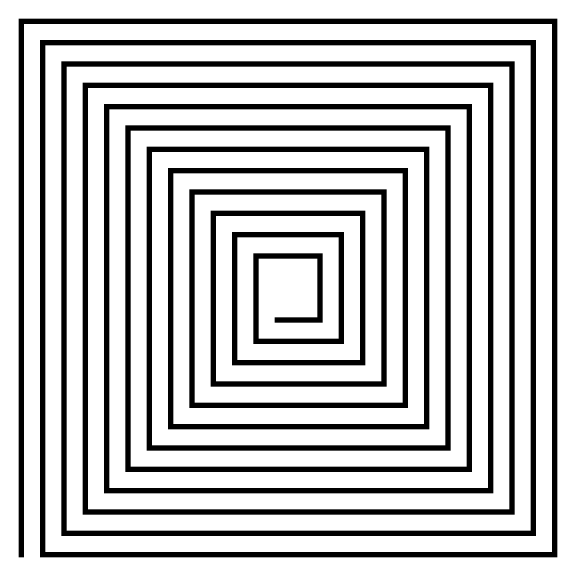
11 circuit square spiral labyrinth
 

PART 4: REAL WORLD LABYRINTH EXAMPLES

Here are some 11 circuit square labyrinths you can find the the US:

  • The St. Benedict Church Labyrinth located in Hollister, CA has 11 circuits and is a Medieval style with unique places to sit and a + shaped center ! It has a 60 foot diameter and is located in the courtyard of the church.
  • There are not many 11 circuits to choose from so I will instead show you the Hunter Presbyterian Church Labyrinth in Lexington, KY. It is only 9 circuits, but is Roman style, yet another new shape to consider !

I think if you made it this far in the post you will want to read this one too:

How to Draw a 9 Circuit Square Labyrinth

I’ve shown you how to draw square labyrinths using the same seed pattern as the classical labyrinth. Today I will take you through the steps to draw a 9 Circuit Square Labyrinth that has a large square center. In practice this could become a place for meditation or ceremony if built in the real world. Follow this 7 step process and make your own ! You also have the option to make this without the large center square. To see how to do that you can read - How to Draw an 11 Circuit Square Labyrinth and adjust the # of circuits.

Here are the sections of this post:

PART 1: MAKING A SQUARE LABYRINTH (GRIDS SHOWN)

PART 2: ALTERNATIVE CONSTRUCTION

PART 3: REAL WORLD LABYRINTH EXAMPLES

PART 1: MAKING A SQUARE LABYRINTH (GRIDS SHOWN)

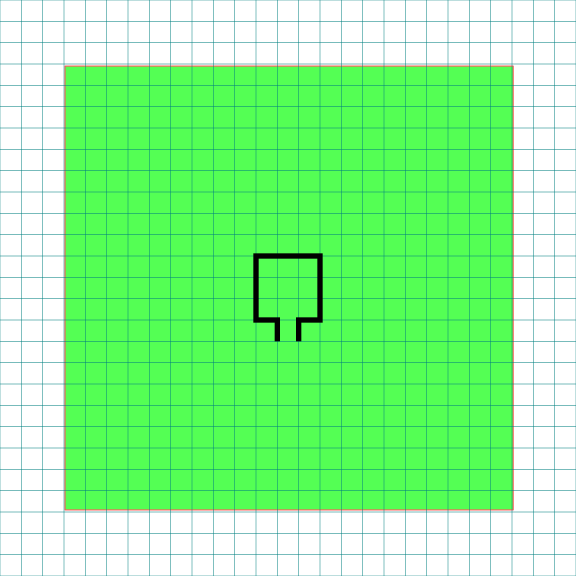
Step 1: Draw the center goal

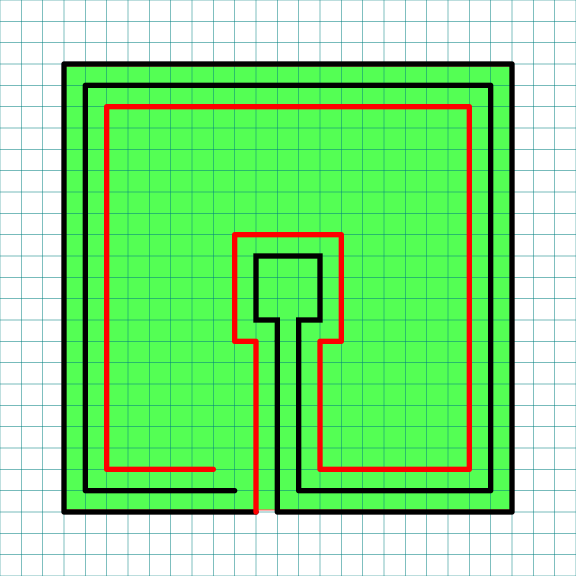
Draw a box in the center of your paper with a one unit opening at the bottom. To help guide your future lines make a box to represent the outline of the labyrinth size you would like to make. Mine is green, but note that this will be deleted at the end, so color does not matter.

Note: IF you are using a grid, and I suggest you do, the walls of the green square should allow for 9 lines between the edge and the center goal. The total size of the grid network is 21 x 21 when you include the center goal.

9 Circuit Square Labyrinth Center Pad with grids Part 1

Pro Tip: The math on the grid size being 21 x 21 is 9 circuits on one side + 3 grids for the goal + 9 circuits on the other side = 21 grids needed. If you are making a 15 circuit square square labyrinth you can use the same method shown here the guide grid would need to be 15 + 3 + 15 = a 33 x 33 grid. Follow all the steps below and you will create the same style labyrinth but larger !

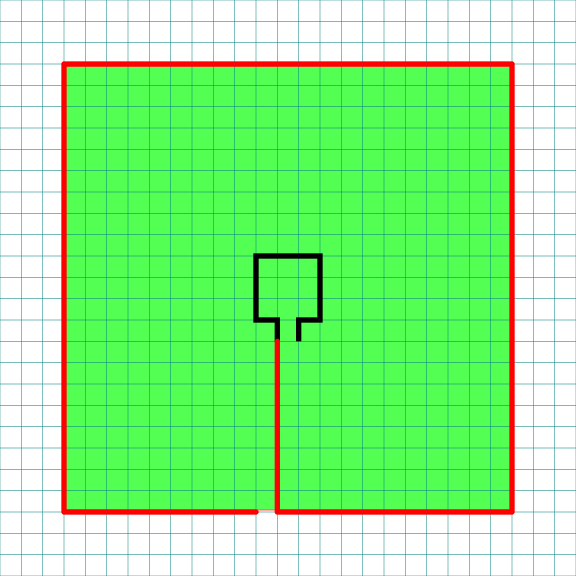
Step 2: Draw the Outer Wall

Draw a the outer wall using the left path from the center, drawing to all way down to the edge and then moving around counterclockwise. Stop when you get one unit away from the edge line as you move around the entire box.

9 Circuit Square Labyrinth Center Pad with grids Part 2

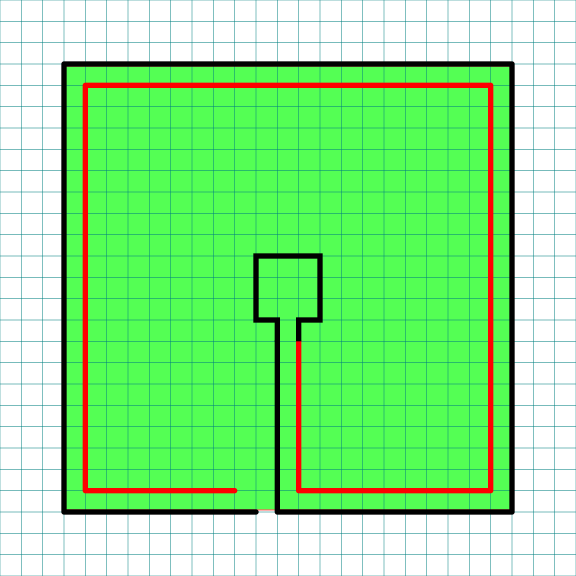
Step 3: Make the next internal line

Repeat the same step as above using the right side of the goal, leaving one unit of distance between this and the previous line to create a pathway. End the line one unit short of the previous line just above it.

9 Circuit Square Labyrinth Center Pad with grids Part 3

Step 4: Make the next internal line

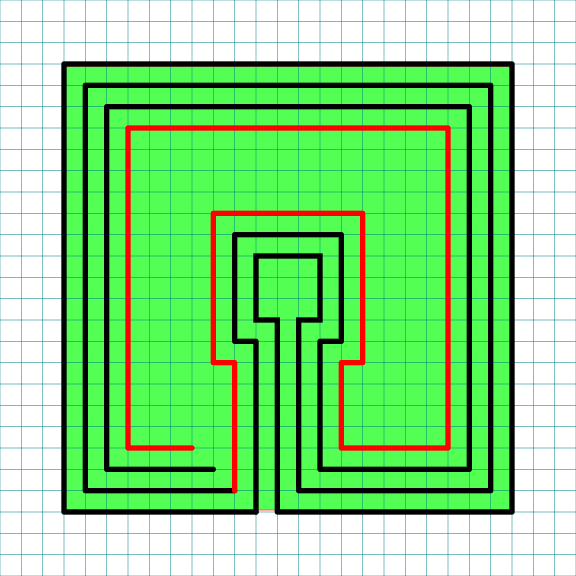
From here on out the process will repeat. Go back to the previous line you made and make a counterclockwise wall around the labyrinth, keeping one unit from the previous line. Notice this includes moving around the center goal.

9 Circuit Square Labyrinth Center Pad with grids Part 4

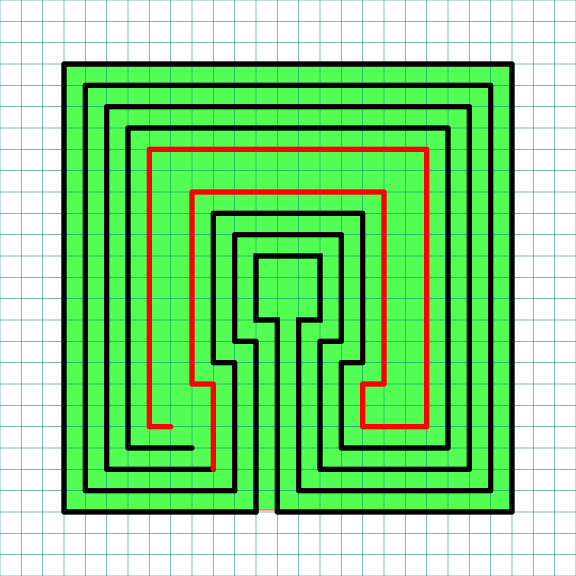
Step 5: Make the next internal line

Same as above with the next line.

9 Circuit Square Labyrinth Center Pad with grids Part 5

Step 6: Make the next internal line

Same as above with the next line.

9 Circuit Square Labyrinth Center Pad with grids Part 6

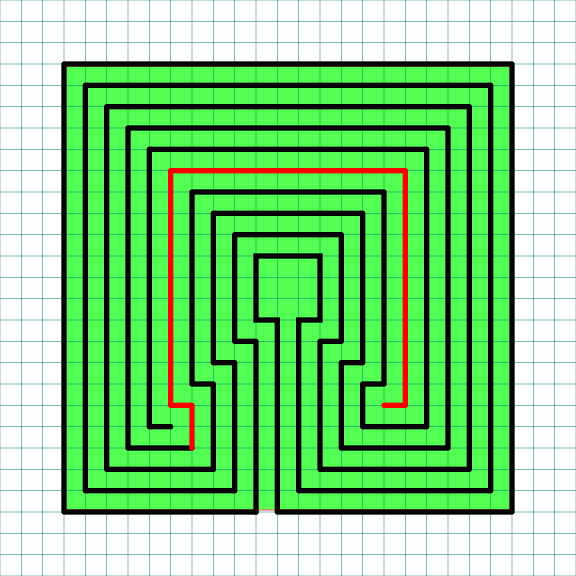
Step 7: Make the next internal line

Same as above with the next line. If everything has been done correctly this is the final line.

9 Circuit Square Labyrinth Center Pad with grids Part 7

Step 8: Clean it up

Delete the background guide and the grids and enjoy your new square labyrinth !

9 Circuit Square Labyrinth

That completes the drawing of a 9 Circuit Square Labyrinth.

9 Circuit Square Labyrinth

9 Circuit Square Labyrinth


PART 2: ALTERNATIVE CONSTRUCTION

The above version is one of many versions of the 9 circuit labyrinth you may find. You may also break the labyrinth into sections similar to concentric circle labyrinths. Here is a 4 sectioned square version as an example (it happens to be an 11 circuit, but the concept remains the same):

11 Circuit Square Labyrinth with 4 sections

Although I did not construct them here as an example, with some work you could make many different number of sections. Here is an example using circular labyrinths that could be adapted to squares (although I would not suggest odd numbers because of the shape). We have already seen 1 and 4 sections (above) and could easily make 2 and 8 section versions.

5 Circuit Circular Labyrinth Construction options sectioned

I think most people would consider it a different category of labyrinth, but there is a square spiral labyrinth also (yes they are typically circular). Here is a 9 circuit square spiral labyrinth. It is easy to make. Start in the center and work your way out until you reach the desired size !

9 circuit Square spiral labyrinth
 

PART 3: REAL WORLD LABYRINTH EXAMPLES

Here is an example of a 9 circuit square labyrinth you can find in the US:

These are all well made square labyrinths with less than 9 circuits:

Additional blog posts you may like:

A Comparison of 3 different types of 11 Circuit Labyrinths

10 of the Most Frequently asked Questions about Labyrinths, with Answers

The 8 best books about mazes, labyrinths and their history

How to Draw a 3 Circuit Square Labyrinth

Drawing a classical 3 circuit square labyrinth is both easy and fun once you learn the starting pattern and the rules of building the pathways. Follow this simple 5 step process and draw your own 3 circuit classical square labyrinth.

Before we get into the step by step process let’s look at the 2 different square labyrinth versions you can learn in this post. The main difference between the 2 options are the size of the center goal. The walls, pathways and circuits are all basically the same. The small center version also is not a symmetrical square. The 2 labyrinths use different seed patterns. Personally I prefer the right, perfectly square version. We will learn how to make that first in Parts 1/2.

3 Circuit Square Labyrinth comparison with details
 

Here is the structure of blog post:

PART 1: MAKING A SQUARE LABYRINTH (LARGE CENTER VERSION)

PART 2: MAKING A SQUARE LABYRINTH (GRIDS SHOWN)

PART 3: MAKING A SQUARE LABYRINTH (SMALL CENTER VERSION)

PART 4: MAKING AN ALTERNATIVE SQUARE LABYRINTH (GRIDS SHOWN)

PART 5: REAL WORLD LABYRINTH EXAMPLES

PART 1: MAKING A SQUARE LABYRINTH (LARGE CENTER VERSION)

Step 1: Draw the starting seed pattern.

The starting seed pattern for this labyrinth is not the typical plus sign you may be used to. Instead it is 3 vertical lines, with 2 horizontal lines. The horizontal line on the left aligns with the bottom of the 3 vertical lines, while on the right side it aligns with the top of the vertical lines. Each line is the same length. See below:

3 Circuit Labyrinth Square starting seed pattern

3 Circuit Labyrinth Square starting seed pattern

Step 2: Draw the center goal

At the 2 rightmost vertical lines draw a line up one grid. This will become the opening to the center goal. Draw a square centered on top of this. Grid-wise this is a 3x3 square.

Making a 3 circuit Square Labyrinth step 2

3 Circuit Square Labyrinth - Step 2 - Draw the Goal

Step 3: Draw the next level

Connect the top of the remaining left vertical line to the far corner of the right horizontal line. It is an upside-down squared U shape started with a small horizontal move on the left side. See below.

Making a 3 circuit Square Labyrinth step 3

3 Circuit Labyrinth - Step 3 - Draw the next arch

Step 4: Draw the next level

Connect the left side of the horizontal line around the structure clockwise until it reaches the end of the rightmost vertical line. Again this creates an upside-down square U shape plus a horizontal connection in the last section. See below.

Making a 3 circuit Square Labyrinth step 4

3 Circuit Square Labyrinth - Step 4 - Draw the next arch

Step 5: Connect the final arch from the left

Connect the ends of the bottoms of the final 2 vertical lines around the structure to complete the labyrinth.

Making a 3 circuit Square Labyrinth step 5

3 Circuit Square Labyrinth - Step 5 - Draw the final arch

That does it. The final 3 circuit classical square labyrinth after 5 easy steps !!!

3 circuit classical square labyrinth

3 circuit classical square labyrinth


PART 2: MAKING A SQUARE LABYRINTH (GRIDS SHOWN)

And here is the same labyrinth shown being made with grids so you can understand the shape better. Use the controls to build the labyrinth step by step.


PART 3: MAKING A SQUARE LABYRINTH (SMALL CENTER VERSION)

Alternative construction option: You have the option to use the more traditional starting seed pattern to create a 3 circuit square labyrinth, but this is not the most common construction. This version does not have a large square center and ends up not even being a perfect square. Here is the 5 step process to create it.

PRO TIP: this is the same construction and instructions as a 3 circuit classical shaped labyrinth but instead of curving the corners you draw the lines and corners at 90 degree angles !

Step 1: Draw the starting seed pattern.

The starting seed pattern is a plus sign with four dots in each of the four corners in the space apart from the lines to form pattern below.

3 circuit classical square labyrinth alternative seed pattern

Step 2: Connect the first “arch”

Draw an upside -down U shaped line from the top of the plus sign to the dot in the top right corner of the starting pattern. The top of the arch should peak halfway between those two points. This line will form what will become the goal of the labyrinth.

Square 3 circuit Labyrinth Alternative Part 2

Step 3: Connect the next “arch” from the left

Draw an upside down U shaped line from the left corner dot to the end point on the right side of the plus sign. Space the line an equal distance from the wall to the inside. Notice that you have moved one point to the left and connected that to the next point on the right.

Square 3 circuit Labyrinth Alternative Part 3

Step 4: Connect the next “arch” from the left

Draw another clockwise line from the end point of the left side of the plus sign around to the dot on the bottom right side of the pattern (Again, the next on the left to the next on the right). Space the line an equal distance from the wall to the inside as you draw the line. Again this looks like an upside-down U plus the connections to the appropriate ends.

Square 3 circuit Labyrinth Alternative Part 4

Step 5: Connect the next “arch” from the left

Same process as before but this time you connect the bottom left dot from the seed to the bottom of the plus sign.

Square 3 circuit Labyrinth Alternative Part 5

That completes the process for this alternative version.

3 circuit classical square labyrinth with small center
 

PART 4: MAKING AN ALTERNATIVE SQUARE LABYRINTH (GRIDS SHOWN)

And here is the same labyrinth shown being made with grids so you can understand the shape better. Use the controls to build the labyrinth step by step.


PART 5: REAL WORLD LABYRINTH EXAMPLES

Here are some examples of some 3 circuit square labyrinths you can find in the US:

Other posts you may like:

The 8 best books about mazes, labyrinths and their history

10 of the Most Frequently asked Questions about Labyrinths, with Answers

The Rock n Roll Hall of Fame Maze

How to Draw a Massive 27 Circuit Labyrinth

Drawing a massive 27 circuit classical labyrinth feels like running a marathon. I have never run a marathon. That might be a lie. To draw it step by step it takes a 29 step process. Writing that out and going step by step is laborious, so instead I am going to give you the cheat codes. It saves me time. If you decide to create this it probably won’t save you any. The truth hurts. Let’s get on with it.

The truth about this labyrinth is not how many circuits it has - but that once you understand how seeding and drawing arches works, you can make any size classical labyrinth. I did extensive research on the over 4,000 labyrinths in the US, and the most circuits I found was 15 (and there are only 3 of them). So you will not be finding this labyrinth anywhere but drawn on paper or your digital screen.

Step 1: Draw the starting seed pattern

The starting seed pattern based on an imaginary 14 x 14 box grid. Start with a centered is a plus sign. Add L shapes one grid away from the plus sign in all 4 quadrants. Repeat until you have 6 L per quadrant. Finally add a dot to each of the four corners. Basically, copy the seed the pattern you see here:

27 circuit labyrinth seed pattern -how to draw an 11 circuit labyrinth part 1

Step 2: Connect the first arch to create the goal

Draw a curved line from the top of the plus sign to the L directly to the right using an arch that extends 1 grid high. The top of the arch should peak halfway between those two points. This line will form what will become the goal of the labyrinth.

how to draw a 27 circuit labyrinth step 2

Steps 3 - 29: Connect the next endpoint to the left to the next endpoint on the right

Every step from now on will be basically the same. Move one point to your left (moving counterclockwise) and connect that to the next point on the right (moving clockwise).On the right find the listing of connection points. We already connected points 1 to 1. TIP: the top of all the arches will all align above the same point.

How to Draw an 27 Circuit Labyrinth - endpoint explanation

TIP: Now that you see the seed pattern numbered and paired you can see that there is a method to convert your seed to a # of circuits. It is the # of pairs minus 1.

If you get into any trouble refer to the directions for the Classical 7 Circuit Labyrinth. This is essentially the same, but many more steps. That completes the drawing of an 27 circuit labyrinth.

27 circuit classical labyrinth
 

MAKING THE LABYRINTH - STEP BY STEP WITH GRIDS

If you want to see the labyrinth being made with grids, here is a gallery where you can build the labyrinth step by step. Click on the first image and build away !

Some data from my labyrinth research:

So 40% of labyrinths in the US have 7 circuits with the next most popular size being 11 circuits at 26%. It would make sense that physical labyrinths do not have many circuits, since each additional layer will add time to a meditative walk. Labyrinth walks are meant to be spiritual and not grueling ! Mazes are a whole different story.

Labyrinths in the US by # of circuits


I have over 20 different blog posts with step by step labyrinth making instructions.