Today I will take you thru the top results for online maze generation, compare them, and let you know what each is capable of. I used a few different search engines to find the top sites, then pared them down to the very best. This maze generator comparison includes the (1) shape of the overall mazes, (2) the cell types or shape of the cells that create the internal paths/walls, (3/4) the width and height sizes you can generate, (5/6) how the start/end are shown, (7) are the solutions given, and (8) how can you download the maze you have generated. I try to note what a website does best if something stands out.
To give them a good comparison I decided to generate a 20x20 maze with each website to compare how each generated the maze (where possible). I also tried to give an example of some of the advanced features if the maze generator website has them.
I have included a “best of” section at the end of the post if you are looking for a specific functionality from the website, like: Best Pre-Made Shapes, Best Custom Shapes and Best On-Screen Solving to name a few of the categories. These are not in order:
Shapes: 4 : Rectangle, Circle, Triangular, Hexagonal
Cell types: 3: Square, Hexagons, Triangles
Width: 2 - 200 for rectangles, Diameter of 5 - 200 for Circles, Side length of 3 - 200 for Triangles , Sides 2 - 120 for Hexagonals
Height: 2 - 200 for rectangles
Start: 2 choices: Top, Bottom/Inner Room
End: Same choices as start.
Solution generated: Yes
Downloads available: Yes, PDF in 6 different sizes, SVG, PNG
What this site does best: Of all the sites I reviewed this is one of the few sites with hexagon maze generation and triangular maze generation. It also wins for the best download options once you have generated a maze with the site. The site allows you to create a large maze of 200x200, the second largest size of all the sites I have reviewed.
Examples: On the Left is a 20 x 20 square maze and on the right is a 20 x 5 triangular maze. Left Below is a hexagonal sigma cell maze. Right below is an example of a circular maze with the solution.


2. CODEBOX
Shapes: 4+ (infinite) : Square, Circle, Triangular Grid, Hexagonal Grid. While there are 4 main types you can also create an infinite number of shapes using the mask feature !!
Cell types: 3: Square, Hexagons, Triangles
Width and Height: 2 - 50 for squares and hexagons, Triangles from 4-85 width to 2-50 height, and circles can have 30 layers
Start/end: 4 choices: None, Top to Bottom, Left to Right, Hardest entrance/exit
Solution generated: Yes
Downloads available: Yes, as an SVG file.
What this site does best: Of all the sites I reviewed this is one of only 2 sites with Circular maze generation. It is also the site with the most flexibility in creating shapes. You can create a distance map that shows how far the point is from the entrance. The generator offers a choice of 10 different algorithms to generate the maze. You can also solve these mazes on screen using your mouse and keyboard. You can also choose to watch the maze generate !
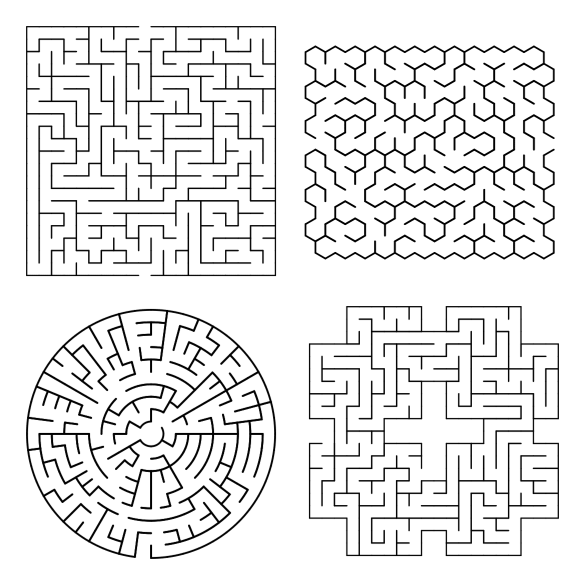
Examples: Starting in the top left corner a simple 20x20 maze, a hexagonal grid maze, a circular maze, and a shape I made myself using the mask feature. I also suggest you check out the examples given on the site.
3. Discovery Education Puzzlemaker
Shapes: 5 : Rectangle, Circle/Oval, Wheel, Escape from middle, Cut Out
Cell types: Square
Width: 2 - 100
Height: 2 - 100
Start: Entrance and exit are not specified, 1 of each. If internal option is not used they will be on the left and right.
End: 1
Advanced options: You can name your maze. It’s actually their step #1. You can chose the direction of the internal pathways (6 options, including random, mostly horizontal and mostly vertical).
Solution generated: Yes
Downloads available: Yes. They have added buttons to make Copying the Maze to your clipboard simple. Also includes a Print button directly on the page.
What this site does best: Allows the creation of a large size 100 x 100 maze.
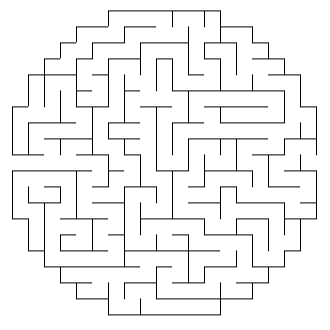
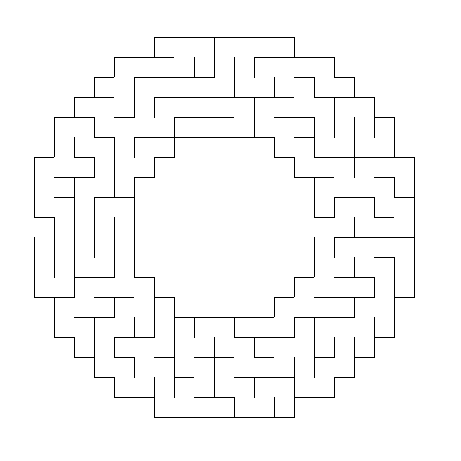
Examples: On the left is a 20 x 20 square maze. On the right is a ‘circular’ maze that is made using a square grid system (For a true circular maze see above). Bottom left is an example of a 20 x20 cutout and bottom right is the wheel version.
Additional Information: This is part of the Discovery Education Puzzlemaker page. You can generate 10 different puzzle types : Word Search, Criss Cross, Double Puzzles, Fallen Phrase, Math Squares, Mazes, Letter Tiles, Cryptograms, Number Blocks and Hidden Message puzzles. It is easy to see why this site is popular with such great content !


You can learn about Angelika and her projects here, including this maze generator she made ”just for fun”.
Shapes: 5+ : Square, Hexagon, Triangle, Circle, Star - which allows you to upload a mask to create your own shape
Cell types: Automatic based on shape of maze. Square, hexagonal, and triangular.
Width: 2 - 50
Height: 2 - 50
Note that for the circle and hexagon shapes you choose the radius (up to 30) and the triangle the side length (up to 30)
Start/Goal: Entrance and exit are not specified, but each is signified by internal dots.
Advanced options: You can choose the algorithm used to generate the pathways, of which there are 6 different options. You can generate a solution “heat map” showing the distance from the entrance of the maze.
Solution generated: Yes
Downloads available: Yes, in SVG format
What this site does best: It does a great job with custom shapes (you can upload your own mask), and with common shapes like the circle, hexagon, and triangle.
Examples: 20x20 Square using Recursive backtracker algorithm, 10 radius hexagonal with solution and “heat map”.

5. Mazesforfun
Shapes: 9 selectable shapes: including Square, Triangle and Round
Cell types: Automatic based on selected shape
Width: 10 - 40
Height: 10 - 40
Start: Unmarked but always the top left of the shape
End: Unmarked but always the bottom right of the maze
Advanced options: There are 4 levels of difficulty. You can also choose the size the maze generates in (3 possible).
Solution generated: Yes
Downloads available: Yes, in PDF, PNG, and SVG formats
What this site does best: The ability to mix and match internal shapes and external shapes. It also has 9 selectable pre-made shape templates.
Examples: First is a standard 20 x 20 square (difficulty hard); next is what generates for triangles - not the external shape but the CELL shape. The final 2 examples show a shape called Cairo and on called Squaretriangles.


Shapes: 1 : Rectangle
Cell types: 1: Square
Width: 21 - 301
Height: 21 - 201
Start: Entrance and exit are not specified, and placement varies by maze.
End: 1. I think I have generated mazes with no exit !!! I could be wrong but it was difficult to find if it was there !
Advanced options: There are 3 options for mazes generation: Simplistic, Harder and Chaotic. Pictures are sometimes randomly inserted on the mazes. I have seen Griffins, a plane, a house, etc. Has a secondary playable option where you can play on screen and try to solve an invisible maze !
Solution generated: No
Downloads available: Only by right clicking to download directly from the browser
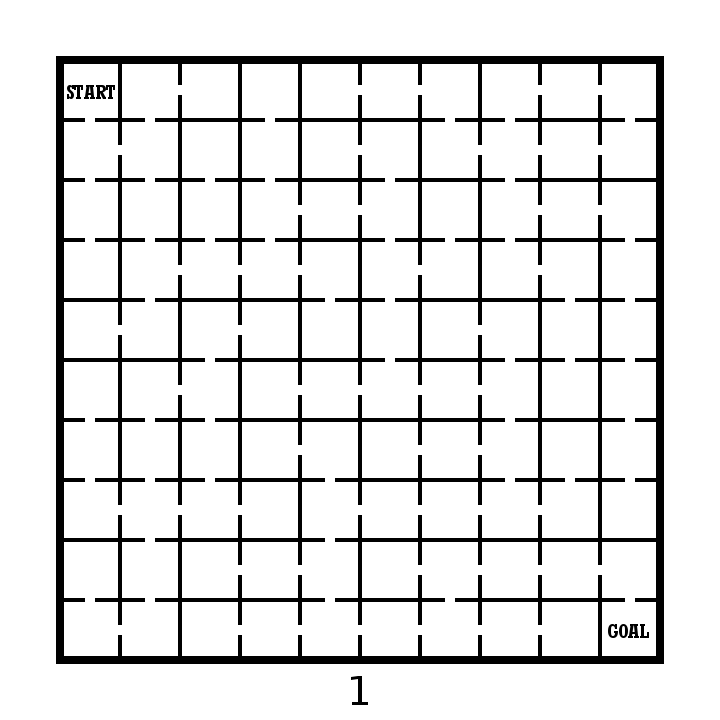
Examples: each maze is 21 x 21 (really? - well that is what the settings said !). The maze on the left generated extremely easy…. The maze on the right was generated using the chaotic setting. Unfortunately, each of these mazes are very easy to solve. Be sure to check to see if the generation you use is difficult enough.

You’ll notice the controls of this website are very similar to Printable creative above with some additional options available. This is available to be used for commercial uses and is the PAID version of the site above.
Shapes: 55 selectable shapes, including letters A-Z, and many more; 4 geometric; 29 Fancy shapes
Cell types: Square
Width/Height: You can choose between 10-30 “cells”
Start: automatically generated at top and bottom of the maze shape
End: Start/end can be turned on, showing a green and red box to indicate the start/goal
Solution generated: Yes
Downloads available: Paid. Yes, PDF in multiple sizes, PNG and SVG
What this site does best: Creates puzzles for commercial use. Has a large amount of fancy shapes available. Gives more examples than any other website (by a wide margin).
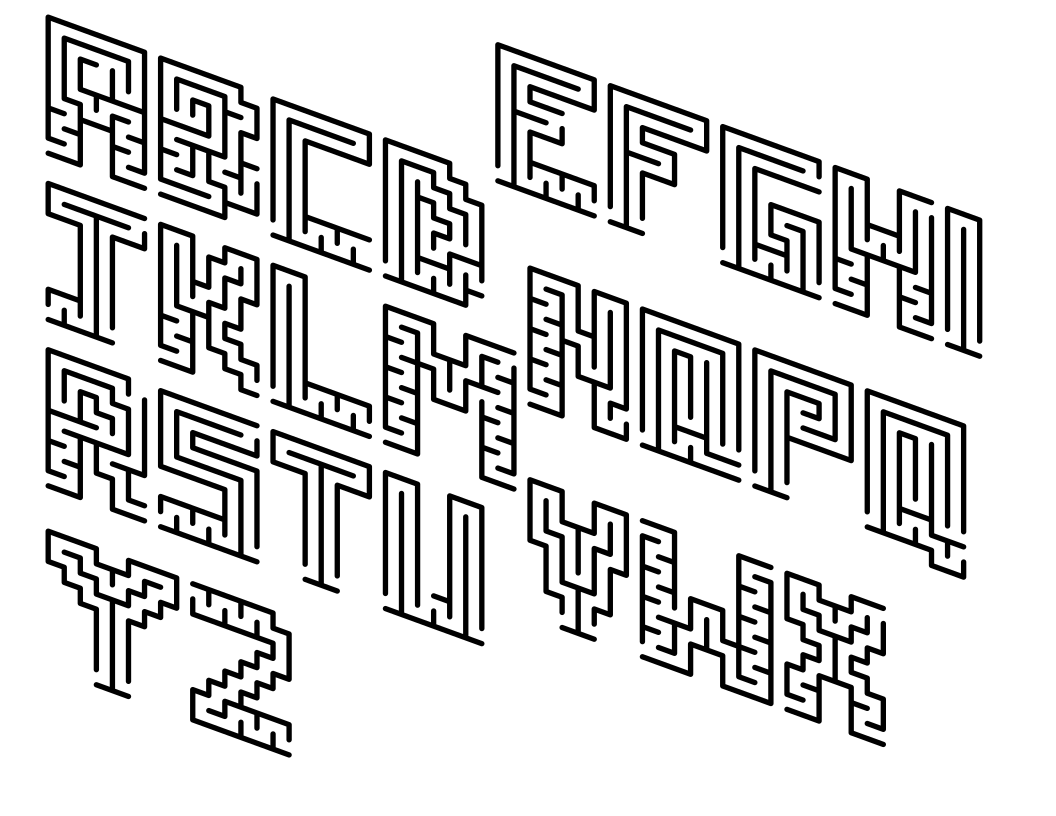
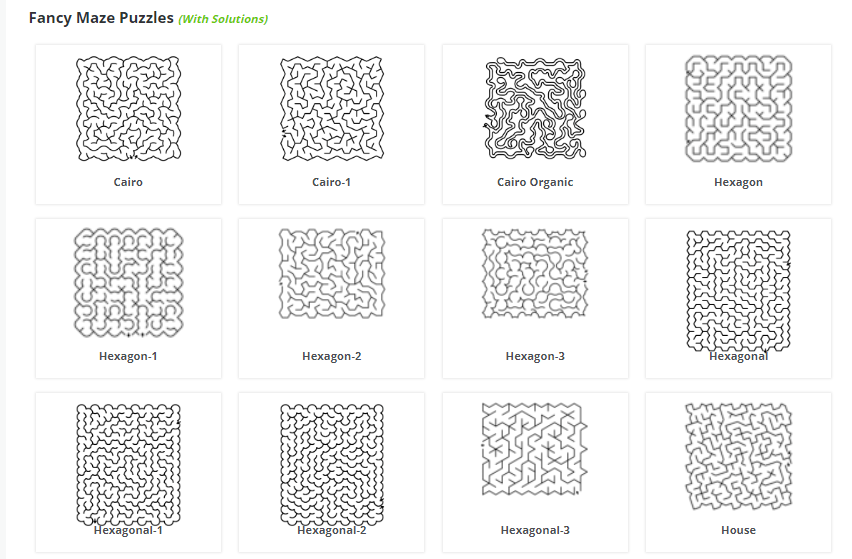
Examples: The best way to check out is to view their page of examples, featuring 82 different examples !! Here is a snapshot of that page to give you a small sampling:
8. Glass Giant
Shapes: 1 : Square
Cell types: 1: Square
Width: 2 - 40
Height: 2 - 40
Start: Marked by a green diamond INSIDE the maze
End: Marked by a red square INSIDE the maze.
Advanced options: There are 5 levels of difficulty. You can choose the color of the maze walls and the background color (9 colors available). You can also choose the size the maze generates in.
Solution generated: No
Downloads available: Only by right clicking to download directly from the browser
Examples: Left is a standard 20 x 20 maze and on the right is a 20 x 20 maze with the options for Red walls on a Cyan background selected.


Shapes: 11 : Box, Circle, Diamond, 4 Rooms, L, Moon, Square, Star, Strike Triangle, 2 Rooms
Cell types: 1: Square
Width/Height: You can choose between 10-30 “cells” for the free version
Start: automatically generated at top and bottom of the maze shape
End: Start/end can be turned on, showing a green and red box to indicate the start/goal
Solution generated: Yes
Downloads available: Yes, PDF in 2 different sizes, PNG
This maze generator also allows you to pick the size of the cell corridor (10-30) adjusting the scale of the maze you generate. It also has 3 difficulty levels (Easy, Normal, Hard).
What this site does best: They have their own page of maze examples featuring 19 options ! It also features 11 pre-made shapes.
Examples: The top 2 show the Start and Goal indicators. Shapes in the examples are Square, Two Rooms, Circle and L.


10. Here and above
Shapes: 1 : Rectangle
Cell types: 1: Square, Rectangle
Width: 2 - 500. Note that I made a 500 X 500 successfully, but at higher numbers you may get an error.
Height: 2 - 500
Start: Entrance and exit are not specified, and may be on any side of the maze.
End: 1
Advanced options: You can choose wall and path widths. You can generate a maze in many colors (basically every color) using the RGB system. That is one thing that sets this site apart from all others - every color is available to make a maze in.
Solution generated: No
Downloads available: Only by right clicking to download directly from the browser
What this site does best: Large sizes - this website generates the largest mazes that I have found ! And the ability to use any color you can think of using an RBG selector.
Examples:


11. KIDEV
Things are different here compared to the other websites. On this site the solving of the mazes happens ON SCREEN. If that is what you are looking for, this is the site for you ! Also includes sections of Puzzles, Learning (Letters and Numbers), Drawing and a Code game. The mazes all feature themes as you will see in the examples !
Shapes: 34+ : 34 different styles of maze are currently available to be generated, plus a 27 predefined shapes in the Shapes section that allows you to create your own shapes.
Cell types:: Many. The 34 shapes include some unique inner cell shapes that are best explored on your own !!
Width and Height: Varies, but you do not control the output size for the 33 styles generated. However, under the Create button you can control the X and Y to create a maze in the size you want.
Start: Pre-defined in Style mazes
End: Pre-defined in Style mazes, internal or external in the Create section
Solution generated: No
Downloads available: Mazes are both shareable and Printable
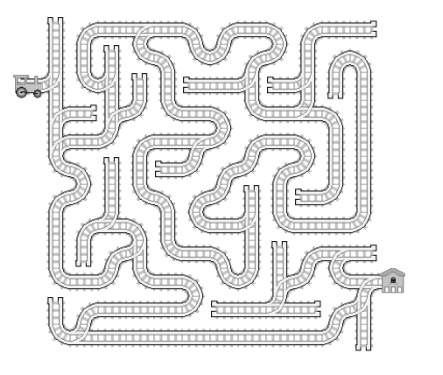
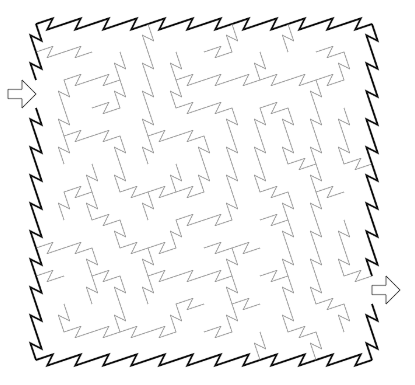
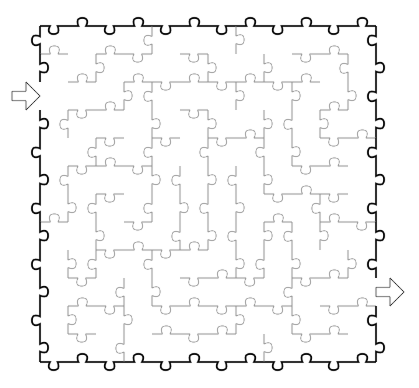
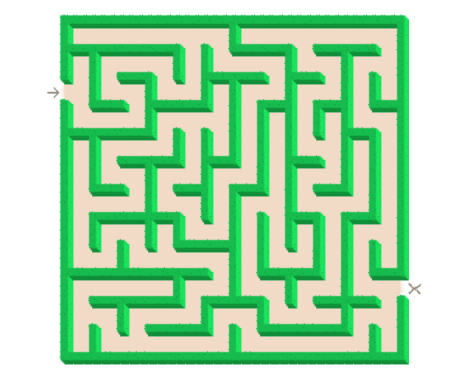
Examples: 4 of the 33 styles are shown below. Rail, SawBlade, Jigsaw, and Corn mazes.
12. mazebrite
This is a custom maze message generator. You can make your name, or a message like “I love you”. Downloads are available for a fee.
Shapes: 1 : Rectangle
Cell types: 1: Square
Width: Based on the length of message.
Height: 13, 24, or 35 depending on the length of the message
Start / Finish : Are written and located inside the maze. Start in the bottom left corner, Finish in the bottom right
Solution generated: Yes. You may also select from 8 colors.
Downloads available: It costs 99 cents to email yourself 3 versions of the maze.
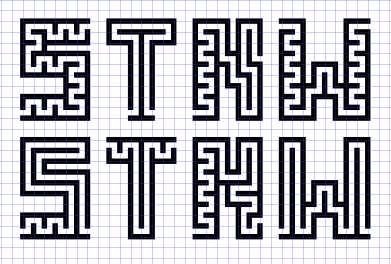
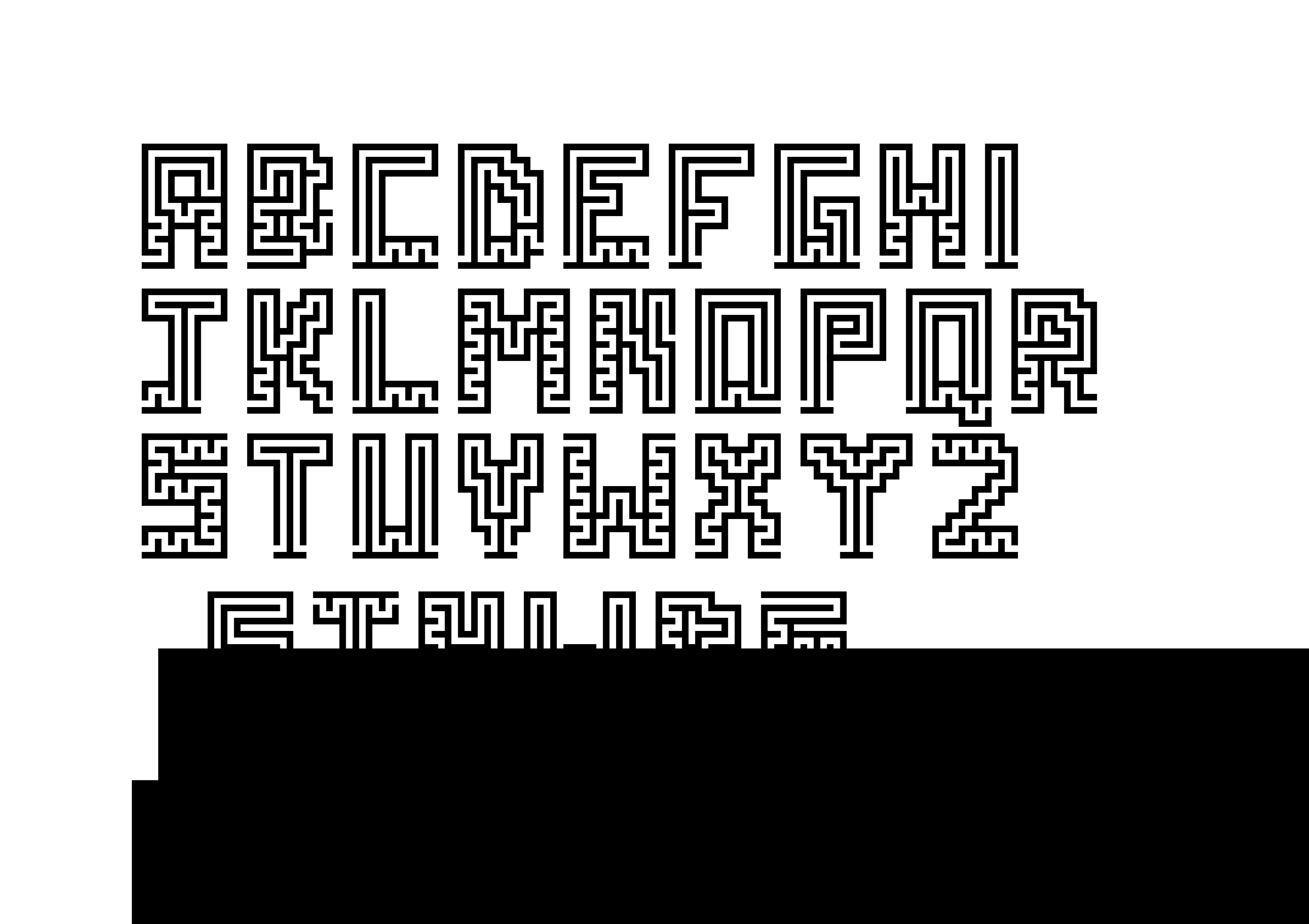
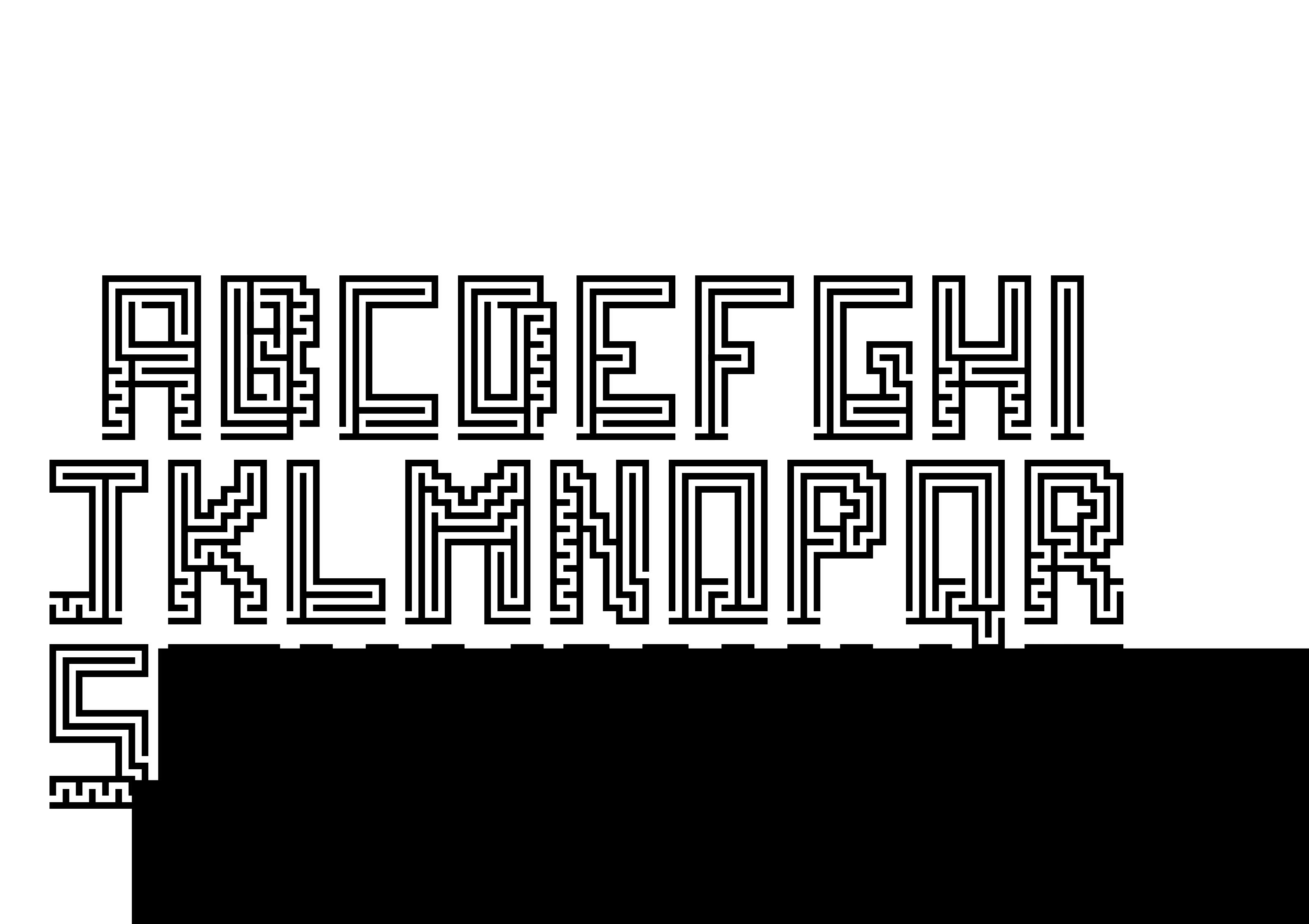
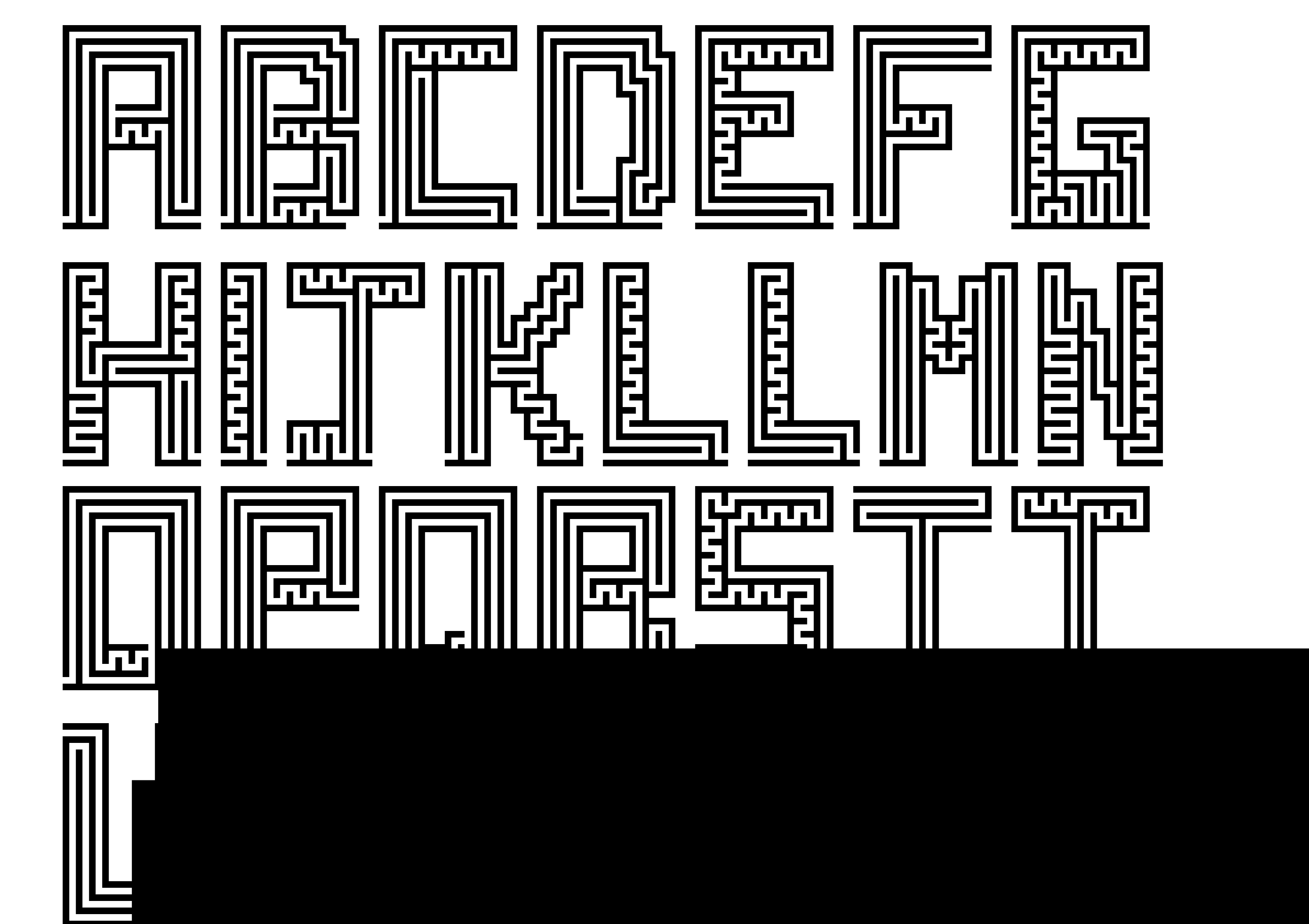
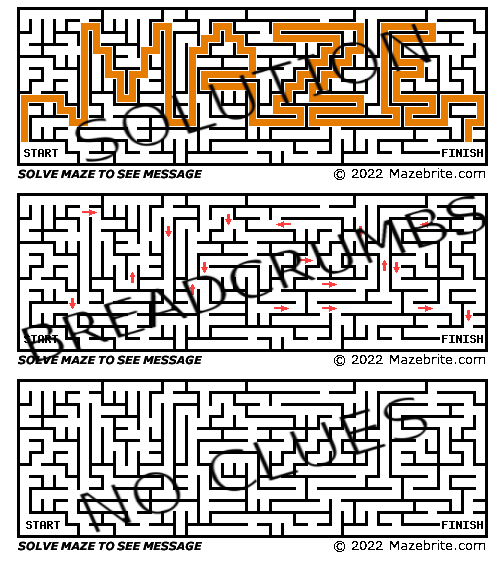
Example: Shows the three versions for the word “MAZE”, as labeled, the solution, with helpful arrows (Breadcrumbs), and with no clues.
That concludes the reviews, but if you are interested in additional sites I have a second blog post about sites that did not make this list.
BEST MAZE GENERATORS FOR:
CATEGORY: SHAPES
Best pre-made shapes:
MAZEPUZZLEMAKER - features 55 selectable shapes, including letters A-Z; 4 geometric shapes; 29 fancy shapes
KIDEV - 35 variations come in many different unique forms
PRINTABLECREATIVE - drop down menu contains 11 options
MAZESFORFUN - 9 options that include unique internal pathways giving mazes a fresh look
Most unique pre-fabricated shapes:
KIDEV - you can find Rail, Pipe, Jigsaw, and Corn mazes among a large selection.
MAZEPUZZLEMAKER 29 fancy options - The best way to check out is to view their page of examples.
MAZESFORFUN the internal shapes that are generated are unique
Best custom shapes:
CODEBOX - Click on Create Mask button and make your own maze shape !
KIDEV - you can load shapes and customize them !
ANGELIKA TYBORSKA - click on the Star shape and you can upload a PNG file with a custom mask
Largest rectangular maze creation available:
500 x 500 HERE AND ABOVE
200 x 200 MAZEGENERATOR
120 x 120 ALL KIDS NETWORK (not reviewed above)
100 x 100 DISCOVERY EDUCATION PUZZLEMAKER
Best circular mazes:
Best triangular shaped mazes:
Best hexagonal shaped mazes:
OTHER CATEGORIES
Best on screen solving:
KIDEV - use a pencil on screen to solve a generated maze, or select from 40 other icons
CODEBOX - click the Play button after generating a maze to solve using your keyboard or mouse
BILLSGAMES.COM - specifically for the invisible option
Best colors available:
HERE AND ABOVE - you can choose the RBG for both the pathways and walls
GLASS GIANT - you can choose from 8 colors for the background and foreground
Best novelty mazes:
KIDEV - really interesting themes that kids would love !
Best hidden message maze generator:
If you have a website you think I have missed and deserves a look, please drop me a note and I will evaluate it for possible inclusion !
Other popular posts you may like: