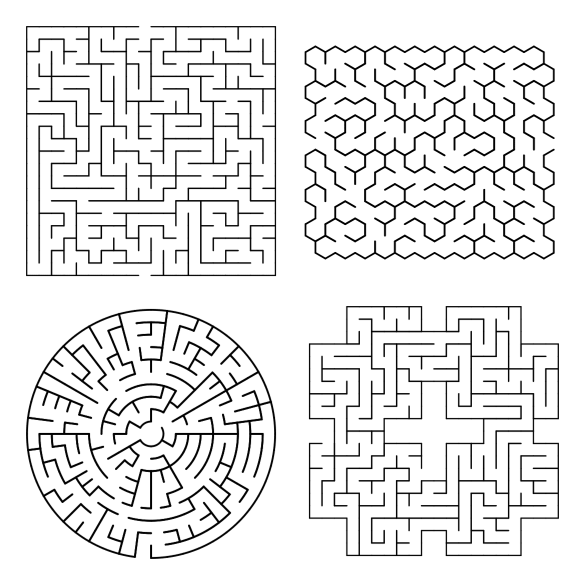
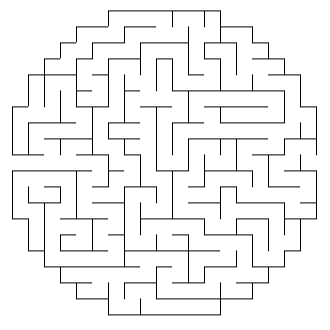
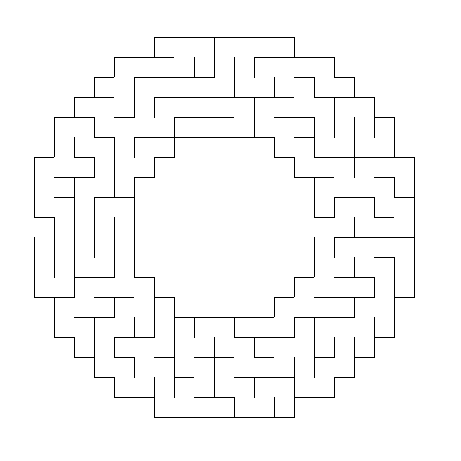
Previously I have reviewed and compared the top 12 maze generation websites. And that blog post gets updated often as new websites are created and replace some of the original sites. It seems to be a common logic and programming puzzle to create a website that can create a digital maze. And so, today, I am going to take the time to go through 7 MORE maze generation websites. Why ? Well I like to keep up to date on what content is out there and share it with you.
So today I will look at 7 online maze generation websites, compare them, and let you know what each is capable of. This maze generator comparison includes the (1) shape of the overall mazes, (2) the cell types or shape of the cells that create the internal paths/walls, (3/4) the width and height sizes you can generate, (5/6) how the start/end are shown, (7) are the solutions given, and (8) how can you download the maze you have generated.
To give them a good comparison I decided to generate a 20x20 maze with each to compare how each generated (when possible). I also tried to give and example of some of the advanced features if the maze generator site has them.
In no particular order:
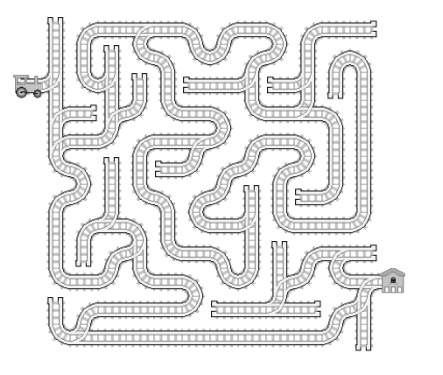
1. all kids network
Shapes: 5 : Square
Cell types: Square
Width / Height: 9 pre-selected sizes available, smallest 5 x 5, largest 120 x 120
Start/End: Entrance and exit are labeled.
Advanced options: You can choose one of 2 styles: Simple or Artistic
Solution generated: Yes
Downloads available: Yes. Pdfs available.
This site also allows you to select your difficulty level (Easy, Medium, Hard), and to select between 11 different page sizes.
Examples: You must register and login to download mazes. Registration is free.
2. PUZZLE GeneratoRS
This site has 6 different inputs that must be filled in to make a maze. There is no information to explain how they work (Information icons did not work for me). Those inputs are labeled: Width, Height, North, East, West, and South. This site also allows you to make crossword puzzles, sudoku and word searches !
Shapes: 2 : Square, Rectangle
Cell types: 1: Square
Width: 2 - 50
Height: 2 - 50
Start: Entrance and exit are not specified, 1 of each at the top and bottom of the generation.
End: 1
Solution generated: Yes
Downloads available: Yes
Examples: Both are 20x20 squares. The left was generated using 1111 for NSEW, while the right was generated using 2222.


3. JAMISBUCK
This maze generator is built to generate mazes for Minecraft. This includes mazes with up to 10 layers (Think of a 3D maze with each layer being a floor to a building).
Shapes: 1 : Square
Cell types: 1: Square
Width / Height: Comes in 4 selectable sizes: Small Medium Large and Huge
Start: Entrance on the left hand side.
End: Exit in the right hand side.
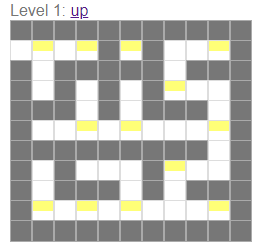
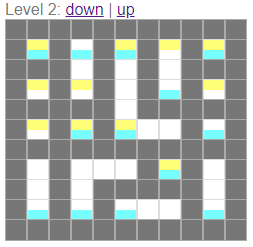
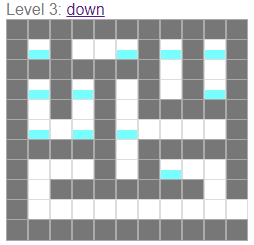
Advanced options: The levels I mentioned before add layers to the maze, allowing the solver to travel in a third direction. Note that this generates as a separate picture for each level with blocks colored to indicate where you may move up or down.
Solution generated: No
Downloads available: No
Examples: First example is Medium sized with 1 Level. The next set of 3 show a Small sized 3 level maze where yellow and blue denote the ability to move up and down.

4. Dcode Maze Generator
Shapes: 1 : Rectangle
Cell types: 1: Square
Width: 2 - 50
Height: 2 - 50
Start: Entrance and exit are not specified, 1 of each at the top and bottom of the generation.
End: 1
Advanced options: You can change the walls of your maze to be made by any character. The default maze walls are made from solid black blocks.
Solution generated: No
Downloads available: Yes
Examples: Left with the default black walls. Right with * as walls. I tried a few different symbols and find non-black walls very difficult to follow what the pathways are.


5. delorie
Shapes: 1 : Rectangle
Cell types: 1: Square, Rectangle
Width: 1 - 100
Height: 1 - 100
Start: Entrance and exit are not specified, 1 of each at the top and bottom of the generation.
End: Entrance and exit are not specified, 1 of each at the top and bottom of the generation.
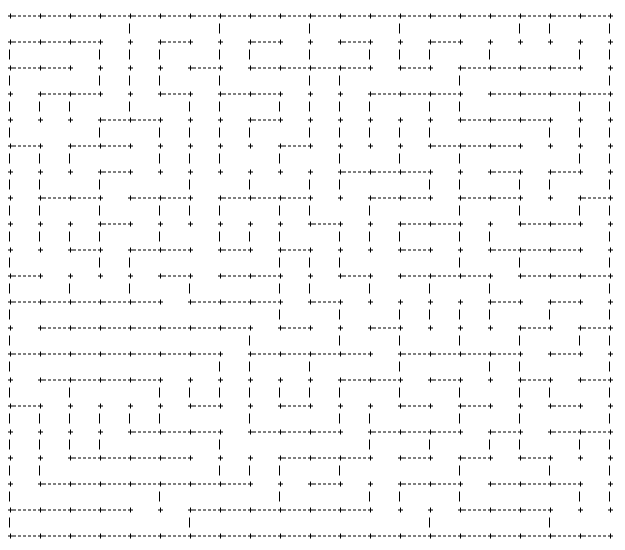
Advanced options: You can generate a maze in Gif format (Though I could not get this to display) or using text (which uses the “+” and “-” characters). You can choose the width and height of each cell. I found if you use the default of 1 it is difficult to understand the walls of the maze.
Solution generated: Yes
Downloads available: No
Examples: Left uses a width and height of 2 per cell and is difficult to follow. The right maze is much easier to follow by changing the width per cell to 6. This generates a more square maze.

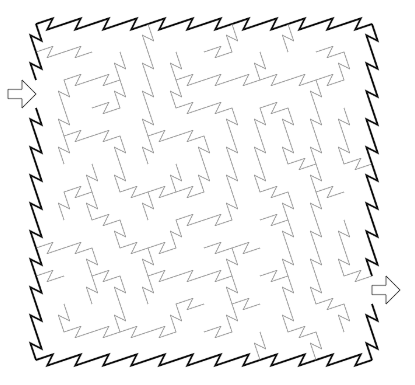
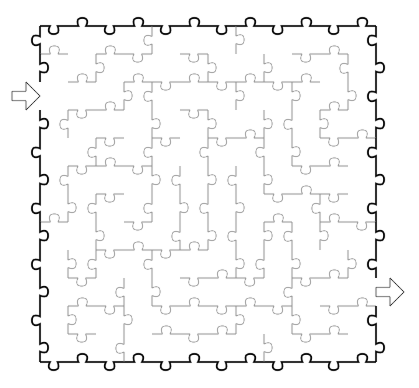
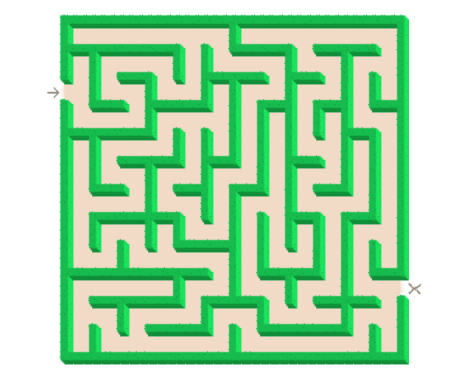
6. the teachers corner
Shapes: 1 : Rectangle
Cell types: 1: Square
Width: 10 - 50
Height: 10 - 75
Start: Entrance and exit arrows are chosen with 6 color options. Entrance generates in the top left corner.
End: Entrance and exit arrows are chosen with 6 color options. Exit generates in the bottom right corner.
Advanced options: You can add a Title and directions/instructions for the maze. Default directions are “Can you find your way through the crazy maze below?”. You can change the width of lanes, there are 5 options that vary the display size.
Solution generated: No
Downloads available: Only by right clicking to download directly from the browser. Note that the download will NOT include the start and ending arrows you see on the screen.
Other: This maze generator is part of a larger website dedicated to resources for teachers like lesson plans, activity sets and teacher resources. Great for teachers !
Examples: Each is 20 x 20.


7. Xefer Maze Generator
Shapes: 1 : Rectangle
Cell types: 1: Square
Width: 2 - 1000 ? At 1,000 the maze still generates.
Height: 2 - 1000 ? At 1,000 the maze still generates.
Start: Entrance and exit are not specified, 1 of each at the top and bottom of the generation.
End: 1
Advanced options: You can choose the size of the cells. You can choose the anfractuosity - roughly how much channels are important in the maze. Most mazes have high anfractuosity.
Solution generated: Yes
Downloads available: No
Examples: Left 20 x 20 has low anfractuosity. Right 20 x 20 has high anfractuosity.


Have a site that you want me to review ? Send me a note !
Other popular posts you may like: