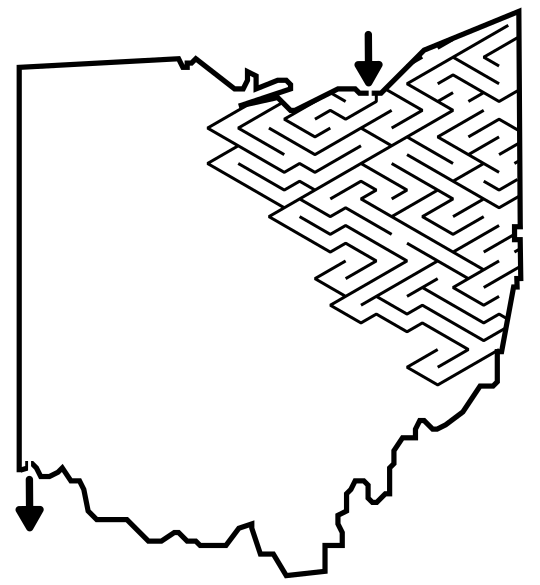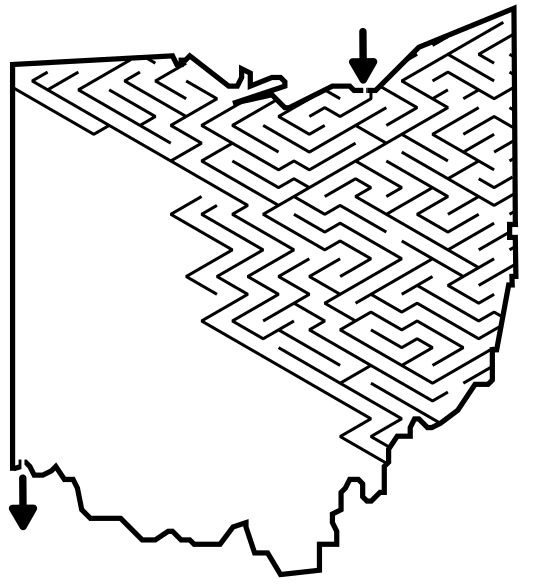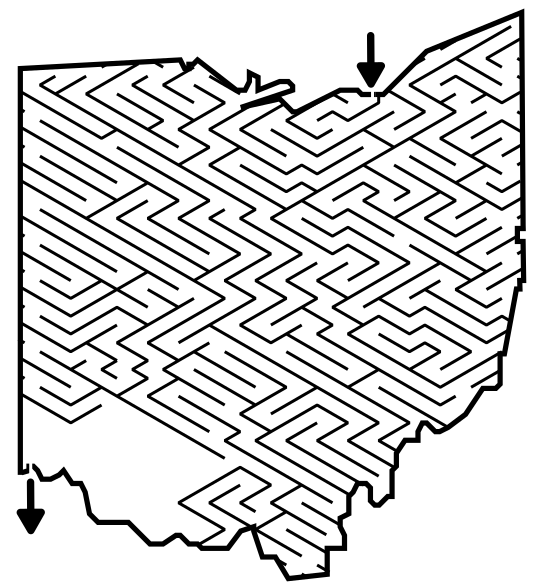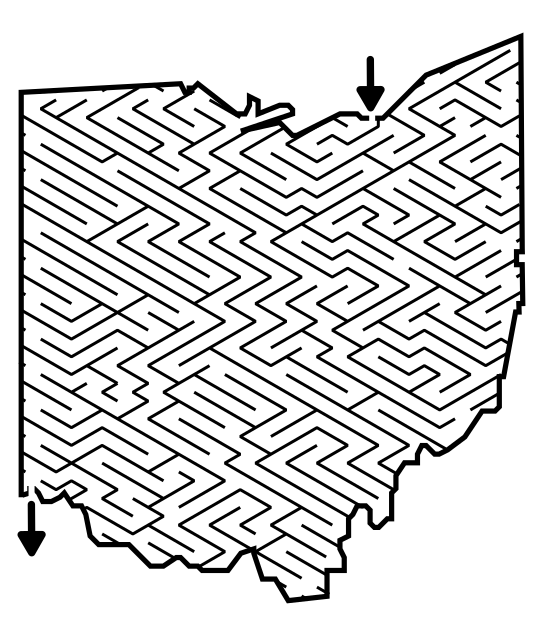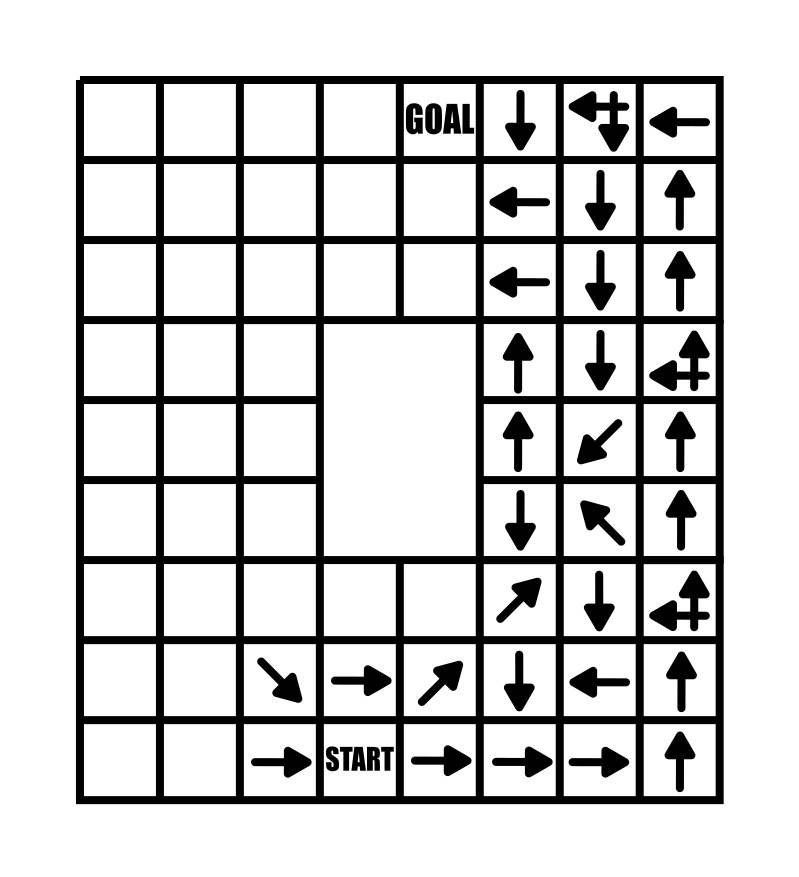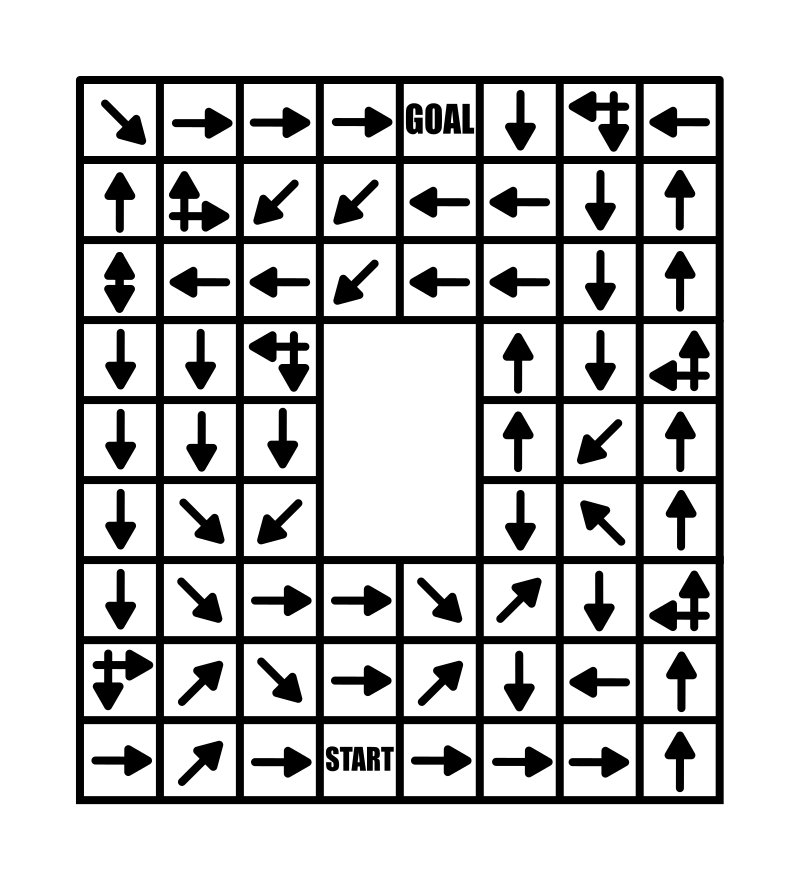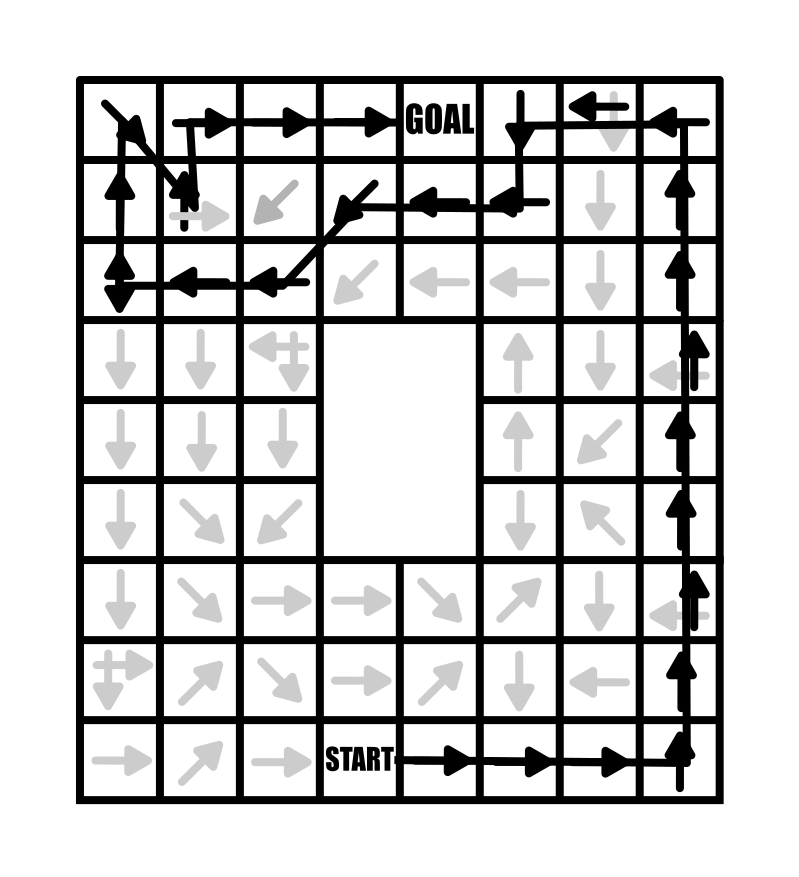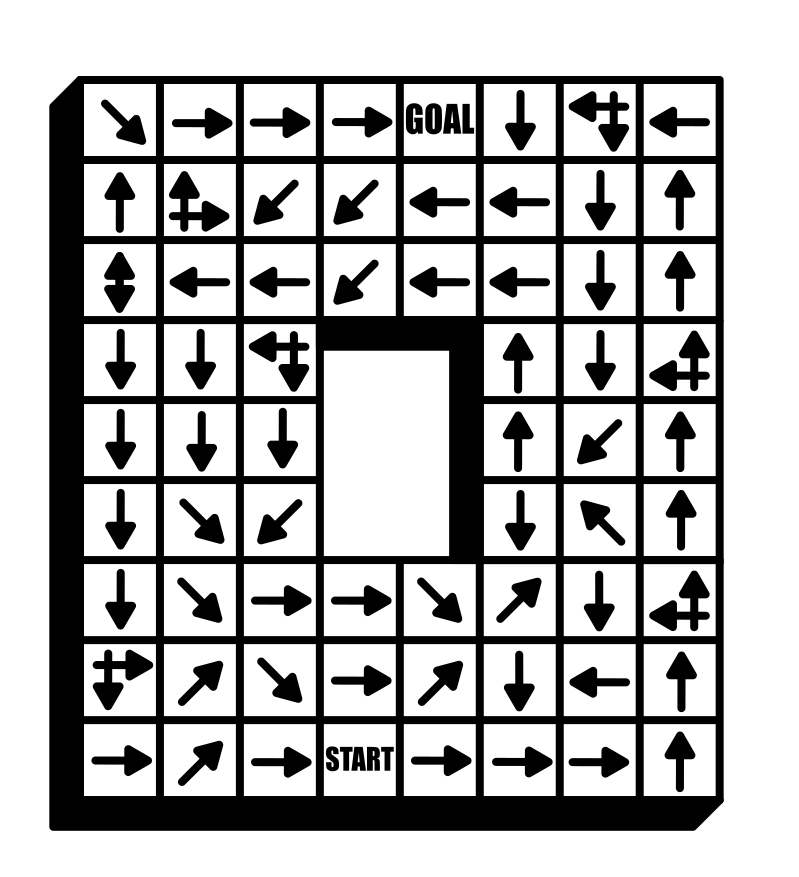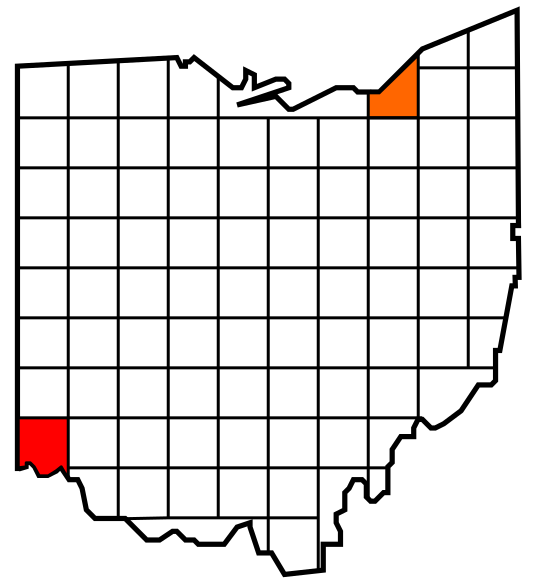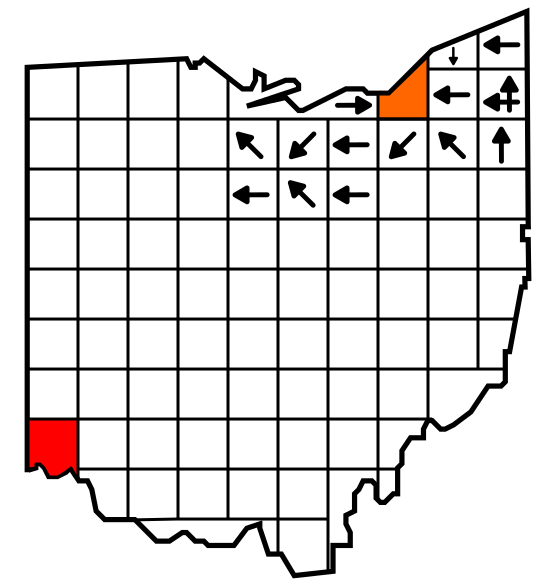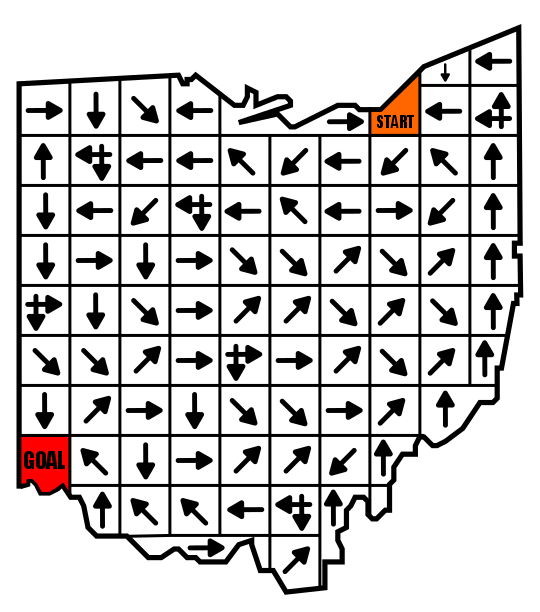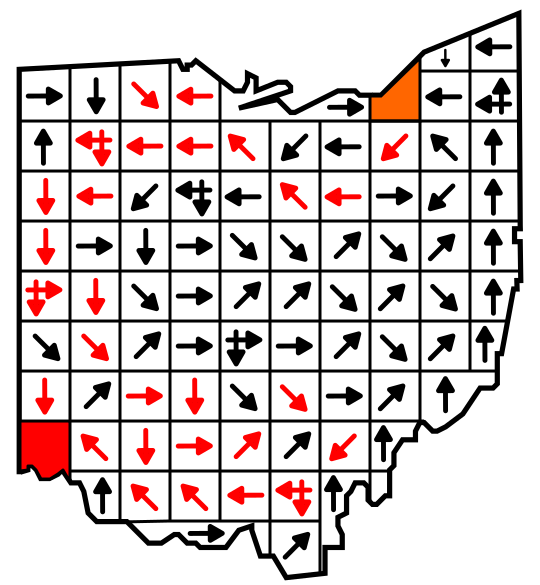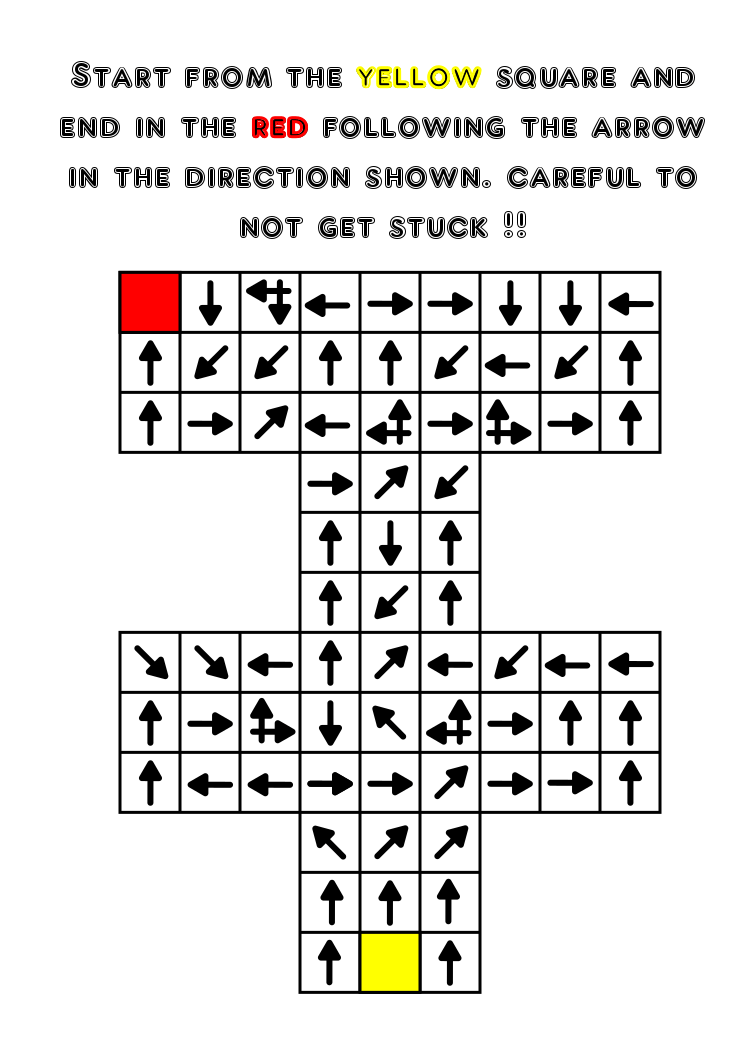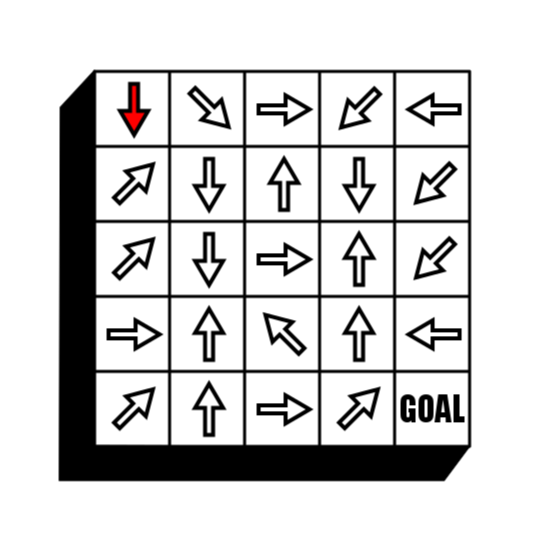
In a series of posts I will show you how to make a maze in a wide variety of design constructions. The 7th type of maze construction is the Line Leads maze. Let’s define what I mean, then get into the example. Every how-to will use a simple square so you can compare the differences between each maze construction type. I will also show a consolidated secondary how-to using an irregular shape (the state of Ohio).
Here is an outline for this blog post with jump links if you want to skip ahead to a section:
HOW TO MAKE A LINE LEADS MAZE - Alternative version (Ohio)
ADDITIONAL LINE LEADS EXAMPLES
LINE LEADS MAZE DEFINITION:
Line Leads Maze - A maze where a set number of lines can be chosen that may or may not lead to the goal. Typically only one line will lead to the goal and finding it is a game of chance. The individual lines have no decisions and isolated are more like a labyrinth path. The goal of a Line Leads maze is to reach an object as the goal.
HOW TO MAKE A LINE LEADS MAZE
Step 1 - Label the options and give directions
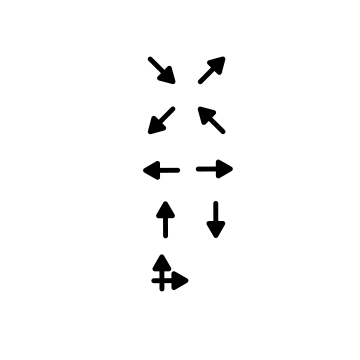
You do have the option to do this later, but I like to start with labeling where the lines will start from. I prefer an odd number of options. I also add the directions for the maze.
Step 2 - Draw the Goal
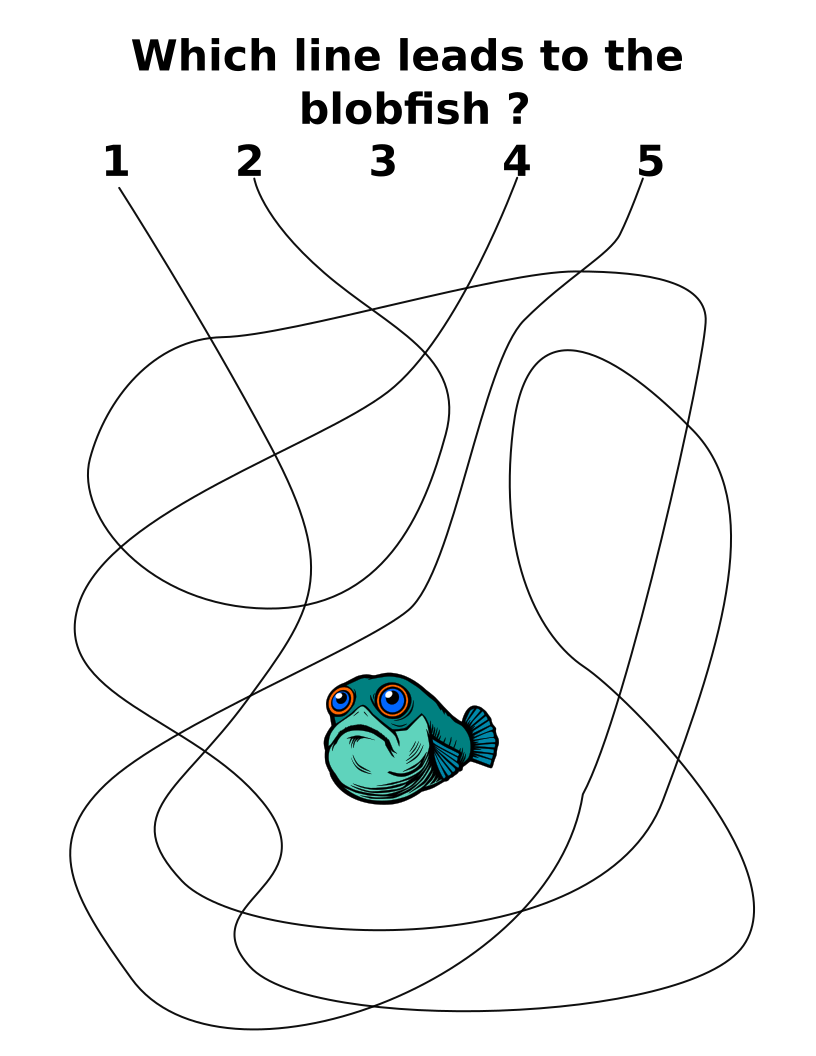
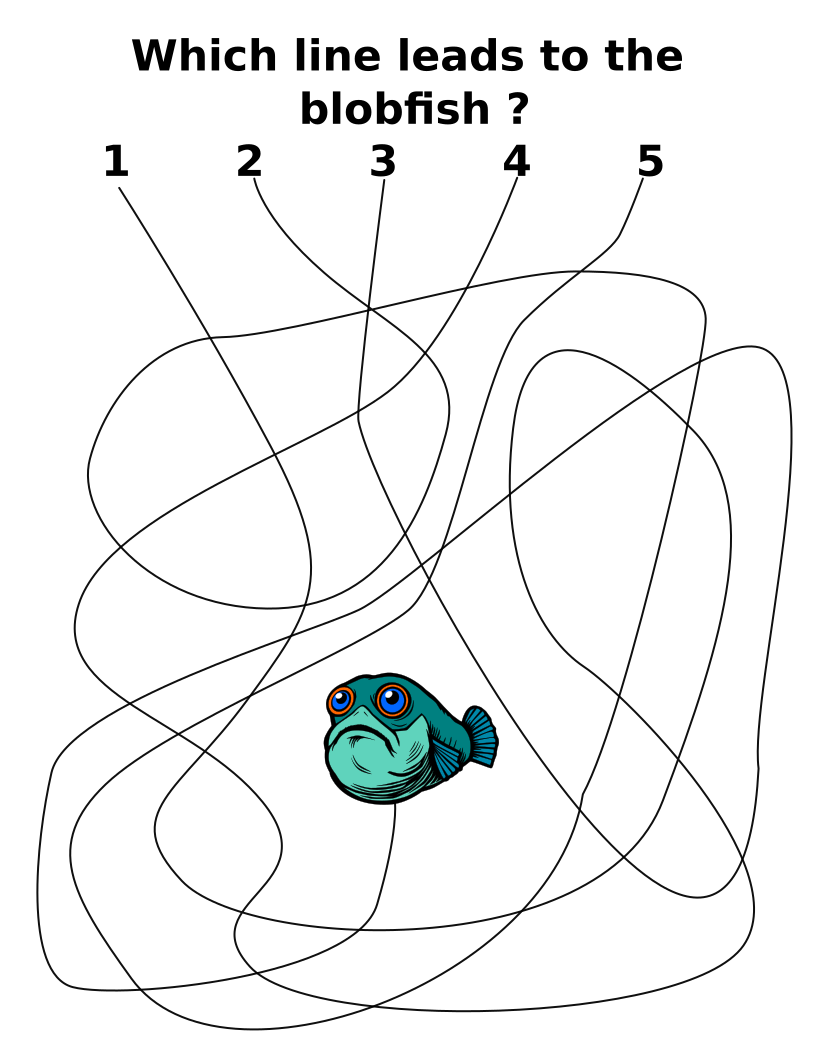
A Line Leads Maze needs a drawn goal, typically centered on the page horizontally. Vertically the goal can be centered on the page or about a third of the way down to place it far from the starting points. For my example I used a blob fish. This goal really becomes the personality of the maze, so get creative and make it look good !

Steps 3, and 4 - Draw the Solution Line, Draw the False Lines
Unique to the Line Leads Maze is that the order of steps 3 , 4, and 5 are actually interchangeable.
Draw the solution line - Draw a line to the goal, twisting and turning the line in the maze to confuse the solver.
Draw the false lines - Draw lines that do not go to the goal. Make sure the lines dead end far from the goal, or loop between 2 starting points (my preferred method). Ensure that the pathways of the false lines do not overlap with the solution line. They can certainly cross the solution line, but overlapping too much can lead to confusion of which line continues in which direction (you know it when you see it)..

And another false line.
Step 5 - Complete the Maze
Complete the maze by making all of the lines one color. Make any final adjustments to maze lines if their paths are confusing for the solver.
Step 6 (Optional) - Make the Maze Solution
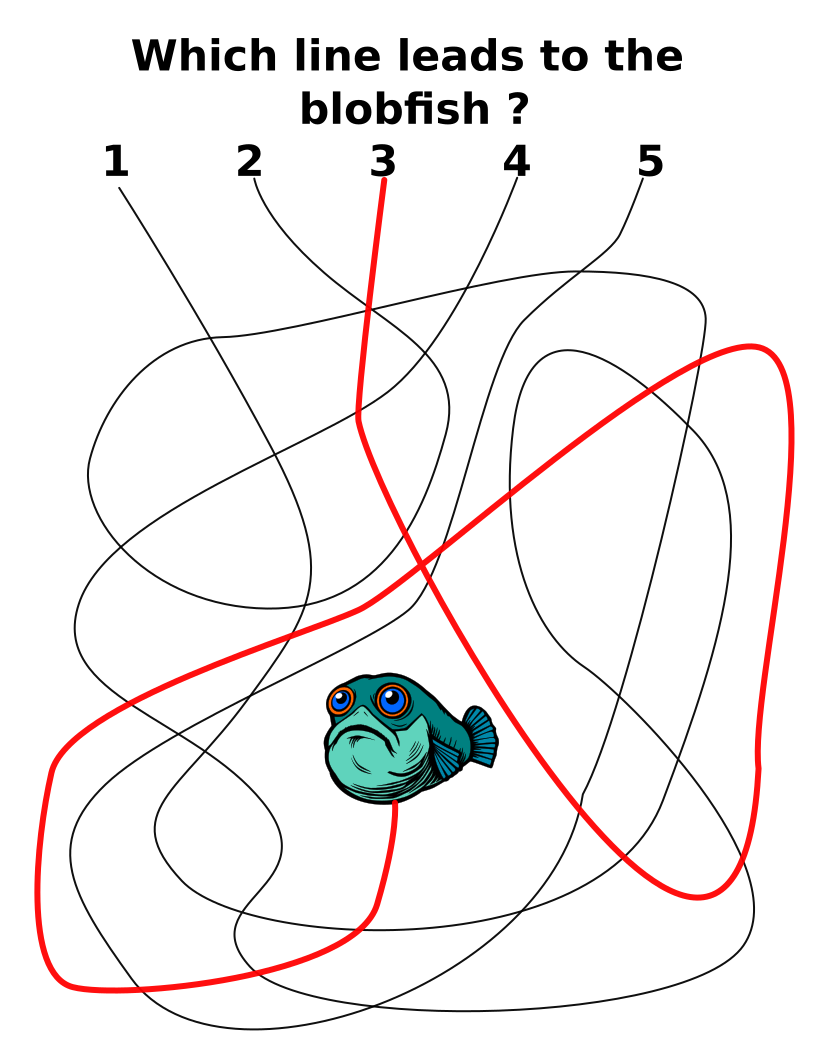
Highlight the correct path in the final version of the maze to create the final Maze solution. Ensure you have not made any lines that are ambiguous when they touch each other. You can also just circle the correct number (or letter) that designates the correct solution of you are designing in black and white.
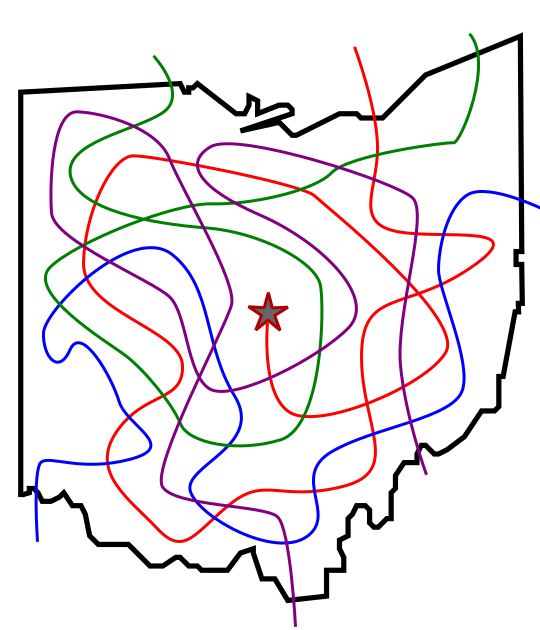
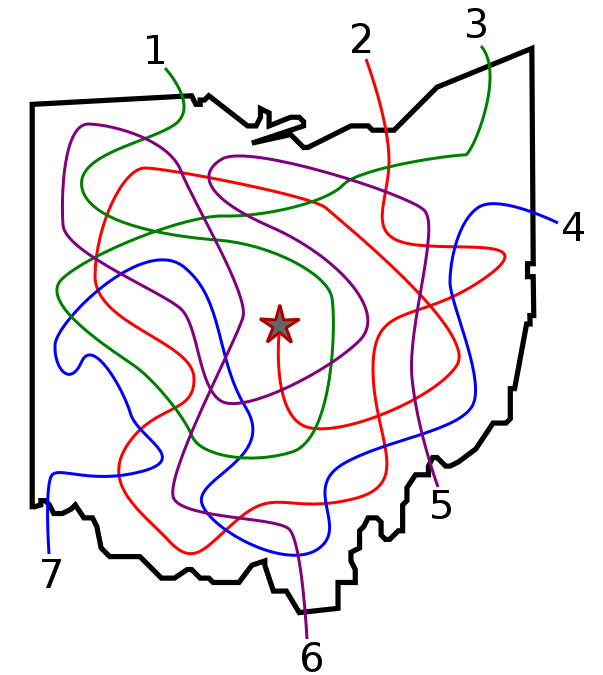
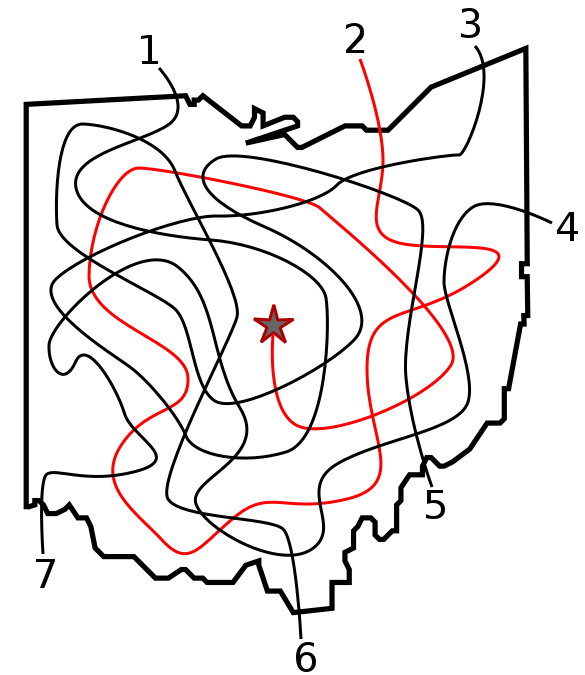
HOW TO MAKE A LINE LEADS MAZE - Alternative version
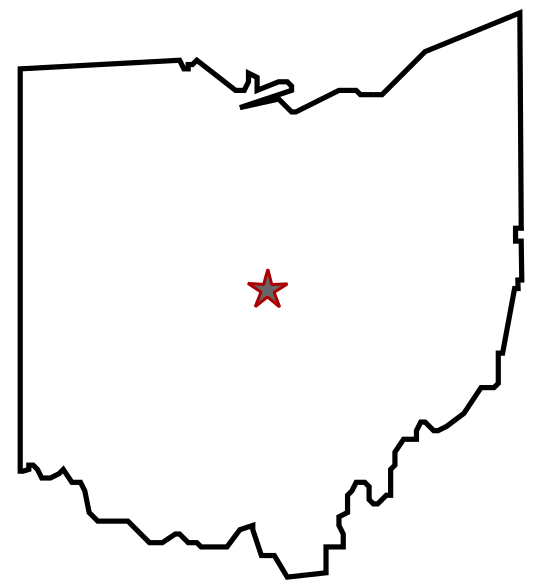
Ideally a line leads maze does not have a border, but it is possible as in this example.
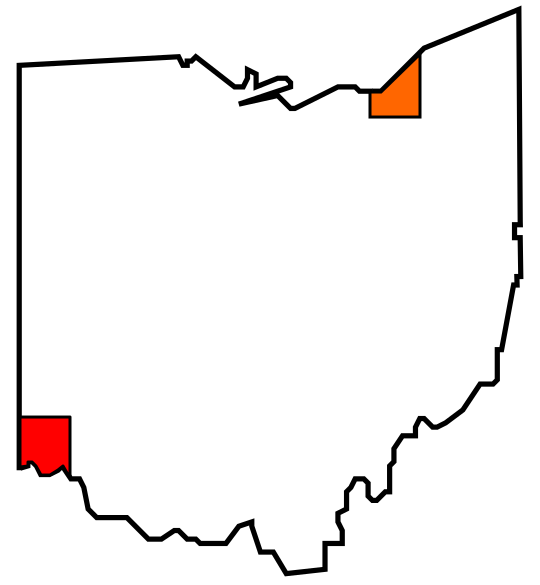
(VERY Optional) Step 1 - Draw the Outline
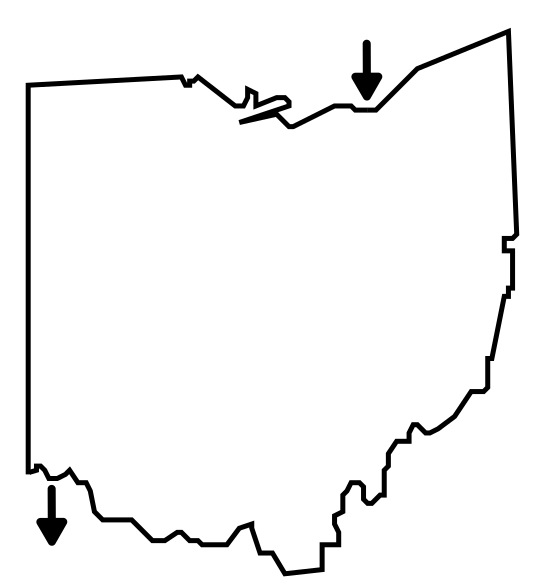
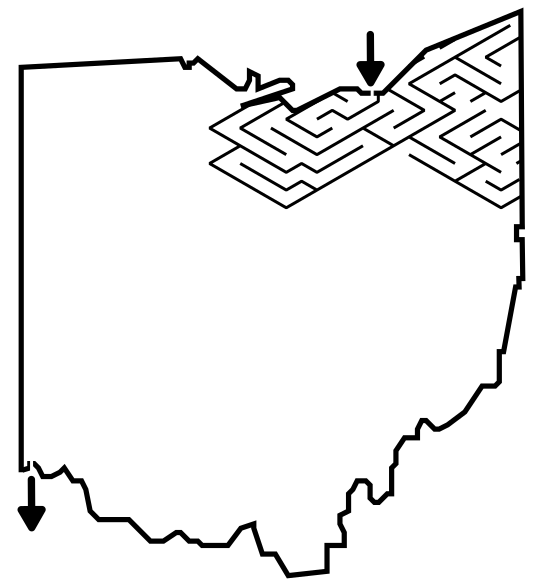
Unlike most makes the line leads maze does NOT need an outline. In fact most Line Leads mazes do not have one. The outline of the maze makes the outer wall of the maze. It can be anything from a simple shape like a square, to a complex picture. I used Ohio ONLY so it could be compared to other constructions easily.
Step 2 - Draw the Goal - typically an object, in this example a star
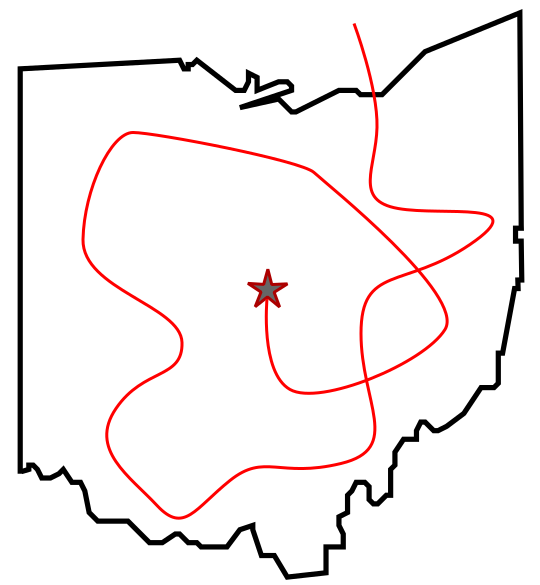
Steps 3, 4, and 5 - Draw the Solution Line, Draw the False Lines, Number (or letter) the Lines - you can also letter/number the lines at the start.
Step 6 - Complete the Maze
Step 7 (Optional) - Make the Maze Solution

ADDITIONAL LINE LEADS EXAMPLES
A more typical Line Leads maze, with no outline/border. This example also adds an additional step of captioning the maze with instructions.
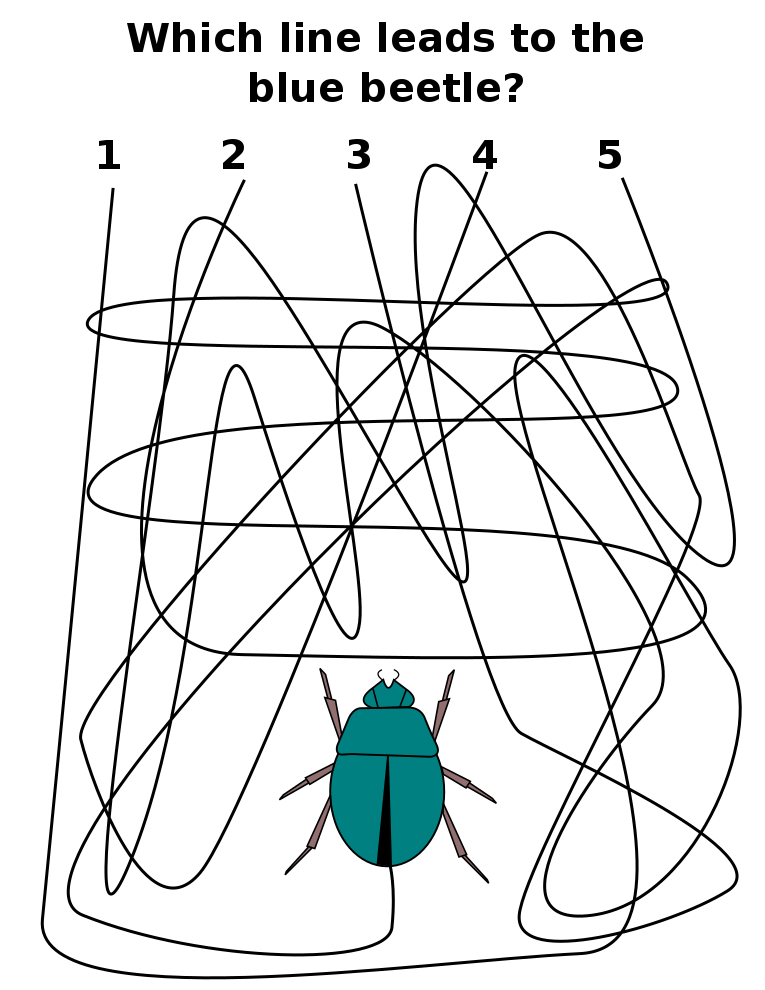
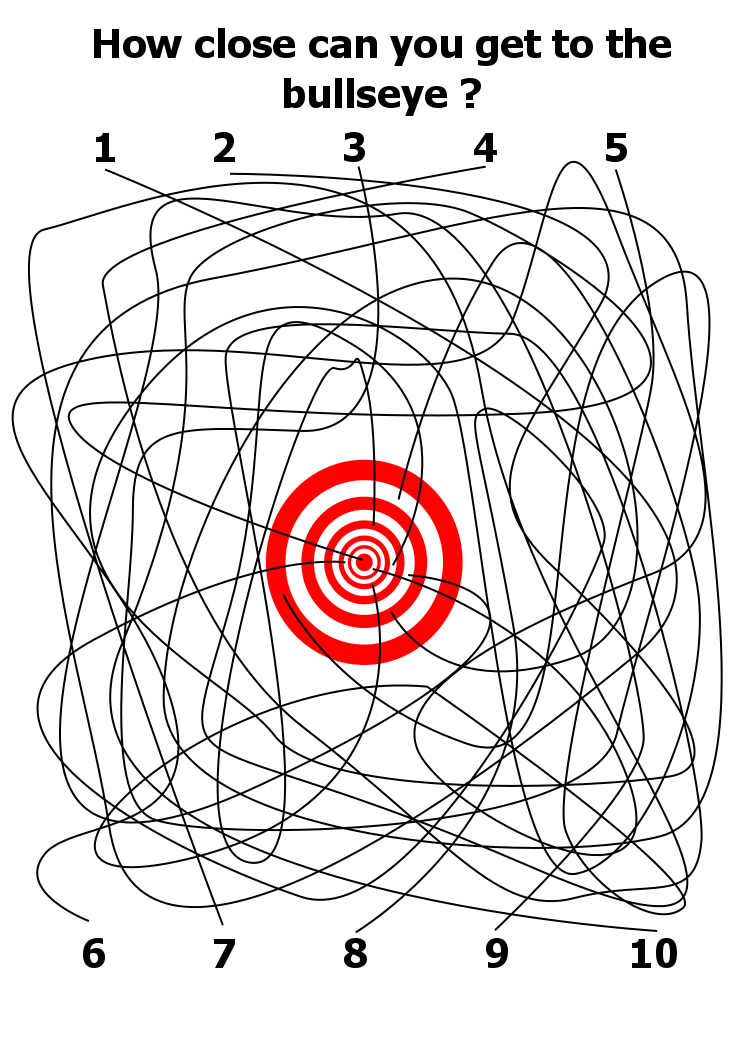
And, yes these can get complicated….Check out this Line Leads Maze with 10 possible options ! I even have some with 18 options !! The difficult thing about this size is keeping the lines clear - bigger is not always better.
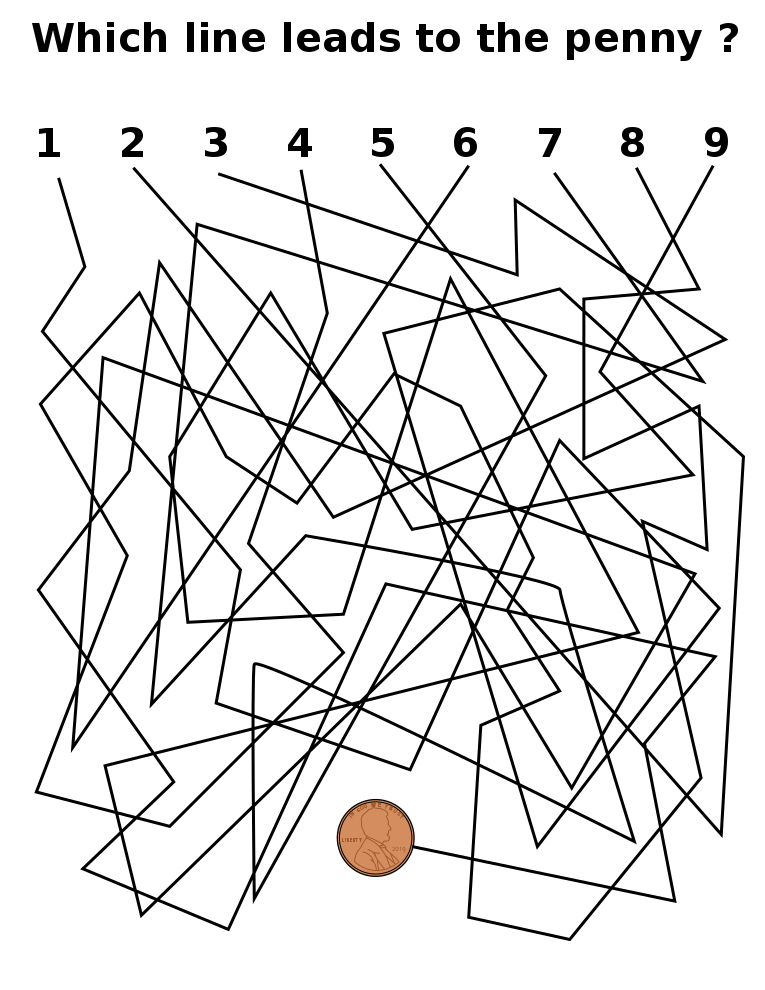
My third example is here to show an option you should NOT use, pathways made of straight lines that change direction. Why ? Well, while I think I know where the maze maker meant to change directions of the pathways there are many places where this can become very ambiguous. Better to make pathways that are curved and more easily followed.
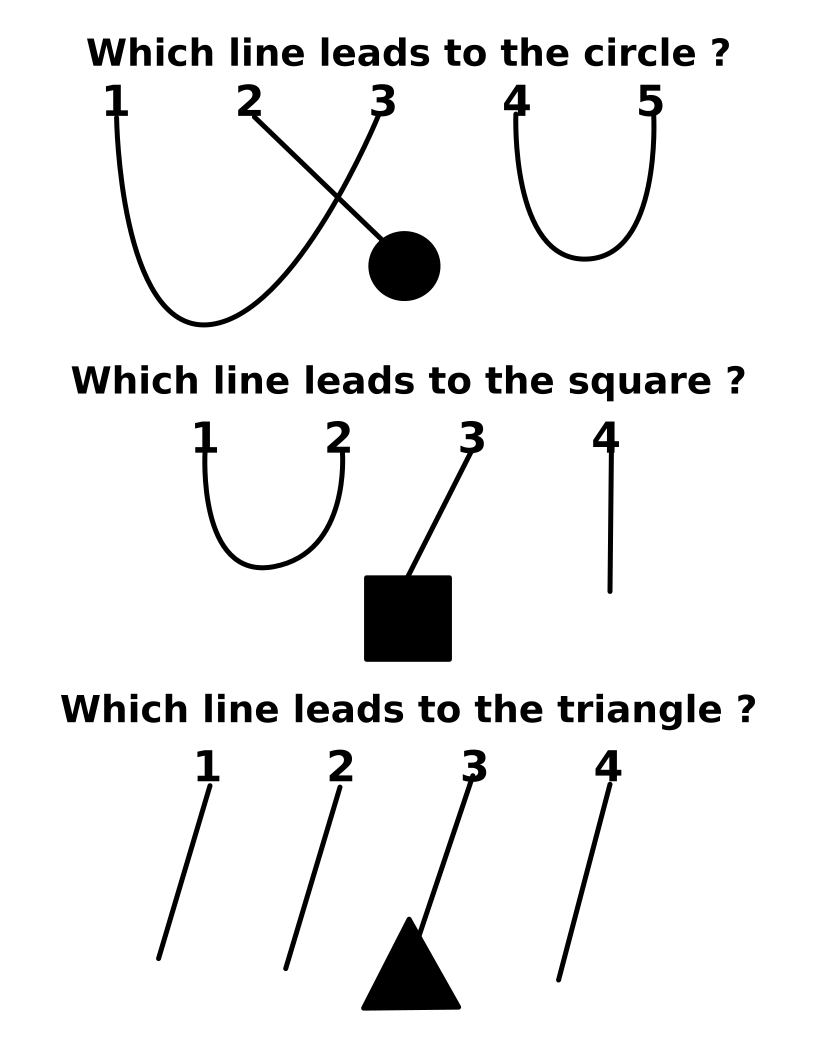
A second thing to consider in the number of starting options. I prefer an odd number of options to you can loop the false pathways back to each other, leaving one for the solution. This also helps eliminate multiple wrong answers at once for the solver. Here is a chart showing 3 options. The first I prefer. The second shows what happens when you have an even number of choices. In the third option instead of looping the wrong answers to each other they dead end inside the maze.
ADDITIONAL LINE LEADS OPTIONS
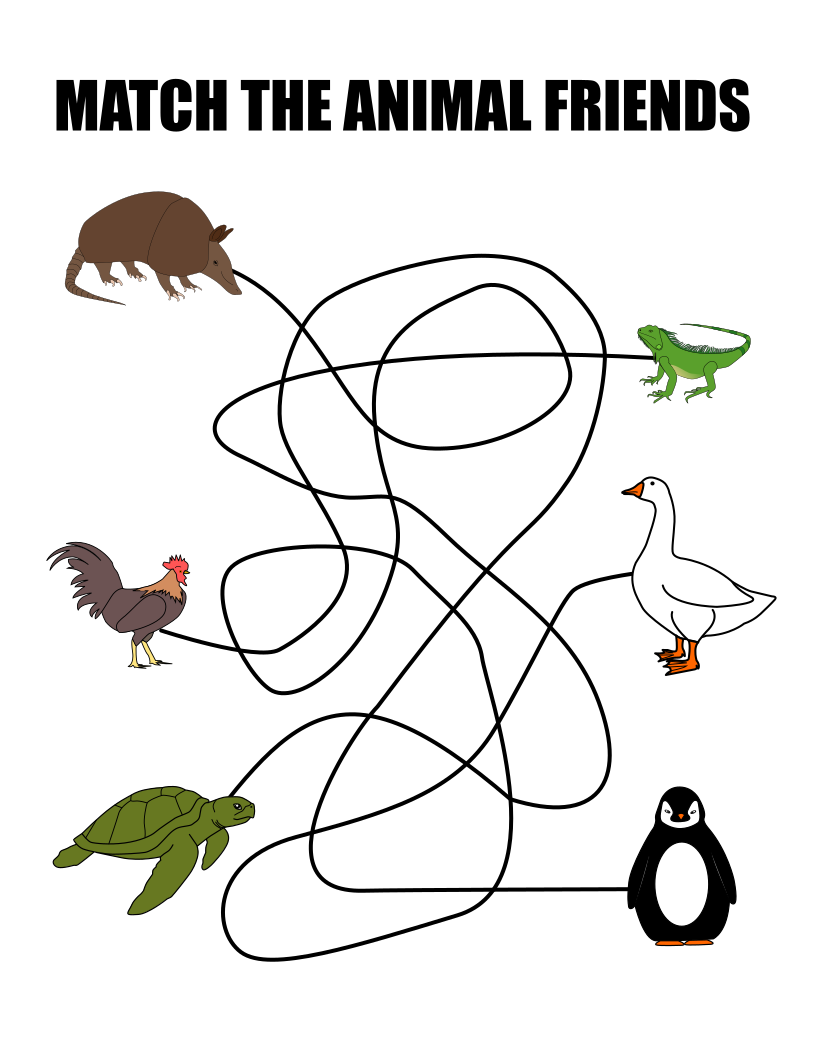
A nice variation of the line leads maze is the match line leads maze. Here you have an equal number of starts and goals. I have seen this done with 3 owners and 3 pets with a line connecting them. You need to find which owner has which pet. There is really no way to get this wrong. Here is an animal friends example.
LINE LEADS MAZE TEMPLATE
Draw an item as the goal then write that in the title. Make your lines and you have a line leads maze.
FREE DOWNLOADABLE LINE LEADS BOOKS
2 free line leads books to consider, If you prefer them in Spanish, check out the Spanish section of the site.
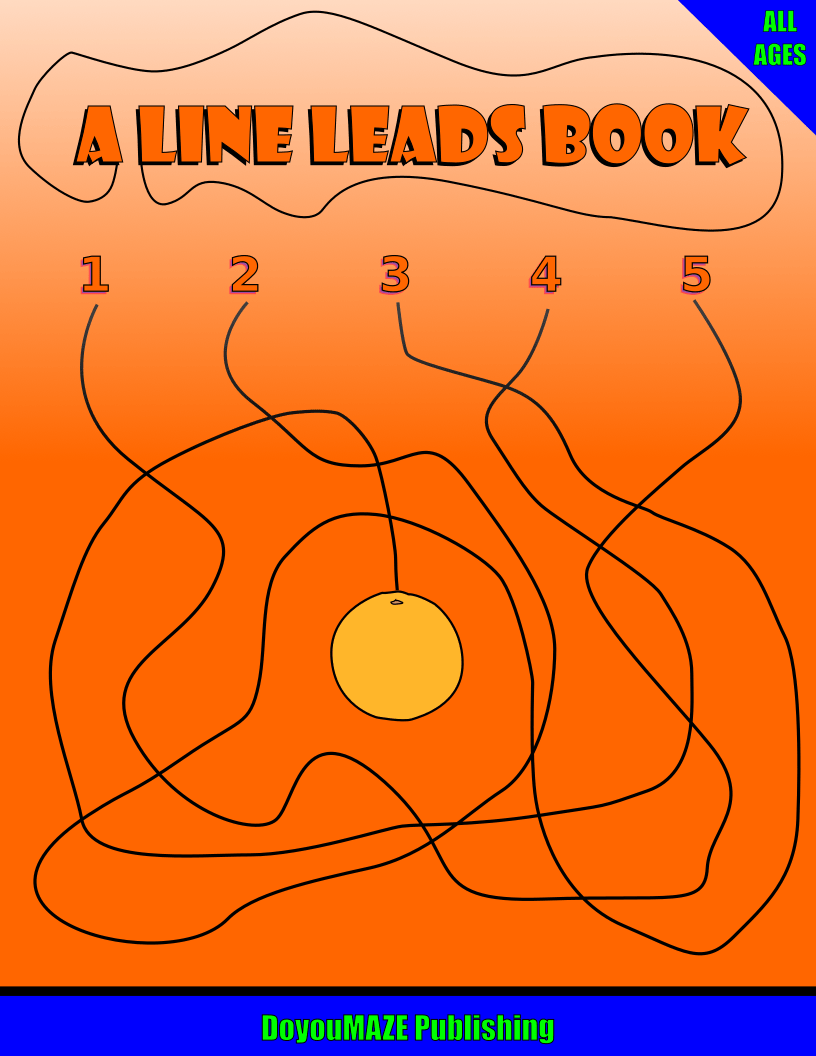
A LINE LEADS BOOK
21 line leads mazes including the cover. Classic puzzle where you determine which line leads to the object. Mazes are in black and white.
File Size: 449 KB
NEW 2026 EDITION
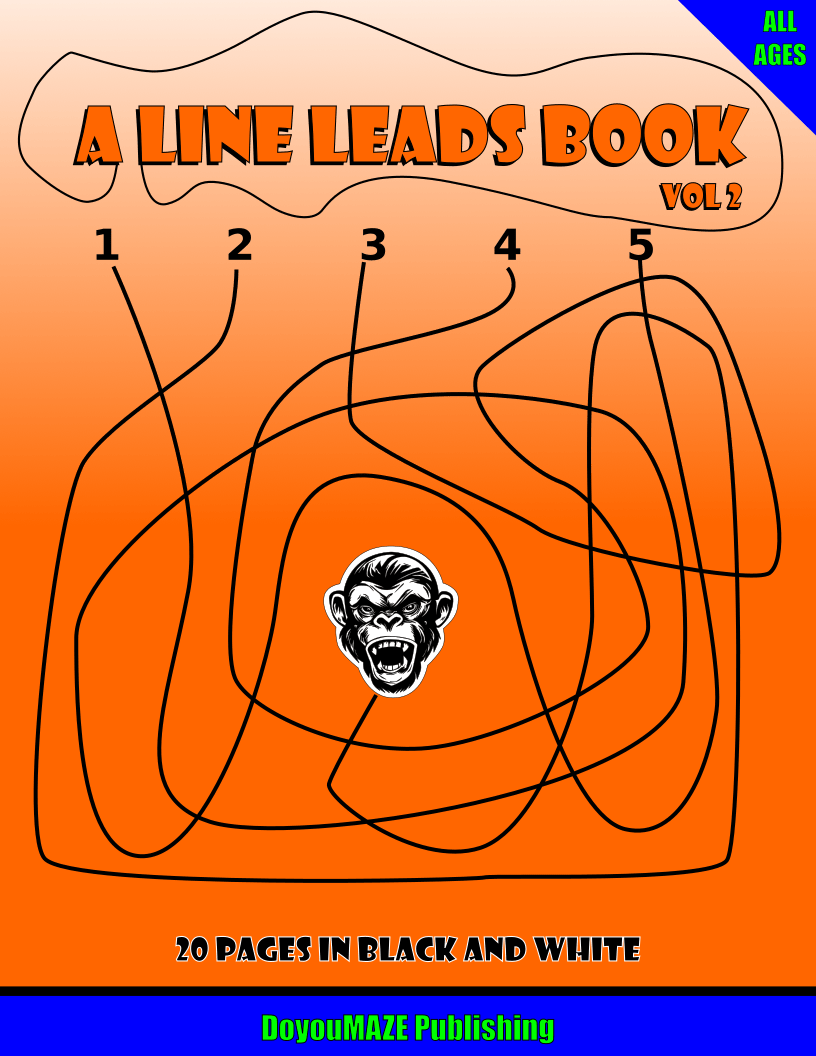
A LINE LEADS BOOK - VOL 2
21 more line leads mazes in black and white.
File Size: 1,253 KB
NEW FOR 2026
MAKING OF A LINE LEADS MAZE VIDEO
Watch this quick video of the making of a Line Leads Maze.
Interested in learning how to make or draw other types of digital mazes ? I have step by step instructions on how to make over 40 different maze types.
If you prefer making labyrinths, you can find step by step labyrinth making instructions.