This is a continuation of my maze design experiments. Read about it in post #1, One Maze - Many designs, then The first 5 experiments and so on, or just enjoy the ride.
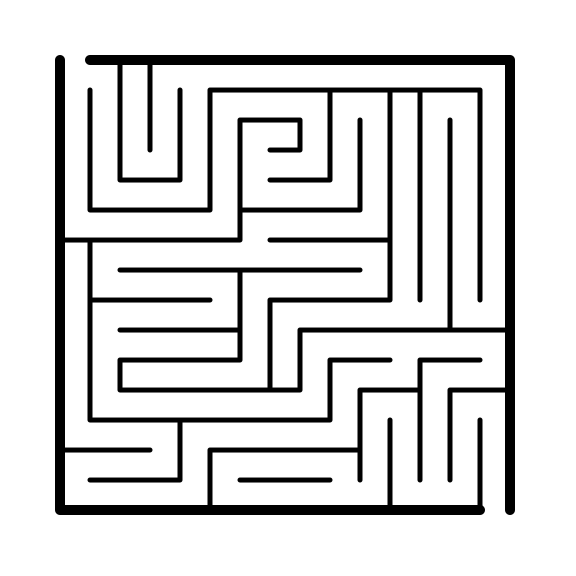
The original maze:
I used Inkscape for these 5 options to redesign it. All of this batch uses Inkscape filters
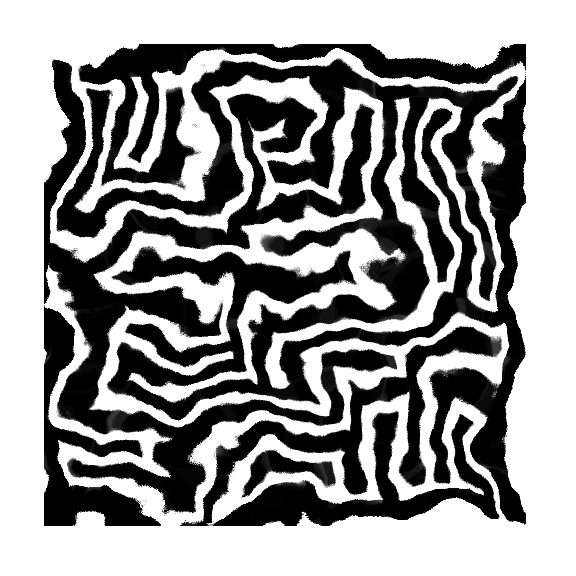
The first is filter is called “pixel smear” and it heavily distorted the maze. Except for some edges you can escape from at the bottom (which could be easily fixed), the integrity of the maze stayed intact.
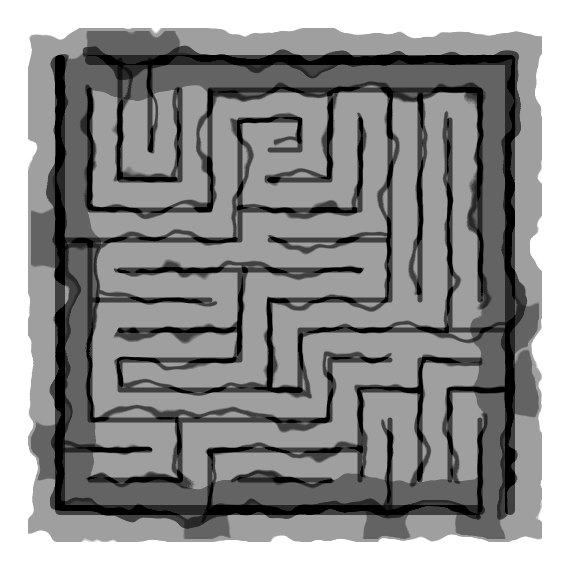
The second filter is named ”rough and dilate”. It almost looks like to levels, with shadows, watercolors...interesting result.
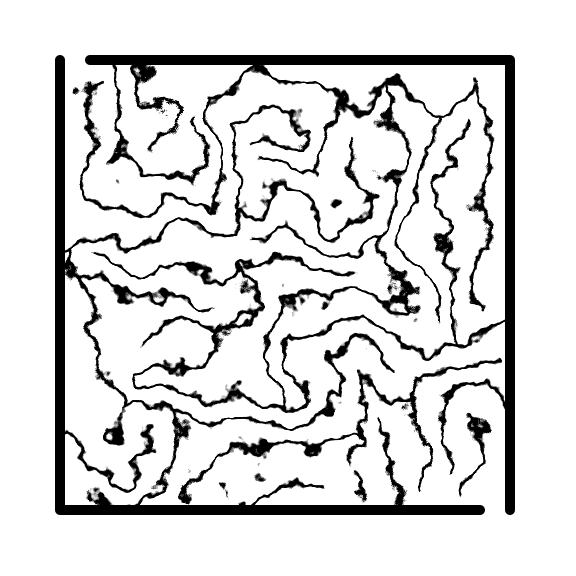
The third filter is called “Torn Edges”. When I initially made this version the border was too chaotic so I left it alone, filtering only the internal walls. Despite how it looks, it actually maintained the maze !
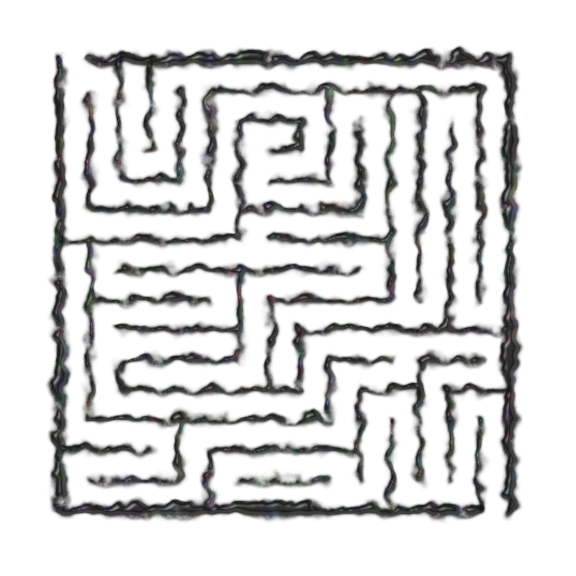
The fourth filter is called “bubbly bumps” and looks like the walls were drawn with a dark grey ink that ran
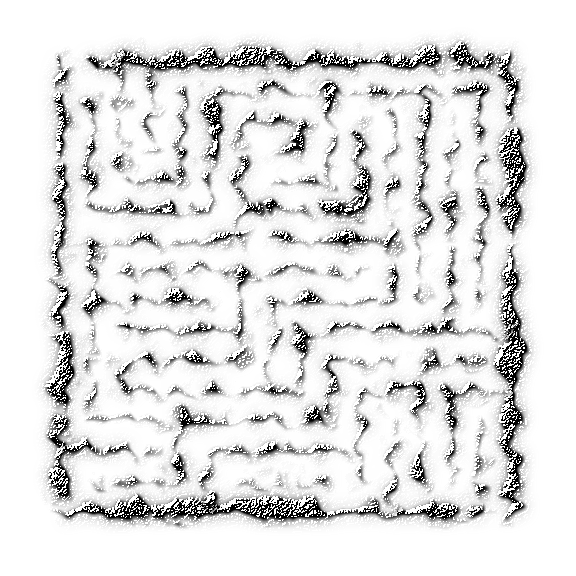
The fifth filter is “bump engraving” looks like someone took a grey colored sand (or maybe a type of metal flake) and created a maze with it, then it got distorted by wind. The levels of light and dark make the integrity of the maze lost so this didn’t work for this use.
Some more fun filters if you want to distort things. Not sure if I will use any of these.