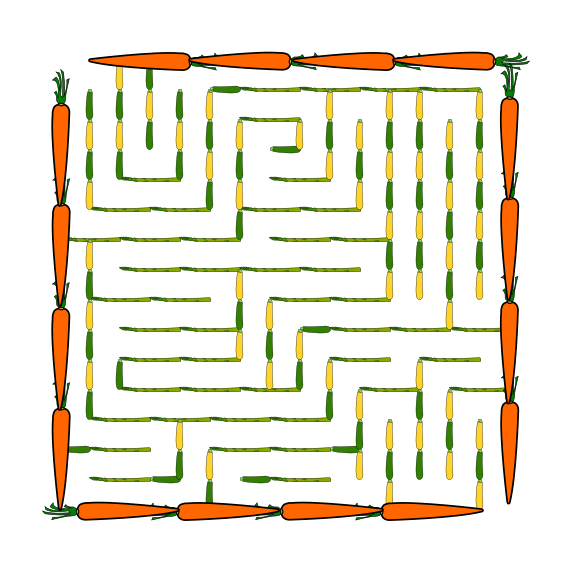
In a series of posts I will show you how to make a maze in a wide variety of design constructions. The 13th type of maze construction is the Escape maze. Let’s define what I mean, then get into the example. Every how-to will use a simple square so you can compare the differences between each maze construction type. I will also show a consolidated secondary how-to using an irregular shape (the state of Ohio).
Here is an outline for this blog post with jump links if you want to skip ahead to a section:
HOW TO MAKE AN ESCAPE MAZE - abbreviated writing & using a different shape
ADDITIONAL ESCAPE MAZE EXAMPLES
ESCAPE MAZE DEFINITION:
Escape Maze - A maze that starts internally and requires the solver to escape the mazes outer edge. While the below example uses a square-like approach for it’s design, the walls can be circular, or any other number of constructions.
THE 5 RULES OF MAZE DESIGN:
These 5 rules apply to any maze you make so we start with them !
1. Always keep an open pathway for the solution
While drawing a maze you will need to juggle multiple open pathways each of which could become the solution. One of them will become the solution. Keep track of it. This is especially important if you are designing pathways in both directions (from the start and from the goal).
2. Clearly mark the start and goal, or the objective of the maze
A maze should have a start and a goal that you can assess just by glancing at it. There are many ways to start and end a maze I review in this blog post: Options for Starting and Ending a Maze
3. Ensure the difficulty matches the intended audience
Most people want to solve a puzzle/maze that is just slightly below or slightly above their skill level. Many things help determine the difficulty of a maze. Size, number of branches, the length of dead ends, the number of choices, the complexity of the rules (if the maze has them).
4. Ensure your maze has a solution
When your maze is complete, solve it to determine the difficulty level and to ensure it is a real, solvable maze. Depending on the complexity of the maze you may want to do this right away or wait so you can properly assess the difficulty.
5. Explain anything that needs explaining
Some mazes have rules or conditions. Explain them with directions. If it isn't obvious, make it so.
HOW TO MAKE AN ESCAPE MAZE
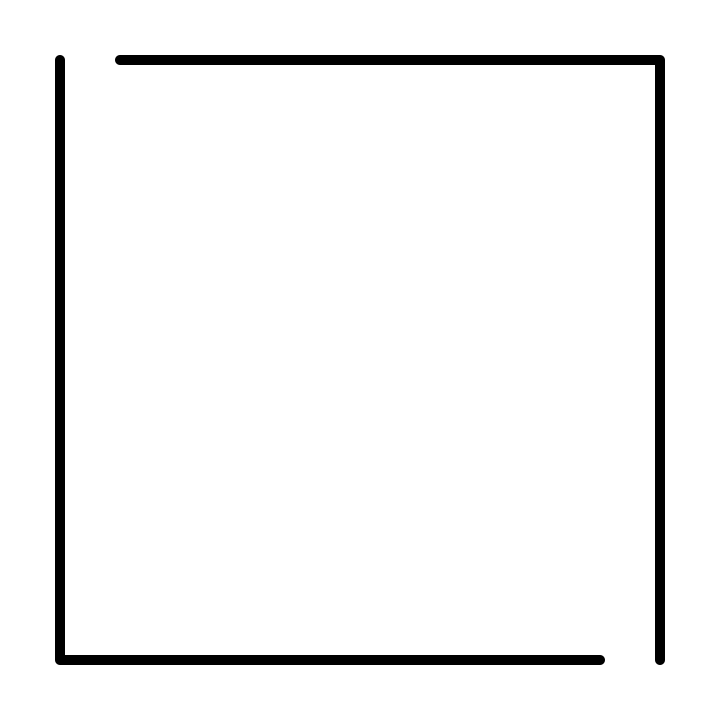
Step 1 - Draw the Outline
The outline of the maze makes the outer wall of the maze. It can be anything from a simple shape like a square, to a complex picture. I used a simple square.
Step 1.5 - Choose the Start and (Option) Goal
For the below example I chose 4 possible exits. This is more fun for the solver in my opinion, They need to escape the square but are not sure where to !
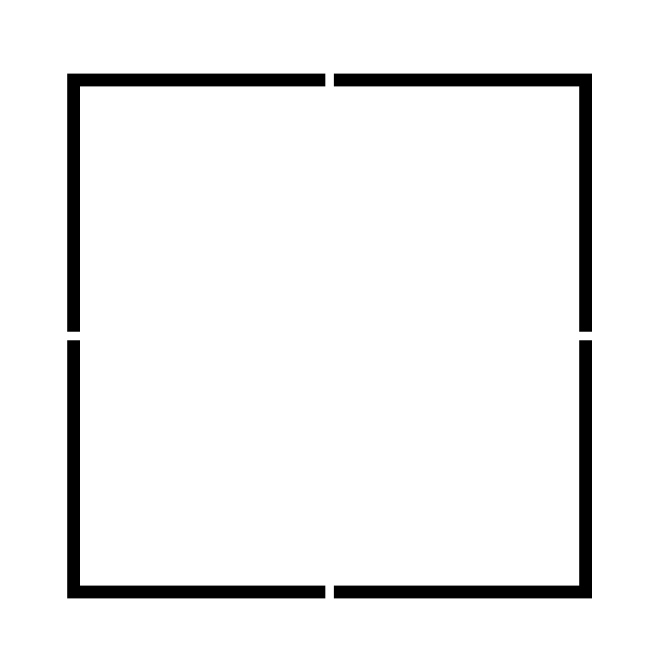
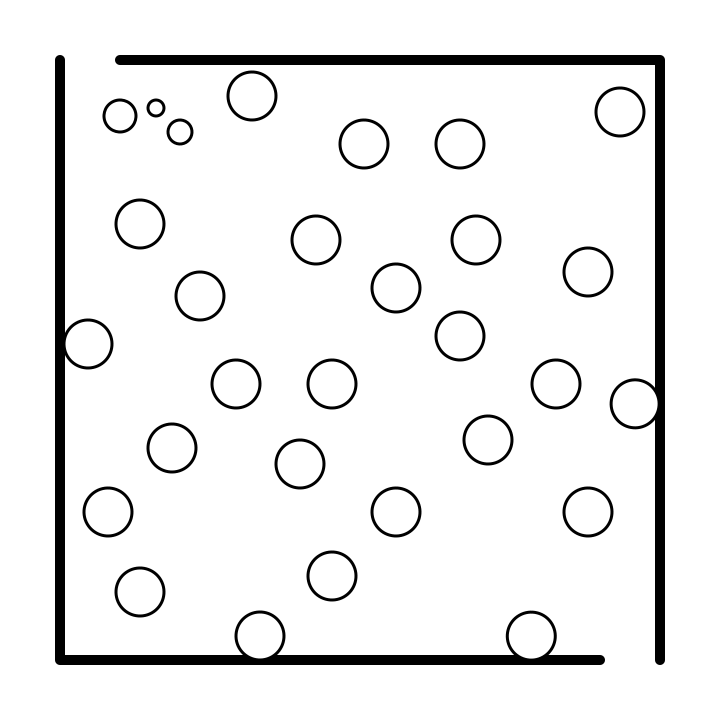
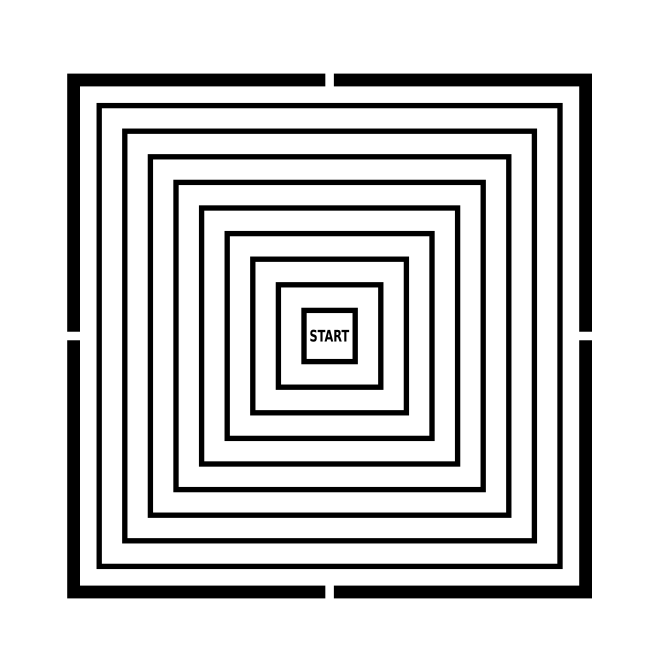
Step 2 - Draw the Internal Walls
Inside the entire outline draw internal walls like an “onion”. While the below example uses a square-like approach for it’s design, the walls can be circular, or any other number of constructions. You will create breaks in the walls later to escape through. You could design the maze as you would any other standard maze, drawing walls and possible pathways from the START and leading to your goal, but I prefer the layered approach since you are attempting to escape after all.
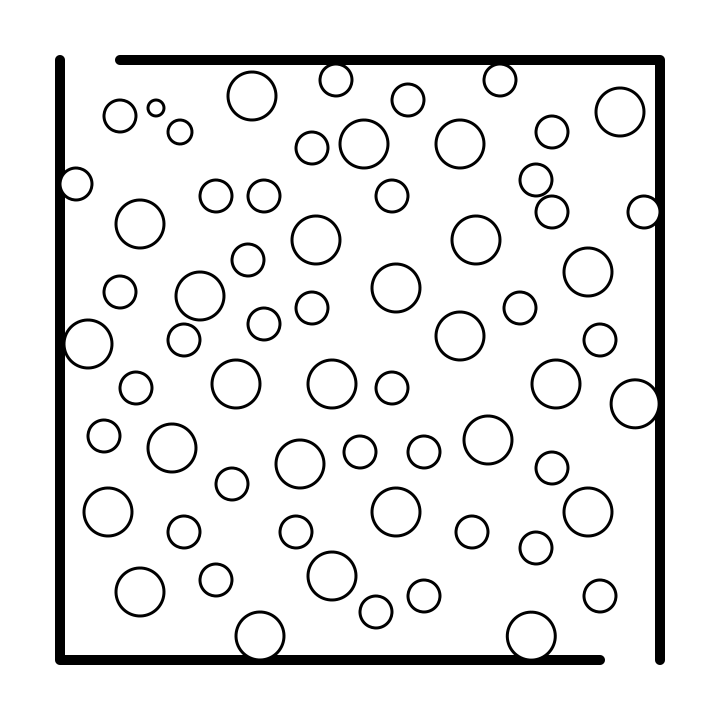
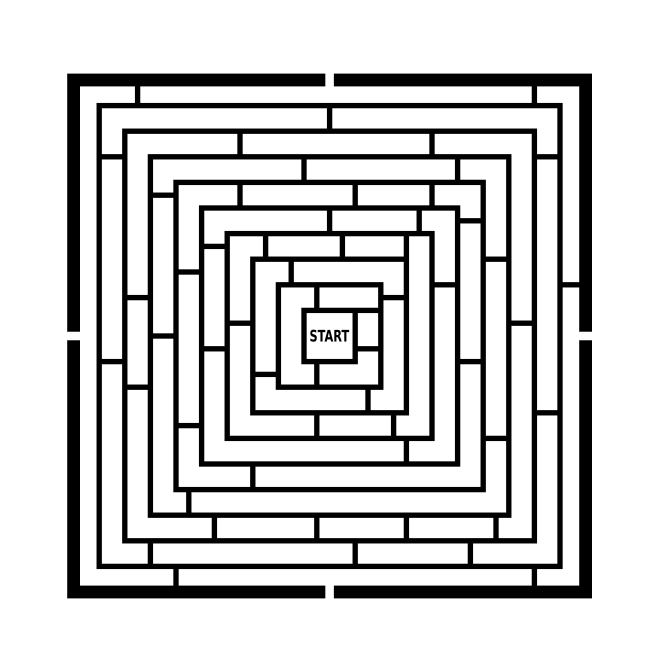
Step 3 - Draw Additional Walls
Like constructing a vertical or horizontal maze, split the internal walls into sections drawing lines perpendicular to the current walls. The more internal lines, the more possible paths and the higher the difficulty. This creates sections inside the maze.
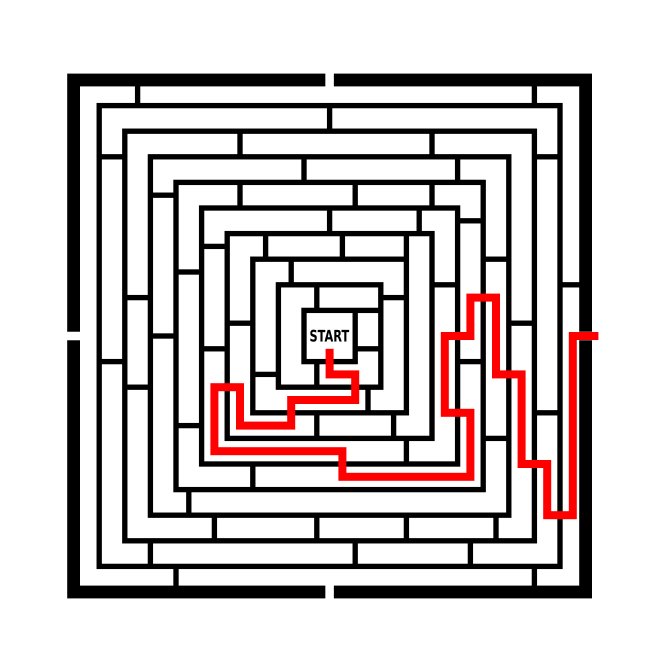
Step 4 - Draw the Maze Solution
Draw the solution to the maze as in example below in red. I choose a rather simple solution for this example.
Step 5 - Draw the Dead Ends
Make branches off the solution path to create dead end paths. The longer the paths, the more difficult the maze. In the example below the false paths are blue.
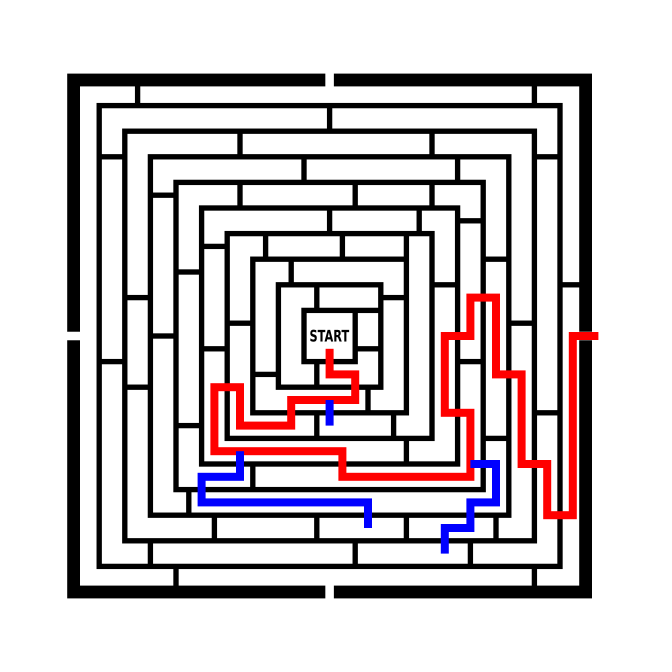
And keep on drawing until the maze is full.
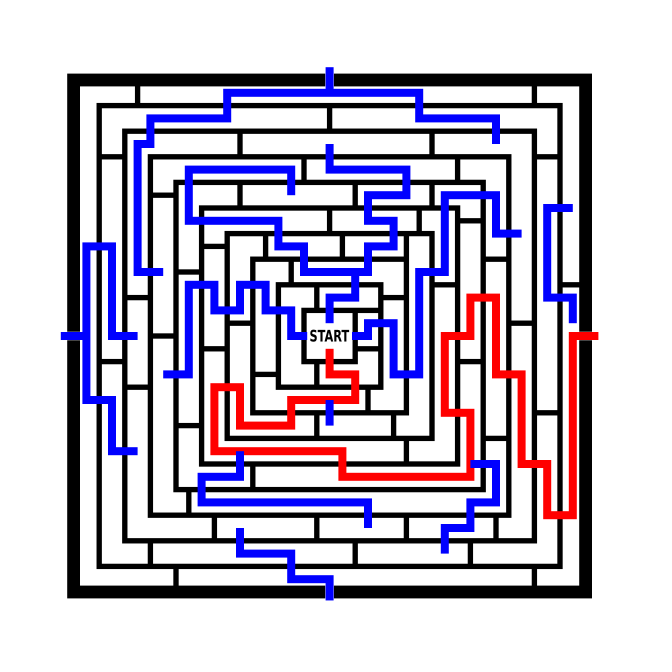
Step 6 - Convert Paths to White
Completing the maze means converting all paths you made to white. Take some time to evaluate your maze. Is the solution obvious by glancing ? (no on this one to me).
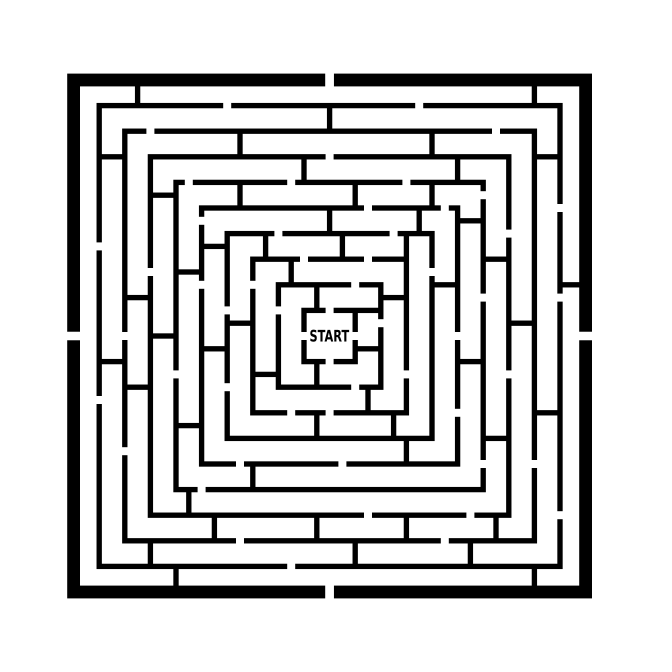
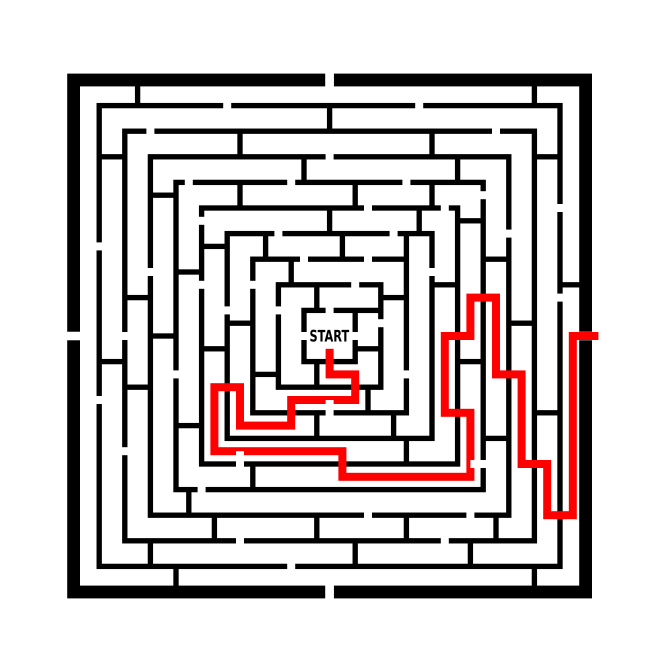
Step 7 (Optional) - Make the Maze Solution
Highlight the correct path in the final version of the maze to create the final Maze solution.
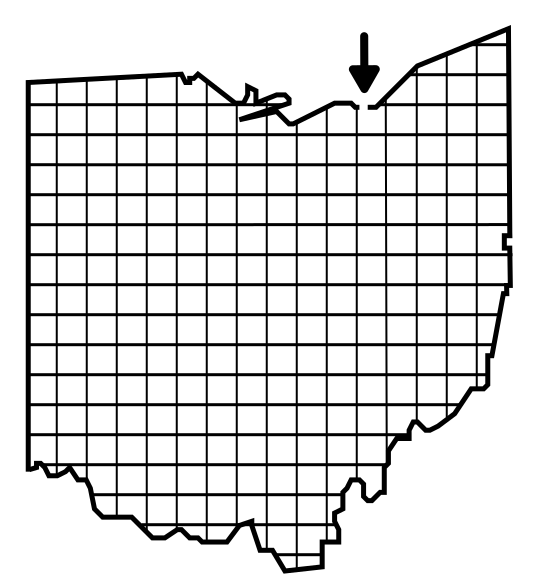
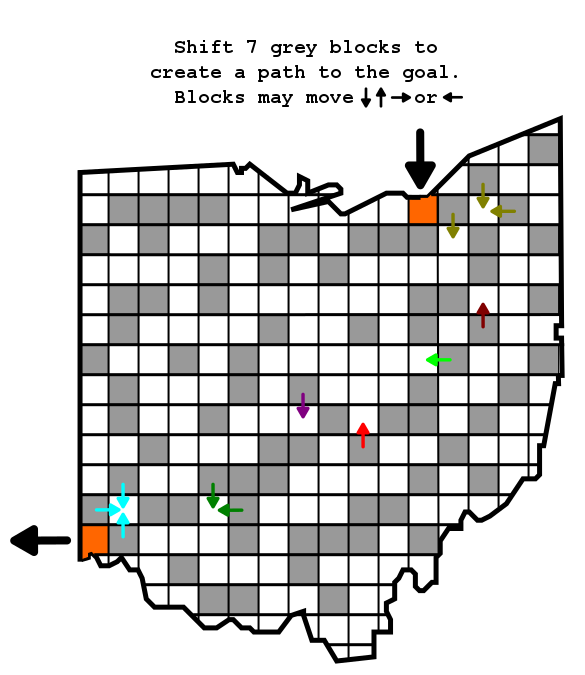
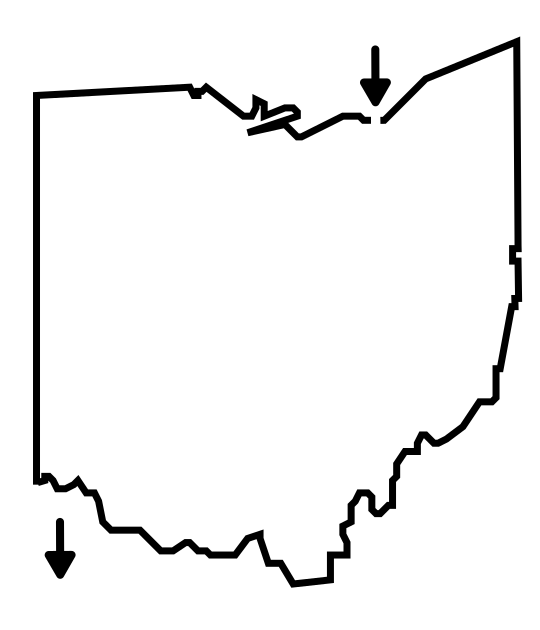
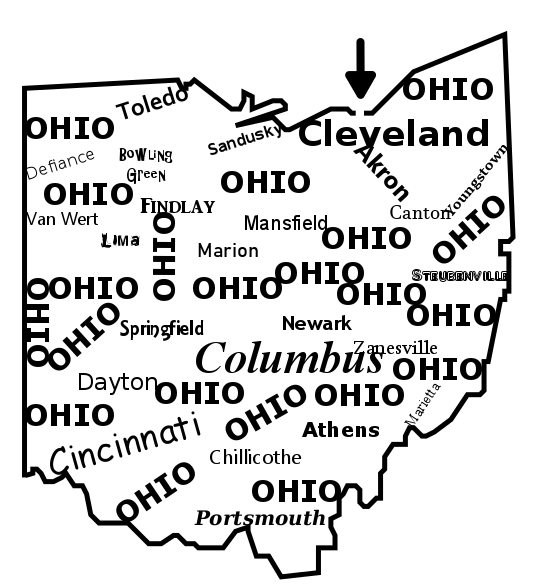
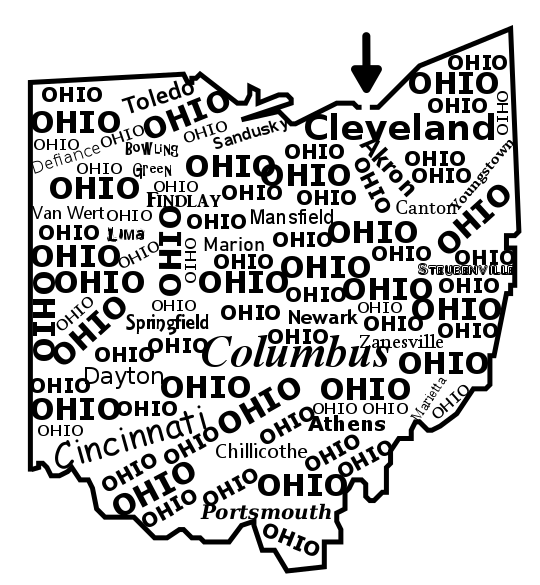
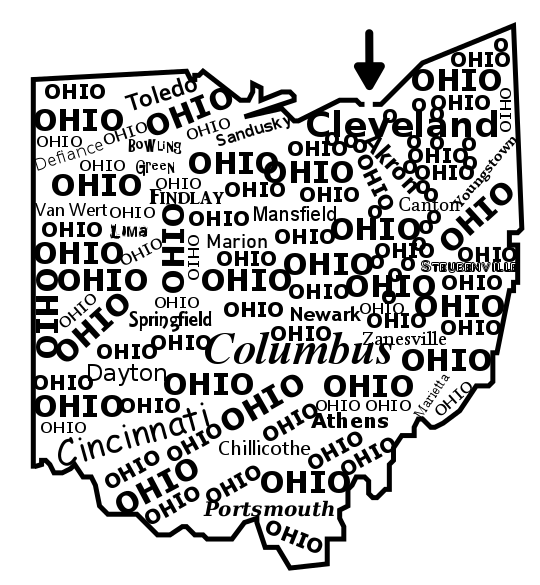
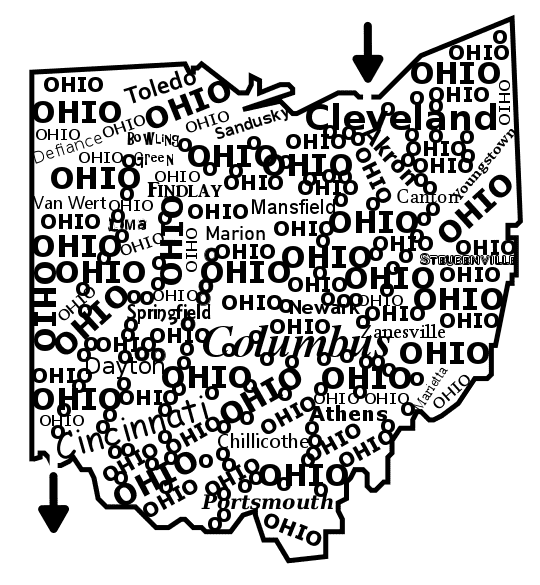
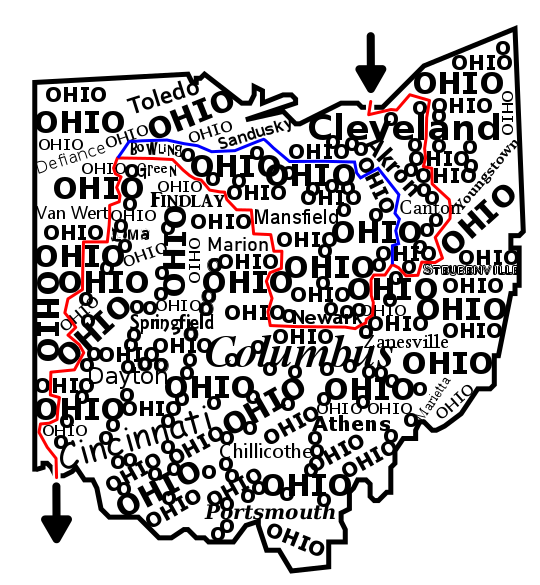
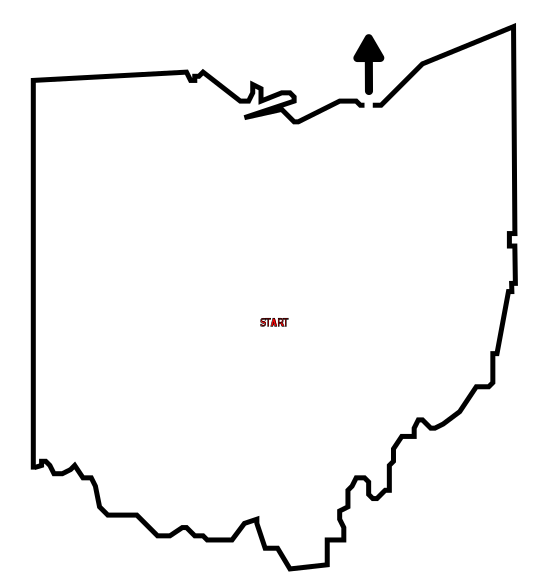
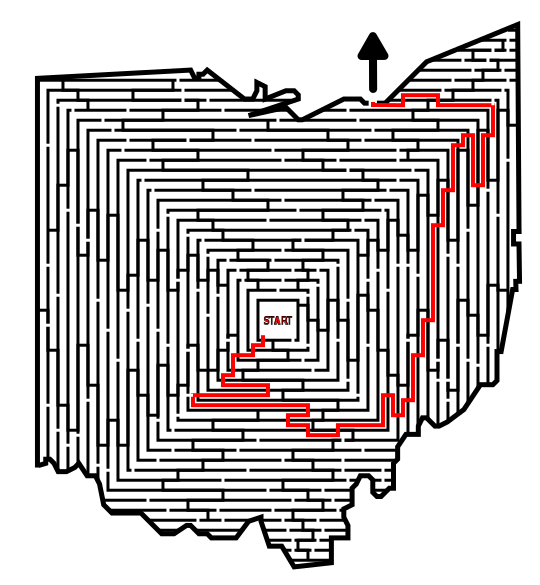
HOW TO MAKE AN ESCAPE MAZE - abbreviated writing & using a different shape (Ohio)
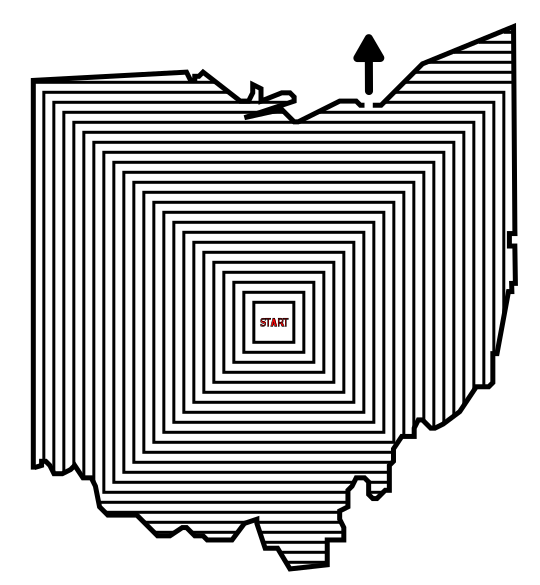
Step 1 - Draw the Outline
Step 1.5 - Choose the Start and (Option) Goal - The start will always be internal in this maze, and typically centered. You may choose the goal later if you want.
Step 2 - Draw the Internal Walls - I like to draw the “onion” of walls around the start that the solver will escape from.
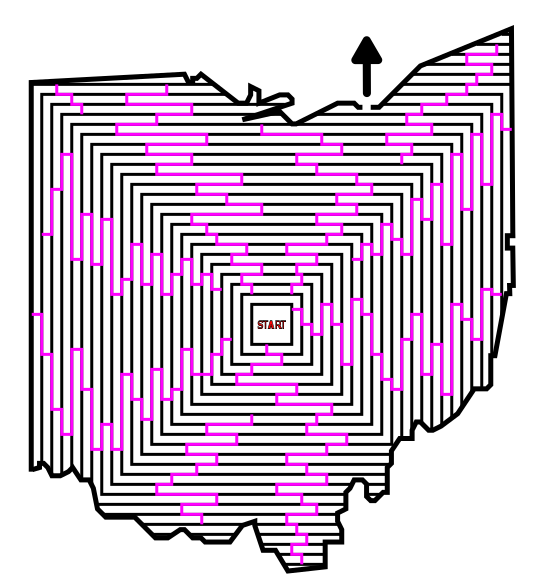
Step 3 - Draw Additional Walls - I add walls in the opposite direction now to create section in the maze.
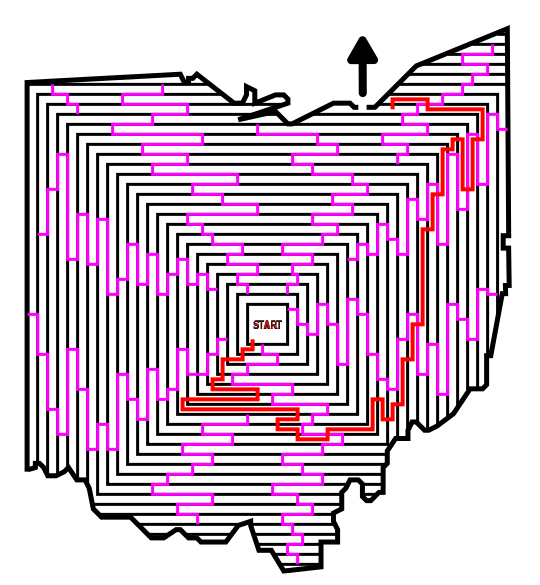
Step 4 - Draw the Maze Solution - I used red in this example
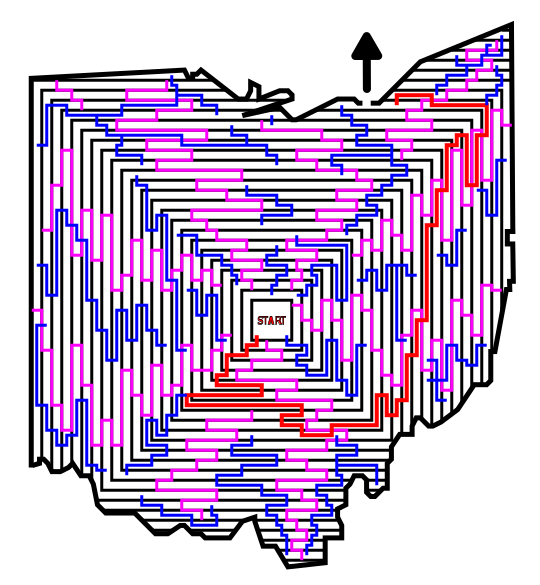
Step 5 - Draw the Dead Ends - I used blue in this example to keep track of the lines vs the solution
Step 6 - Convert Paths to White - to complete the maze
Step 7 (Optional) - Make the Maze Solution

ADDITIONAL ESCAPE MAZE EXAMPLES
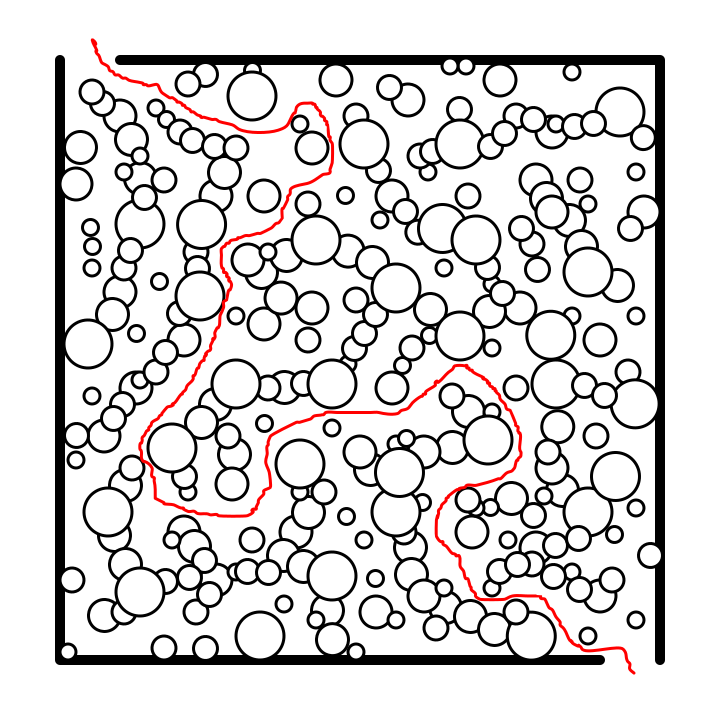
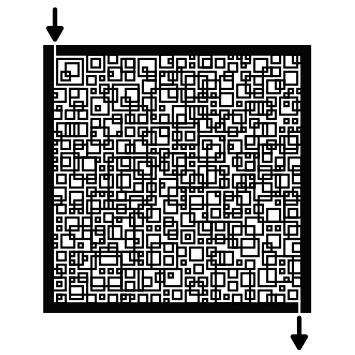
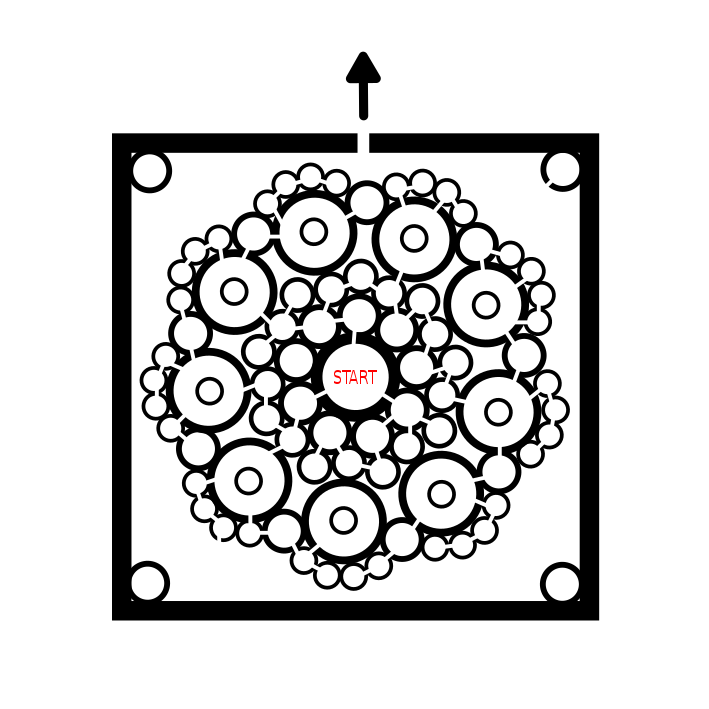
In this other example of an escape maze. Notice that the maze structure looks completely different with a series of circles that are cut-thru to create pathways. However, the progress and goal for the solver remains the same, break thru walls to exit the outer edge of the maze.
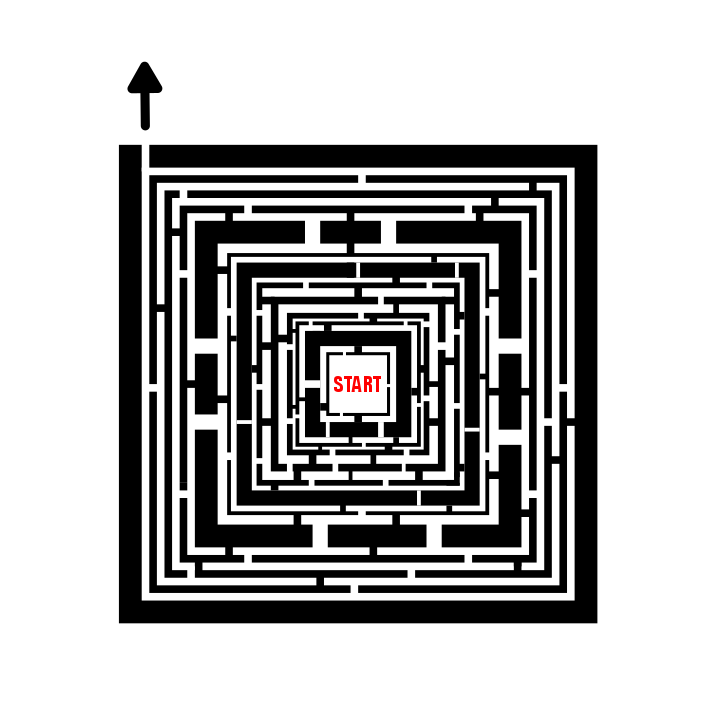
And this second example of an Escape maze is a more typical construction with a center start and an escape to a goal on the edge of the outline, in this case a square. I never said the walls needed to be the same width !
And here is an example of an Escape Maze with multiple possible exits, but of course only 1 works !!! I actually have gravitated to preferring this option the most because it helps prevent backwards solving. The actual size of this maze is small, but the complexity is greater than it seems. Notice how the START of the maze has 4 possible starting pathways, so you have only a 25% chance of getting that right. With 4 possible exits if you decide to backwards solve you have the same odds of picking correctly ! I like how this example feels like a fortress.

My final example is meant to illustrate that this type of maze construction can be versatile and used with many shapes. Check out this Hexagon Escape Maze.

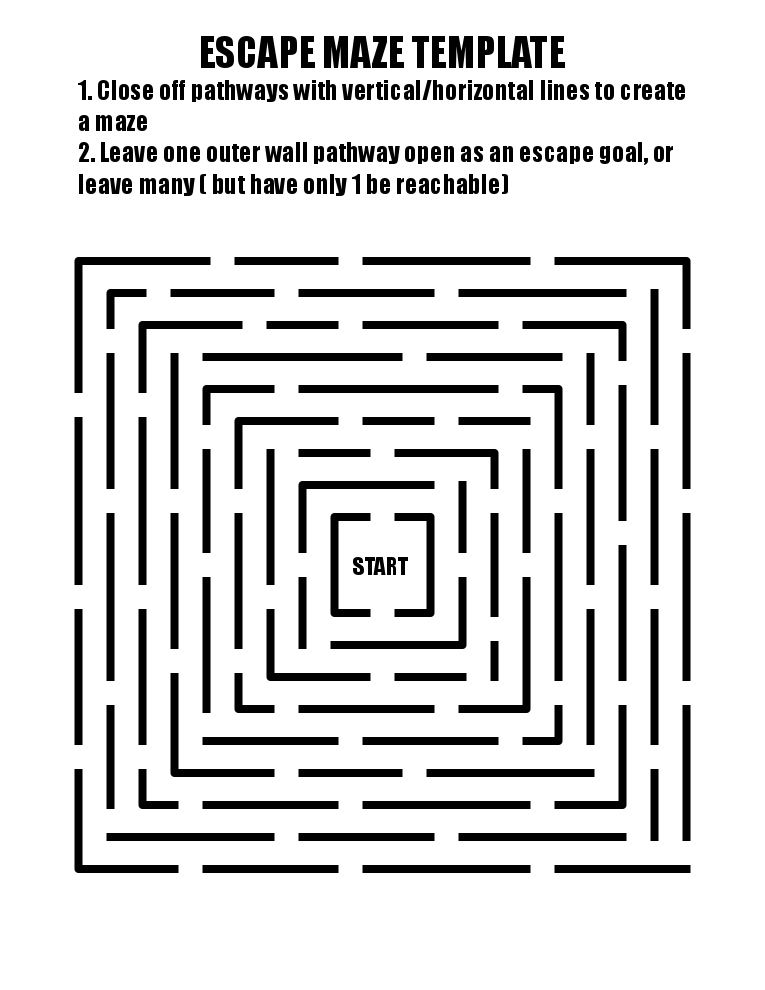
FREE ESCAPE MAZE MAKING TEMPLATE
I have 2 versions to choose from the first is exactly what is shown and includes the directions printed on the page. The second version is the same but has no directions when printed.
FREE DOWNLOADABLE ESCAPE MAZE BOOK
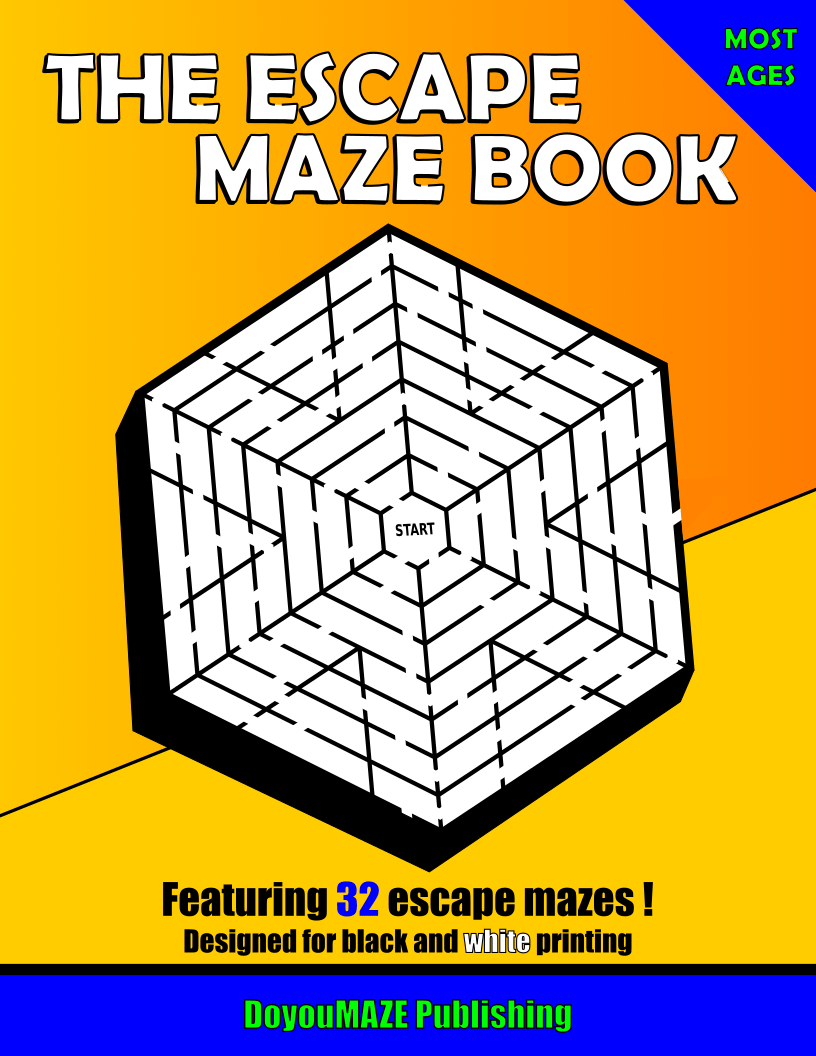
THE ESCAPE MAZE BOOK
32 Escape mazes
File Size: 308 KB
Features 32 different escape mazes where you start in the center and must escape the outer edge of the maze. All mazes are in black and white. NEW 2026 EDITION
Interested in learning how to make or draw other types of digital mazes ? I have step by step instructions on how to make over 40 different maze types.
If you prefer making labyrinths, you can find step by step labyrinth making instructions.